33
NOTE:
• The Export & Import function is only available while the keyboard is under home screen.
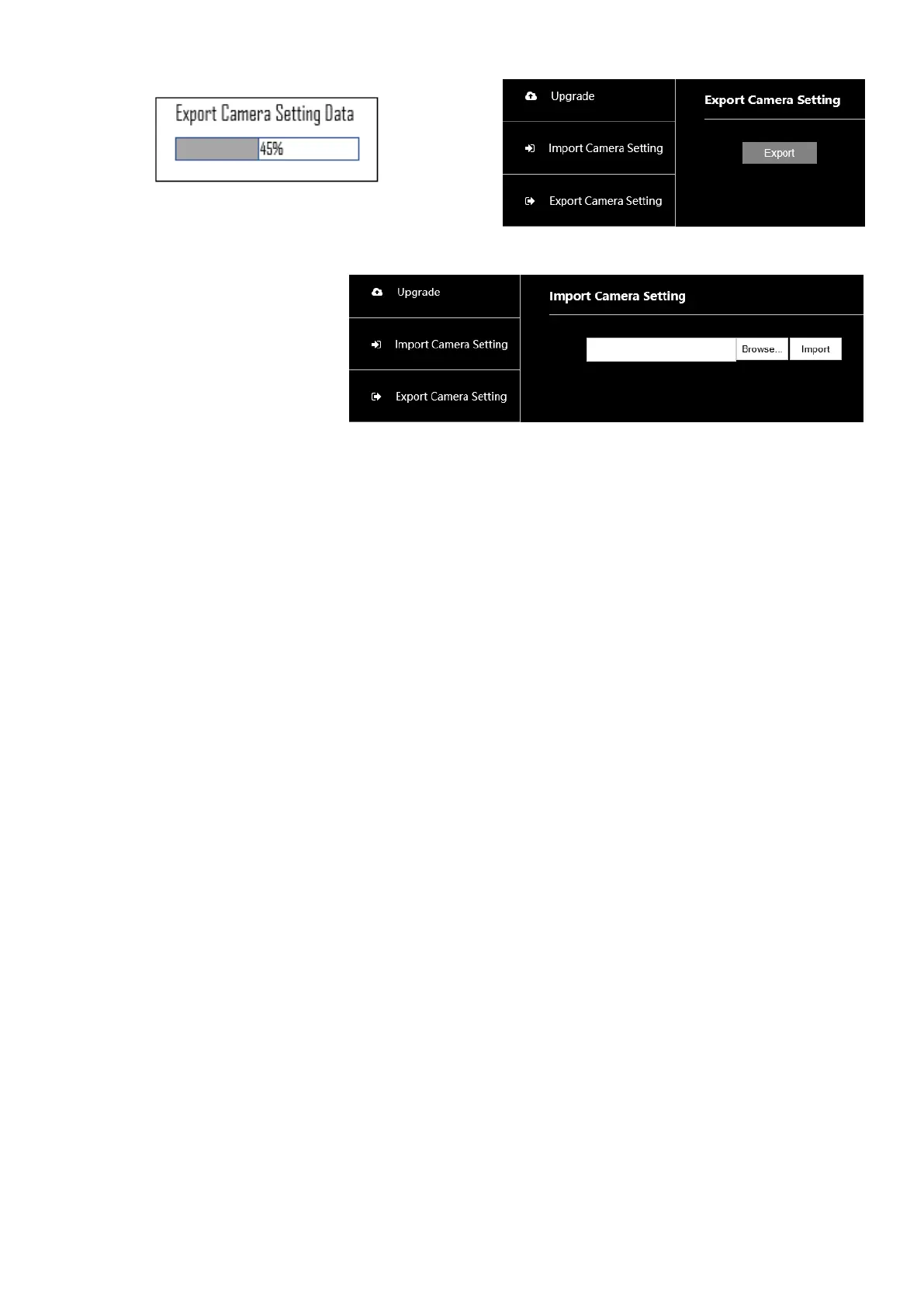
Import: (Camera Setting Data)
1. Setup IP configuration to the
new keyboard and login the
web interface.
2. Access to Import Camera
Setting Data or Import
Keyboard Setting Data page
3. Click Browser button to select the backup file, then click Import button to start importing. It will display the
percentage of the importing progress on keyboard LCD screen.
4. After finishing importing the backup file, the new keyboard configuration will be the same as the original
one, user doesn’t have to set up the new keyboard from beginning.


 To Next Page