Cooking inspection
If you need to inspect the food being cooked, you can open the oven
door. In this case the lights come on and the cooking process stops.
Closing the door reactivates the previously set function.
Dry/moist cooking
The oven has an automatic device which allows steam from cooking,
in some functions, to be expelled from the oven: this is DRY cooking.
If the cooking needs requires that the moisture remains inside the
oven, MOIST cooking, the automatic device can be switched off as
follows: after selecting the desired cooking function ON and the default
temperature starts ashing. During this phase, press the display
adjustment knob for about 2 seconds until HUMIDITY appears.
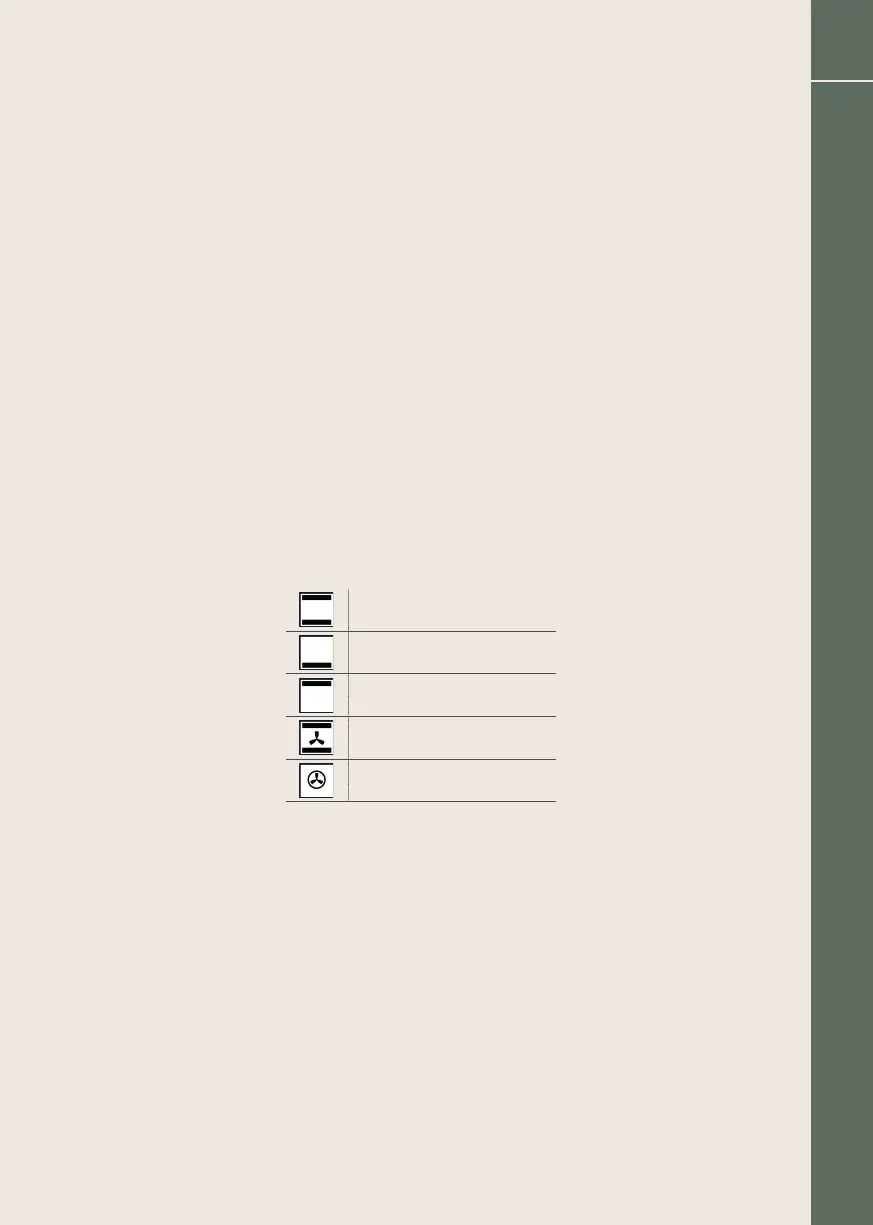
This involves a choice that allows you to modify dry cooking with moist
cooking to your liking. The functions concerned are:
Top and bottom heat
Bottom heat
Top heat
Intense cooking
Hot air heating
83
Boretti Maggiore Cookers / Installation / Use / Maintenance EN


 To Next Page