–
Familiarize yourself with your phone
15
Basic
operating rules
"
V
arious messages and the menu items
from which you can select the next opera
-
ting step will appear on the display
, depen
-
ding on the function you are currently per
-
forming.
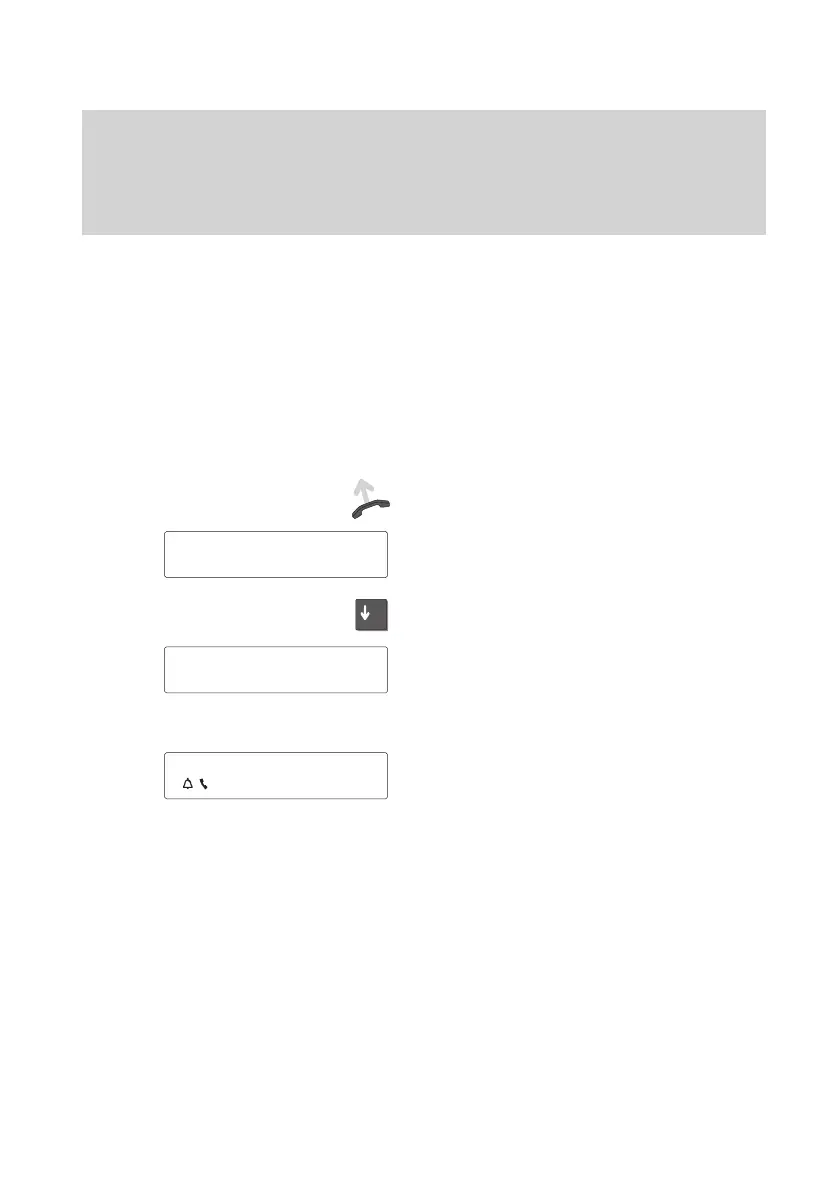
The display generally only displays the
menu items associated to the respective
function.
Example: Y
ou make a call.
Dial.
The call number and name of the called
party are displayed on the screen.
Y
ou can scroll through the available menu
items using the “Arrow down” key
.
Y
ou can, for example, adjust the volume of
the loudspeaker by pressing the “Enter”
key.
Displaying calls
Y
ou receive another call while you are tal
-
king. The additional call is indicated by the
flashing bell symbol.
5595
Mr. Miller
↓
5595 Mr. Mi..
'Volume µ
5595
Mr. Miller
↓



 To Next Page