Menu
'
Call list
±
–
315 12:38 3
µ
Making calls
23
Dialing a call number from the call list
If
you do not to answer a call—because you are not there or currently busy—the
call, date and time are saved in the call list. Y
ou can view and return these calls at
any time. The list shows the 10 most recent entries.
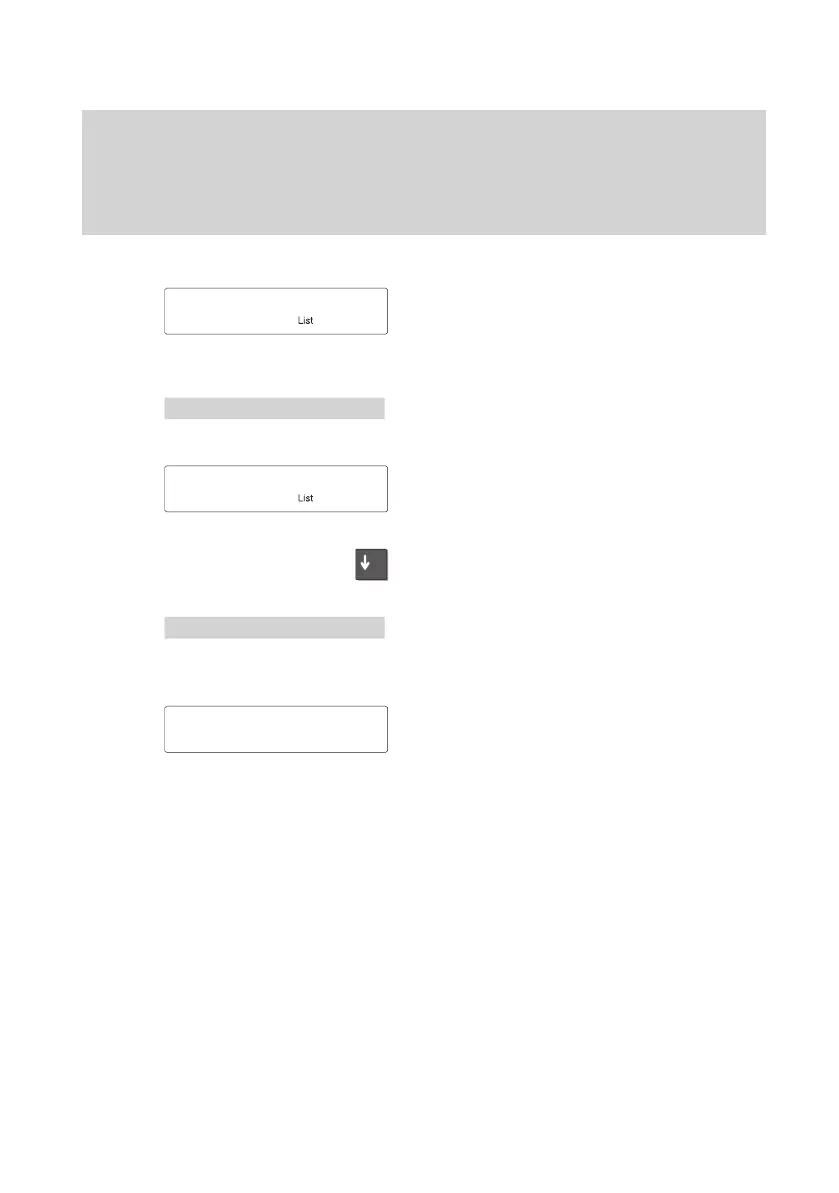
Select telephone number from the call list.
The “List” message is shown in the idle dis
-
play.
This shows you that there are new entries
in the calling list.
Select the menu item “Call list”.
The number of entries is displayed. In this
example, 5 subscribers have tried to reach
you.
Press the “Arrow down” key to scroll
through the entries.
The display contains information on each
entry
. In this case, the subscriber has tried
to reach you 315 times.
If you want to see more information on a
particular entry
, select that caller
.
More information on that entry appears in
the display (date).
05.10.94
15:16
µ
Call list entries 5
±
List : 09.07.98 12:38
±



 To Next Page