–
Enter
Making calls
25
Call
back
If
a subscriber you call is occupying the line, you can activate a signal which lets
you know when the line is free again. Y
our telephone rings, you pick up, and then
the telephone of the previously busy subscriber rings.
This is only possible for calls within your system.
Y
ou call subscriber 3613, for example.
Note:
Y
our call partner is occupying the line.
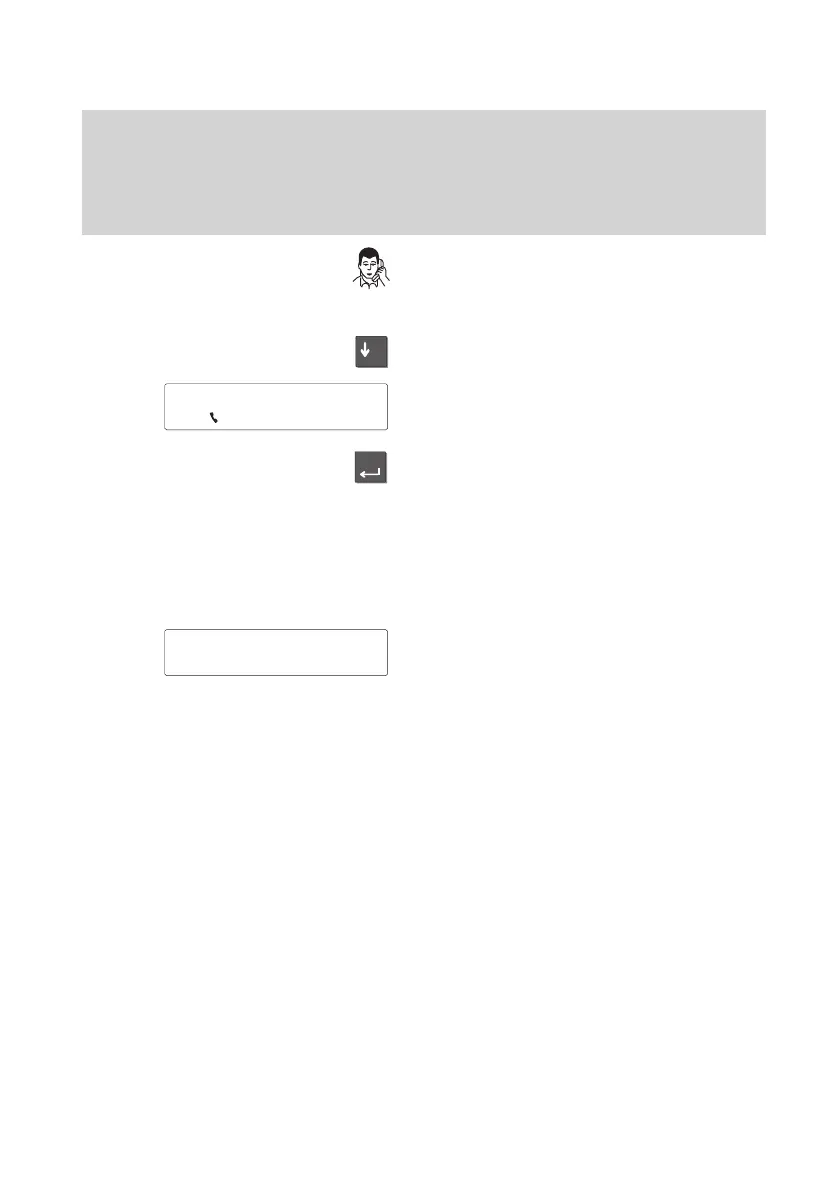
Select the “Call back” menu item.
The following appears in the display
.
Activate the “Call back” feature by pressing
the “Enter” key.
Note:
Y
ou hear a short signal tone and a special
dial tone. These tones indicate that you
have activated the “Call back” feature.
The following appears in the display
.
Note:
As soon as the busy line becomes free,
your telephone rings and the LED display
next to the handset flashes. The call num
-
ber of the caller appears in the display
.
3613 'Call
back
Status '
Callback listed
↑



 To Next Page