Menu
'Minimail
'
Sending Minimail
+
–
or
Menu
+
–
or
Menu
Enter
Enter
if necessary
–
Making calls
26
Transmitting text (Minimail)
You
can send short texts to one or more recipients. 7 prepared texts which you can
add to are available.
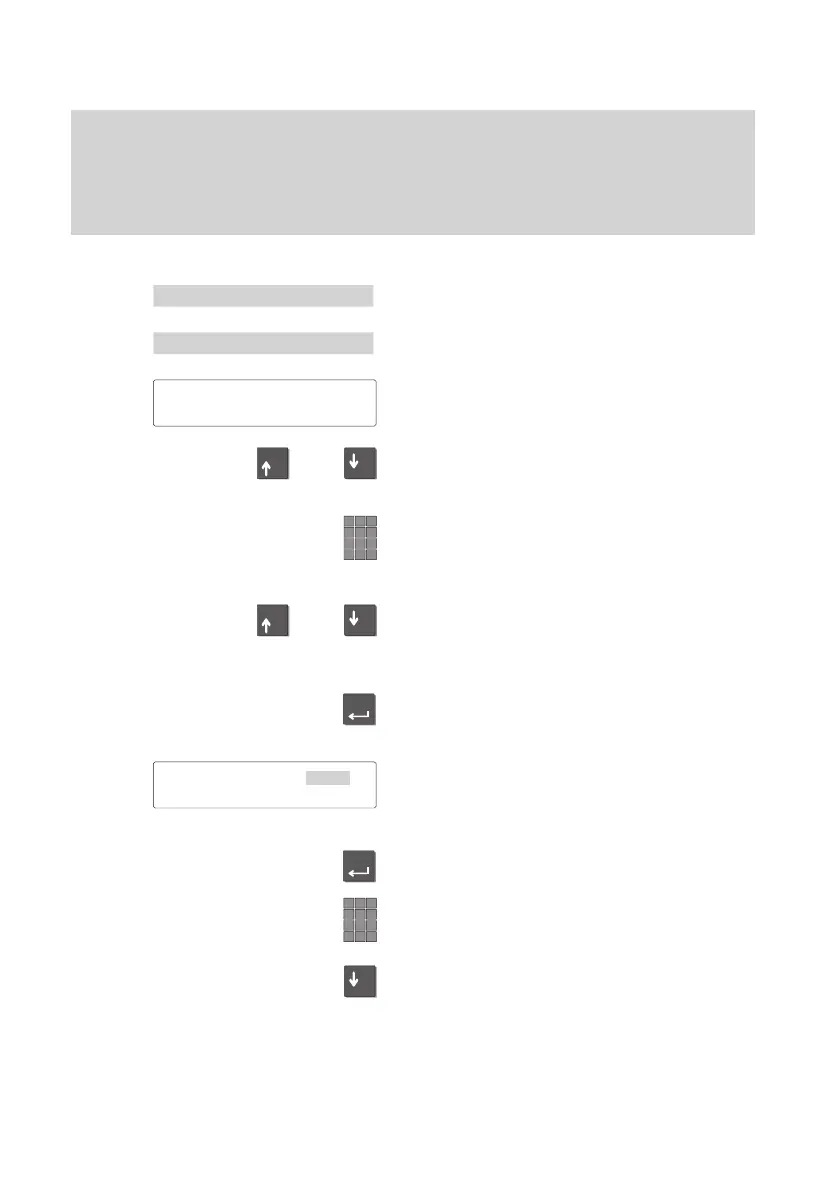
Sending minimail
Select the “Minimail” menu point.
Select the menu point “ sending Minimail”.
The first of the prepared texts appears in
the display
.
Select the desired text.
Enter the corresponding digits into the text.
e.g. time, date).
Correct:
Move the marker to the next line and and
back again. Now can simply overwrite the
entry.
Press the “Enter” key to select the text for
transmission.
The first of the subscribers to whom you
can send a message appears in the dis
-
play.
Select one or more subscribers. “+” indi-
cates that the subscriber is selected.
If necessary
, enter a new call number as
desired.
Scroll downward through all the sub-
scribers.
Tel.conf.
00:00 00.00
Subscriber 1 31
↓



 To Next Page