5595
'
Microphone off/on
Enter
5595 'Volume
During a call
33
Monitoring
You
can listen to your partner over the loudspeaker or have the microphone turned
of
f to prevent your partner from hearing what is said in the room. Y
ou can also
adjust the volume of the receiver and the loudspeaker
.
Listening to your partner over the loudspeaker
Y
ou are telephoning.
Note:
Inform the other party that you have activa
-
ted monitoring!
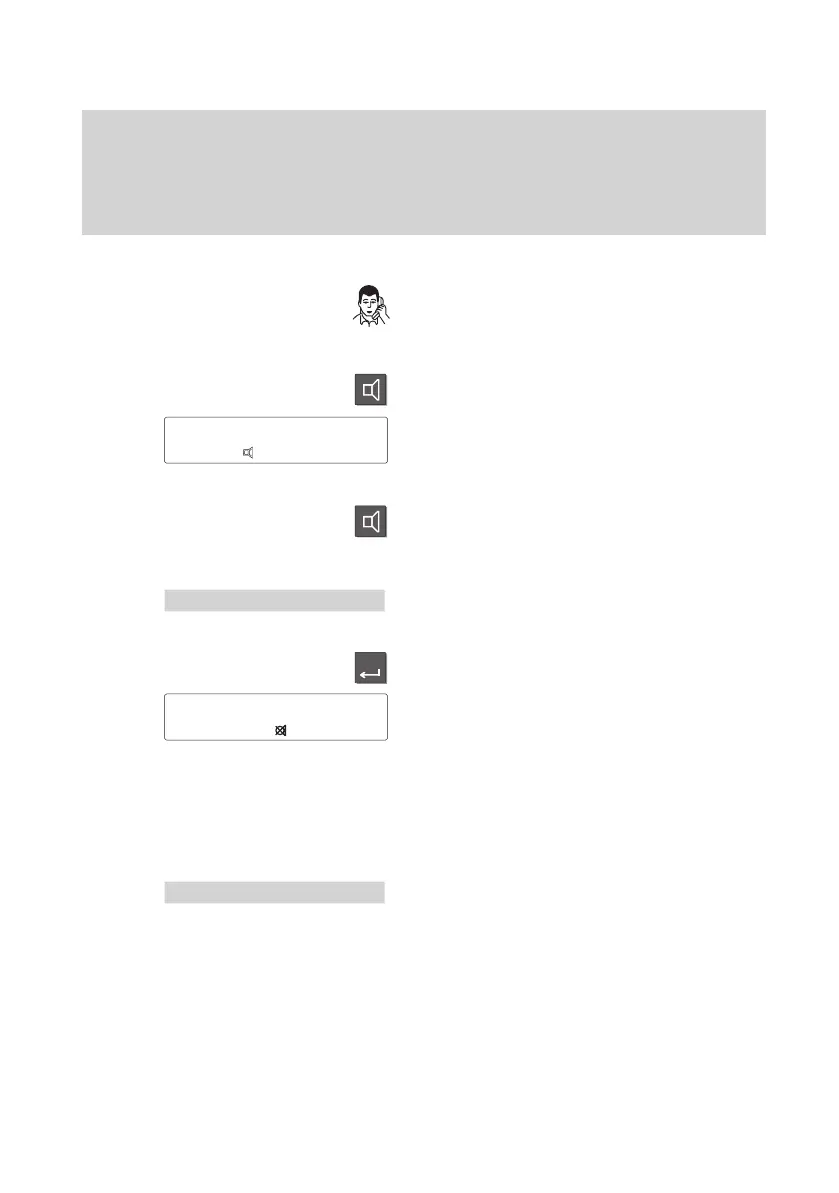
Press the “Monitor” key.
Y
ou hear your partner over loudspeaker
and the loudspeaker symbol appears on
the screen. Y
ou and your partner hear
two short signal tones.
Deactivating:
Press the “Monitor” key once more.
T
urning off the microphone
Select the menu item “Microphone Of
f/On”.
Press the “Enter” key to turn of
f the
microphone.
The symbol to the left appears on the
screen when the microphone is turned of
f.
The other party cannot hear what is said in
the room.
Re–activating the microphone
Select the “Microphone Of
f/On” menu item
again. The symbol disappears.
Adjusting the volume
During a call
Select the “V
olume” menu item.
Note:
Adjust the volume for handset and
loudspeaker as described in the
Setting
acoustics and contrast
chapter
.
5595
Mr. Miller
↓
5595
'
Microphone Off/On



 To Next Page