Pickup
Receiving calls
29
Answering calls
To
speak with a caller you can pick up the receiver as usual.
You can accept calls for other subscribers as well. T
o do this, you must assign the
“Pickup” function to one of the fully programmable function keys.
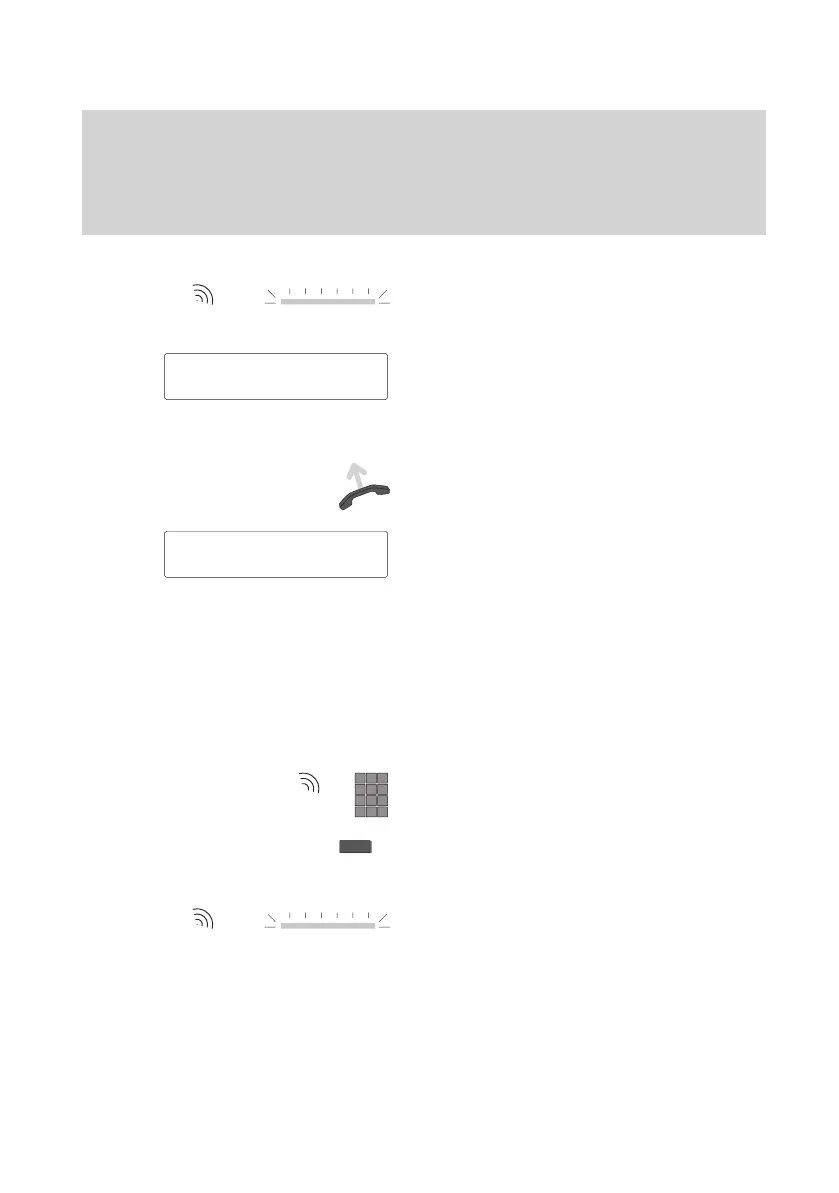
Someone calls you.
Y
our phone rings and the LED display
beside the handset flashes when a call
comes in.
The corresponding message also appears
on the display
.
The name of the caller is displayed if it is
transmitted by the caller
’s system.
Lift the handset to answer the call. Y
ou are
now connected to the calling party
.
The connection continues to be displayed
on the screen.
Note:
Any call that you do not answer is stored in
the call list.
Another party is called (pick up a call)
Y
ou can also answer calls for other sub
-
scribers on your phone.
Enter the respective call number when the
other telephone rings.
Press the “Pickup” function key to pick up
the call.
The call is signaled on your phone
as described above. You can now answer
this call.
5595
Mr. Miller
↓
5595 Mr. Miller
↓



 To Next Page