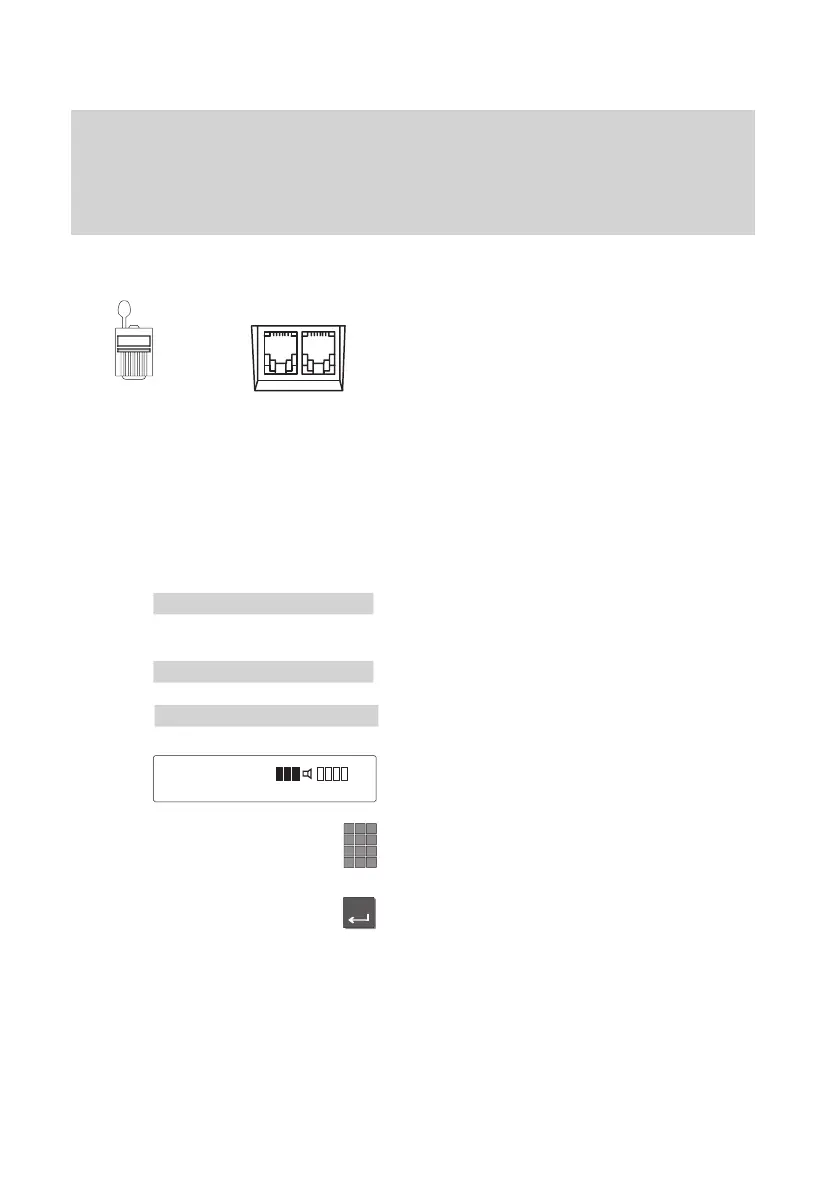
Plug
connection
XY Z
AEI
AEI interface to
the underside of the
telephone
Menu 'Further
functions
'
Further settings
Enter
Setting up the telephone for your own needs
60
Handsfree talking with auxiliary loudspeaker -
You
can connect an auxiliary loudspeaker to your telephone. This will improve
handsfree mode.
Connecting the auxiliary loudspeaker
Pull the connector from the telephone’
s
AEI-Z-interface.
Note:
Make sure you keep your connector so that
you can deactivate the auxiliary loudspea
-
ker should it be necessary.
Connect the auxiliary loudspeaker with the
AEI-Z-interface of your telephone.
Place the auxiliary loudspeaker at a di
-
stance of at least 80cm from your tele
-
phone; in doing so, you will avoid distur
-
bing echoes.
Setting an auxiliary loudspeaker
Select the “Further functions” menu item in
the main menu.
Select the “Further settings” menu item.
Select the “Audio / Contrast” menu item.
The current settings are displayed.
For the best handsfree quality
, keep the
volume setting as low as possible.
Adjust the volume of the loudspeaker by
entering a digit from 1 to 8.
Press the “Enter” key to confirm the set
-
ting.
The new setting is then saved.
Audio
/ Contrast
Loudsp. 1..8



 To Next Page