–
Enter
Connector
XY Z
AEI
AEI
interface to the
underside of the
telephone
Setting up the telephone for your own needs
61
Handsfree
talking with auxiliary loudspeaker
"
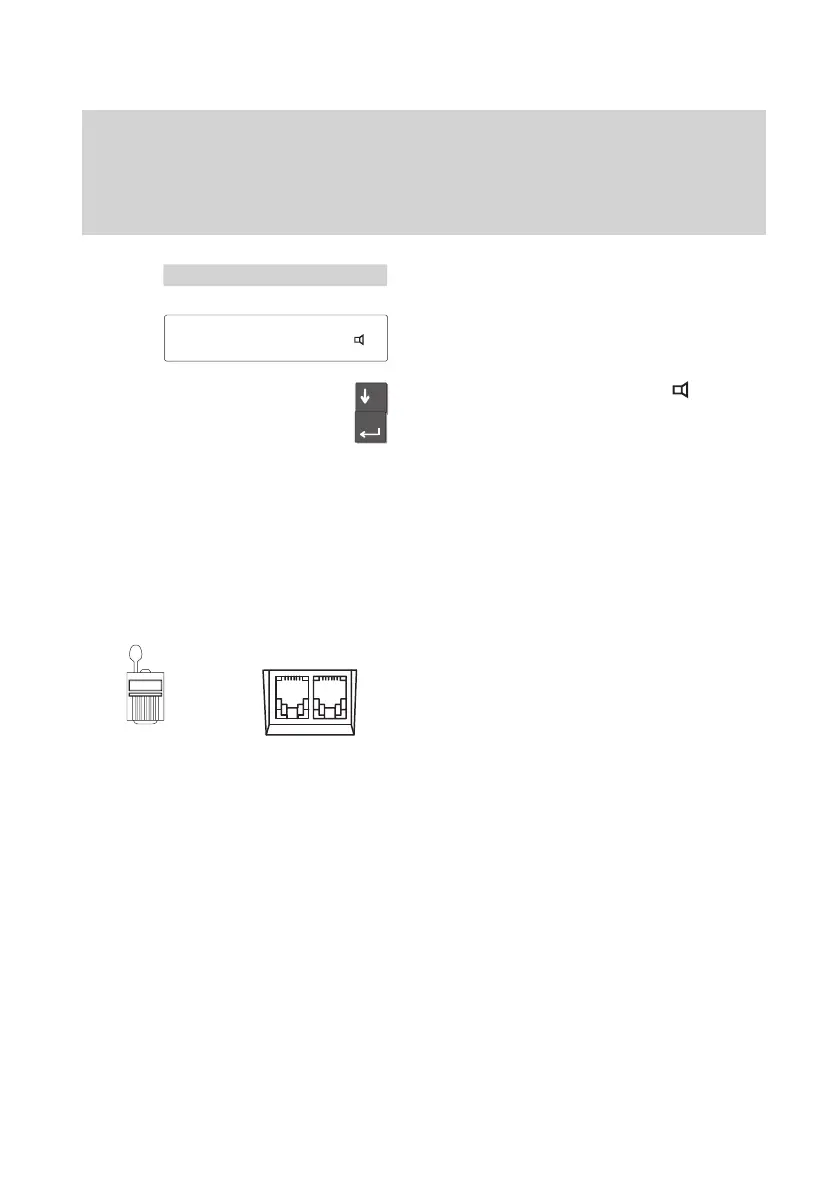
Select the “Set microphone” menu item.
The current setting is displayed.
Scroll to the “Of
fice normal, Ext.
” setting.
Press the “Enter” key to confirm the set
-
ting.
The new setting is then saved.
Note:
If your call partner informs you that the
transmission quality is not optimal, select a
lower setting in the “Audio / Contrast”
menu.
Deactivate auxiliary loudspeaker
Pull the auxiliary loudspeaker plug from the
telephone’s AEI-Z-interface.
Plug the connector into the telephone’
s
AEI-Z-interface. The internal loudspeaker
is hence activated again.
Set handsfree talking in the menu “Setting
acoustics + contrast” (→
p.
LEERER MERKER).
Menu 'Set microphone
Office
normal, Tel.



 To Next Page