Menu
'Mailboxµ
'
View Mailbox
µ
–
Enter
–
'
Next entry
µ
'Deleteµ
'
Delete all
µ
Receiving calls
32
Receiving minimail (Mailbox)
The
mailbox is a call list for text messages. Y
our callers can leave up to 10 short
minimails here. The telephone indicates in the display if you have recieved a new
minimail.
V
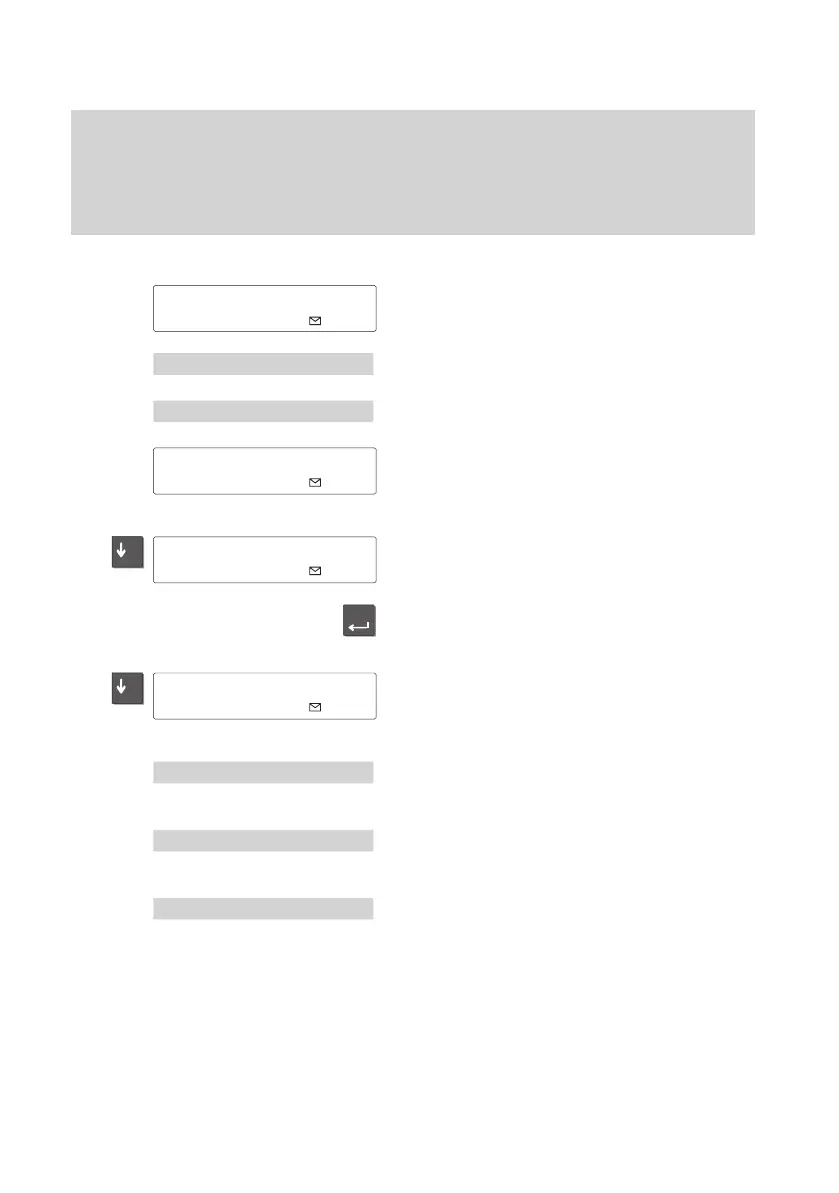
iewing the mailbox
The envelope appears in the idle display
.
Y
ou have received a message by minimail.
Select the “Mailbox” menu point.
Select the “V
iew Mailbox” menu point.
The mailbox is shown in the display
.
Select the desired entry
The message is shown in the display
.
If you would like to see details on an entry
,
select the desired entry
.
Scroll down to view the name and call
number of the sender
.
Scroll:
Select the “Next entry” menu point.
The next entry is displayed.
Deleting an entry:
Select the “Delete” menu point. The entry
is deleted and you can view the next entry
.
Delete all entries:
Select “Delete all” menu point.
The mailbox is emptied.
Note:
Y
ou can view the mailbox at any time with
the “Mailbox” menu point.
03.10.96
15:05
Mailbox entries 3
±
Talk 15:30
µ
List: 03.10.96 14:23
±



 To Next Page