+
–
or
Menu
Status
'Locked°
Enter
Familiarize yourself with your phone
14
Basic operating rules
The
following pages contain some basic information on how your telephone works.
The display assists you.
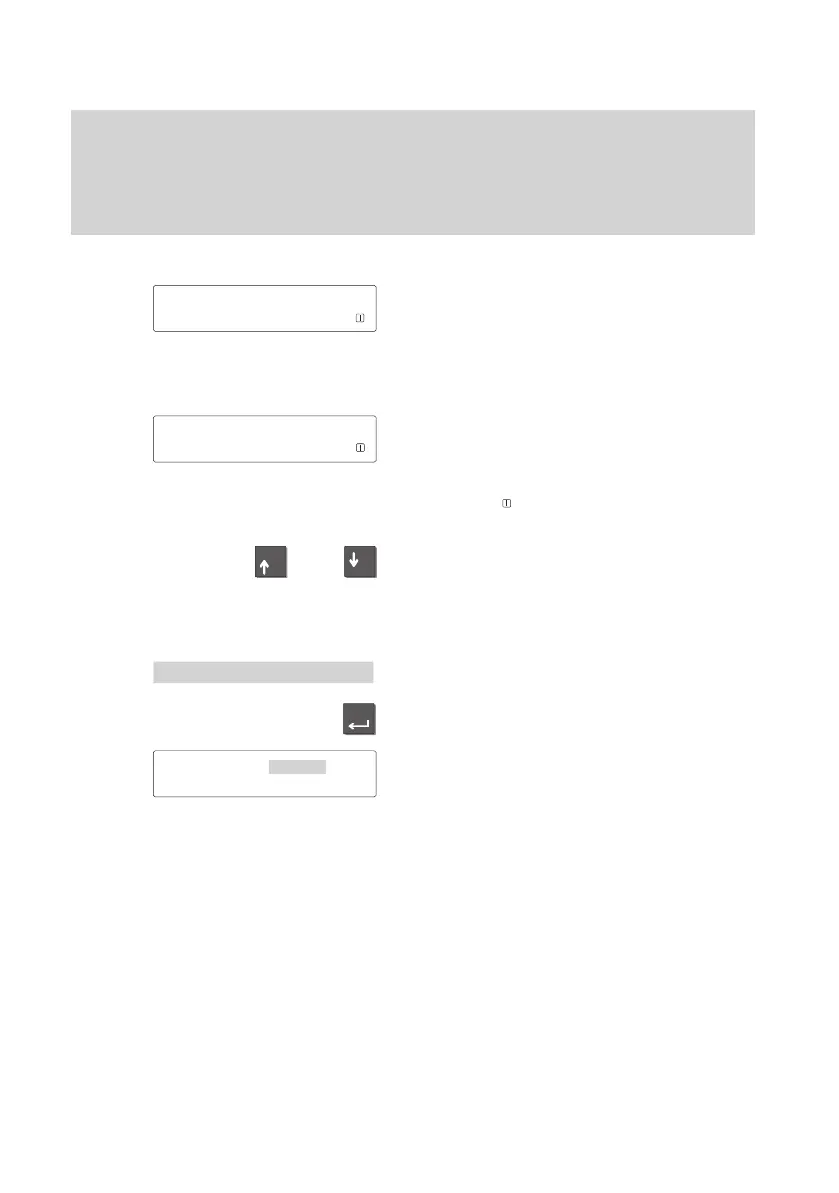
The illustration at the side shows you the
display as it might look when the telephone
is not in use. Y
ou can have your telephone
number
The current date and time are displayed as
well.
The idle display shows you additional
information on the status of your telephone.
A message appears if the telephone is
locked, for example.
The symbol
shows that information on
the status of your telephone is available.
You can view all status messages conse-
cutively with the “Arrow up” and “Arrow
down” keys.
From here you can request the appropriate
menu point directly
.
T
o do this, display the message in the idle
display.
Press the “Enter” key.
Y
ou can now process the appropriate set
-
tings; unlock the telephone with the PIN,
for example.
Note:
If the status has changed, the correspon
-
ding message remains in the idle display
until you have scrolled to the top.
03.10.96
15:34
Status
'Locked°
Enter PIN



 To Next Page