Familiarize yourself with your phone
19
Basic operating rules
A
Dialing
Enter a call number
. Y
ou now have various
options.
Enter a call number
.
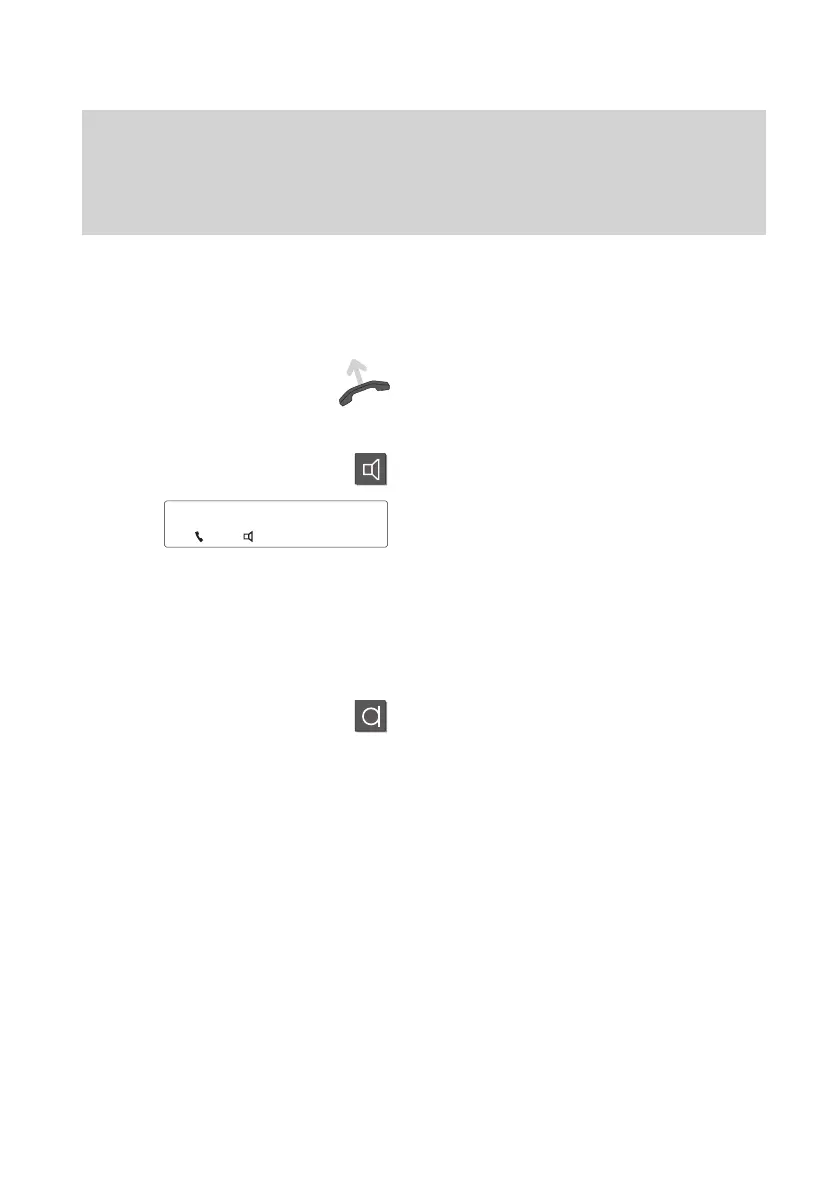
Lift the handset. The specified call number
is dialed. If the called subscriber answers,
you can make the call as usual.
or
Press the “Monitor” key.
The specified call number is dialed.
The loudspeaker symbol appears on the
screen.
When the other party answers, lift the
handset to talk to this party
.
Cancel:
Press the “Disconnect” key or “Monitor”
key.
Using the phone with handset on–hook
Press the “Handsfree mode” key
. The mi
-
crophone is then activated, in addition to
the loudspeaker
. Y
ou can now use the
phone with the handset on–hook.
Handsfree mode is indicated by the symbol
shown at the left in the status line of your
display
.
Note:
Please note that, for technical reasons,
your telephone does not activate the loud
-
speaker and microphone at the same time.
Y
our call partner thus cannot hear your
while he is speaking.
5595
↓



 To Next Page