Menu '
Telephone book
µ
Enter
Enter
Menu '
Telephone book
µ
7
e.g.
Enter
Setting up the telephone for your own needs
49
Storing
call numbers
"
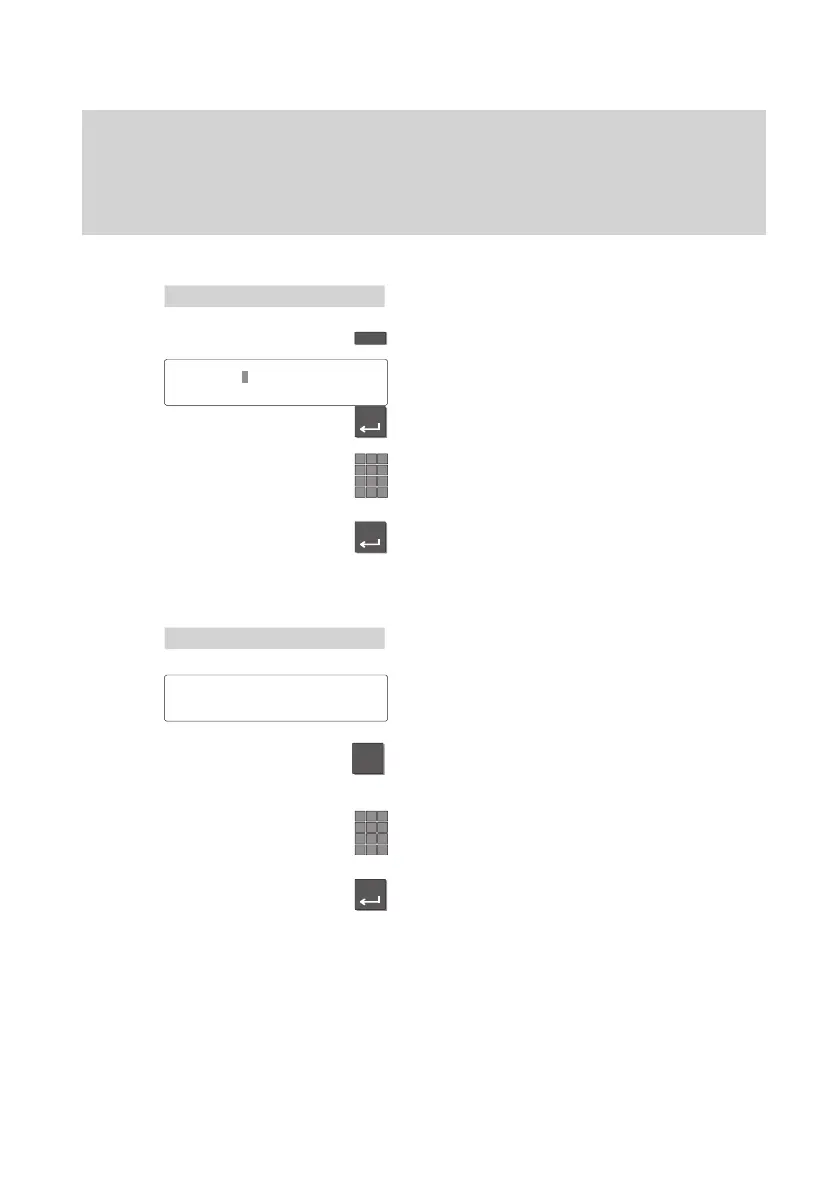
Assigning code dial numbers to function keys
Select the “T
elephone
book” menu item.
Press a function key.
Select the “Code dialing? Yes” menu item.
Press the Enter key.
Enter the code dial number to be assigned
to the function key
.
Return to the call number
.
Press the Enter key.
Assigning call numbers to speed dial keys
Select the “T
elephone book” menu item.
The display depicted at the left appears.
Press the digit key to which you want to
assign the speed dial.
Enter the call number to be assigned to this
key.
Press the “Enter” key to complete this pro
-
cess. The call number is then saved.
SK6:
5595
'
Code dialing?
Yes°
Tel.book pos. no.1...0
*
#



 To Next Page