24 en | (Optional) Configuration Programming in the Shipping Box MIC IP ultra 7100i │ MIC IP starlight 7100i
2019-12 | 1.2 | Installation Manual Bosch Security Systems
7 (Optional) Configuration Programming in the Shipping
Box
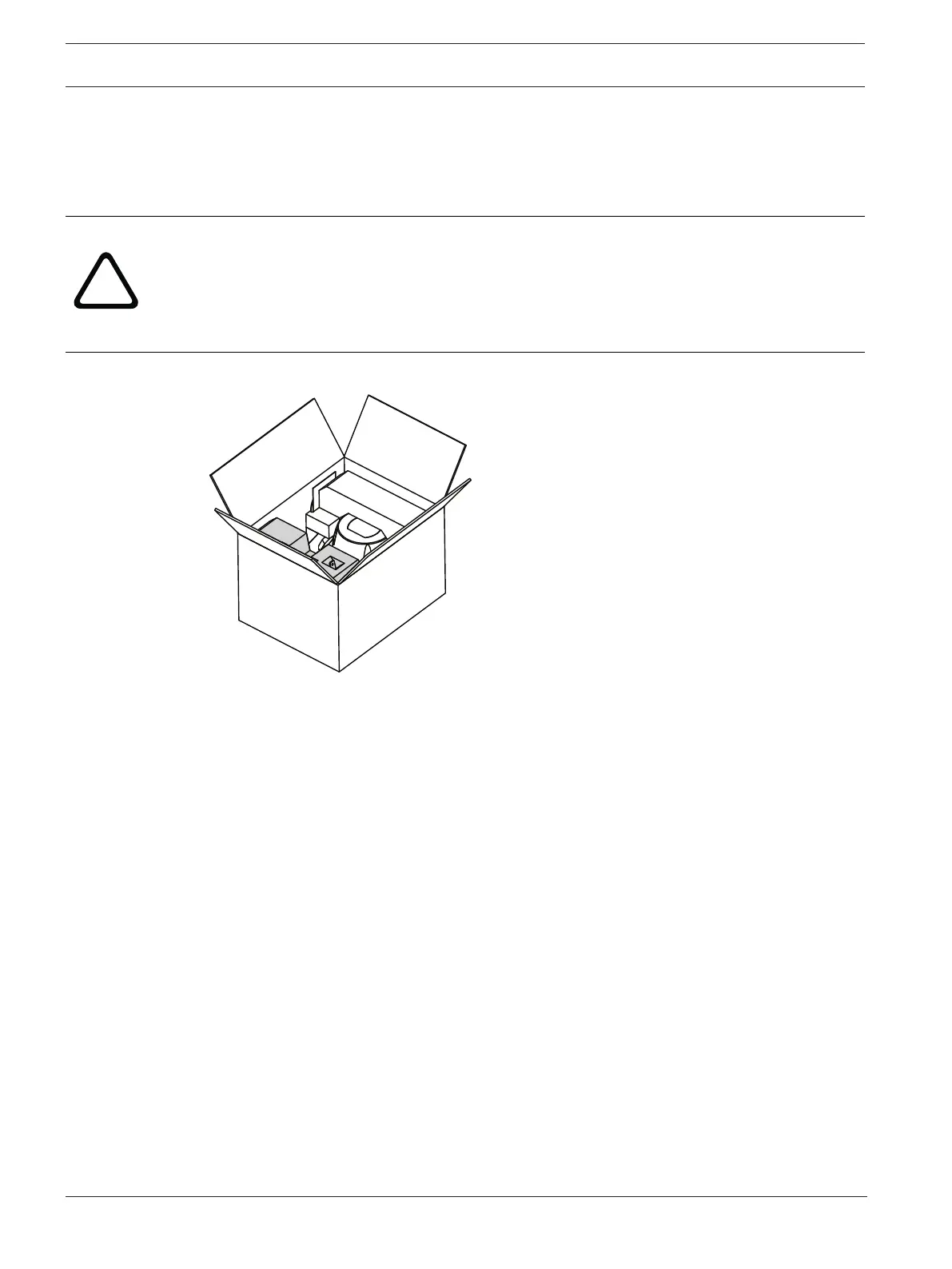
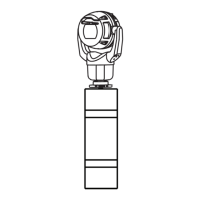
The camera packaging allows installers to connect the camera to the network and configure
the camera still in the box.
Caution!
Risk of damage to camera
Do not change the camera orientation to “Inverted” while the camera is still in the box. The
camera head must be free to rotate. If you must change the camera’s orientation to
“Inverted,” remove the camera from the box and configure it by following the steps in
(Optional) Configuration Programming on a Temporary Table-top Stand.
1. Remove the packing material to access the camera’s electrical connectors.
2. Supply power to the camera and Connect the Camera to the Network, page 50. Note that
the wiper moves one to three times across the camera window, and then returns to parked
position.
3. Configure the camera. Refer to the separate User Manual for details.
4. Disconnect the wires/cables from the connectors in the base of the camera.
Refer to
– (Optional) Configuration Programming on a Temporary Table-top Stand, page 25









 To Next Page