MIC IP ultra 7100i │ MIC IP starlight 7100i (Optional) Configuration Programming on a Temporary Table-top Stand | en 25
Bosch Security Systems Installation Manual 2019-12 | 1.2 |
8 (Optional) Configuration Programming on a Temporary
Table-top Stand
Caution!
Take extra care lifting or moving MIC cameras because of their weight.
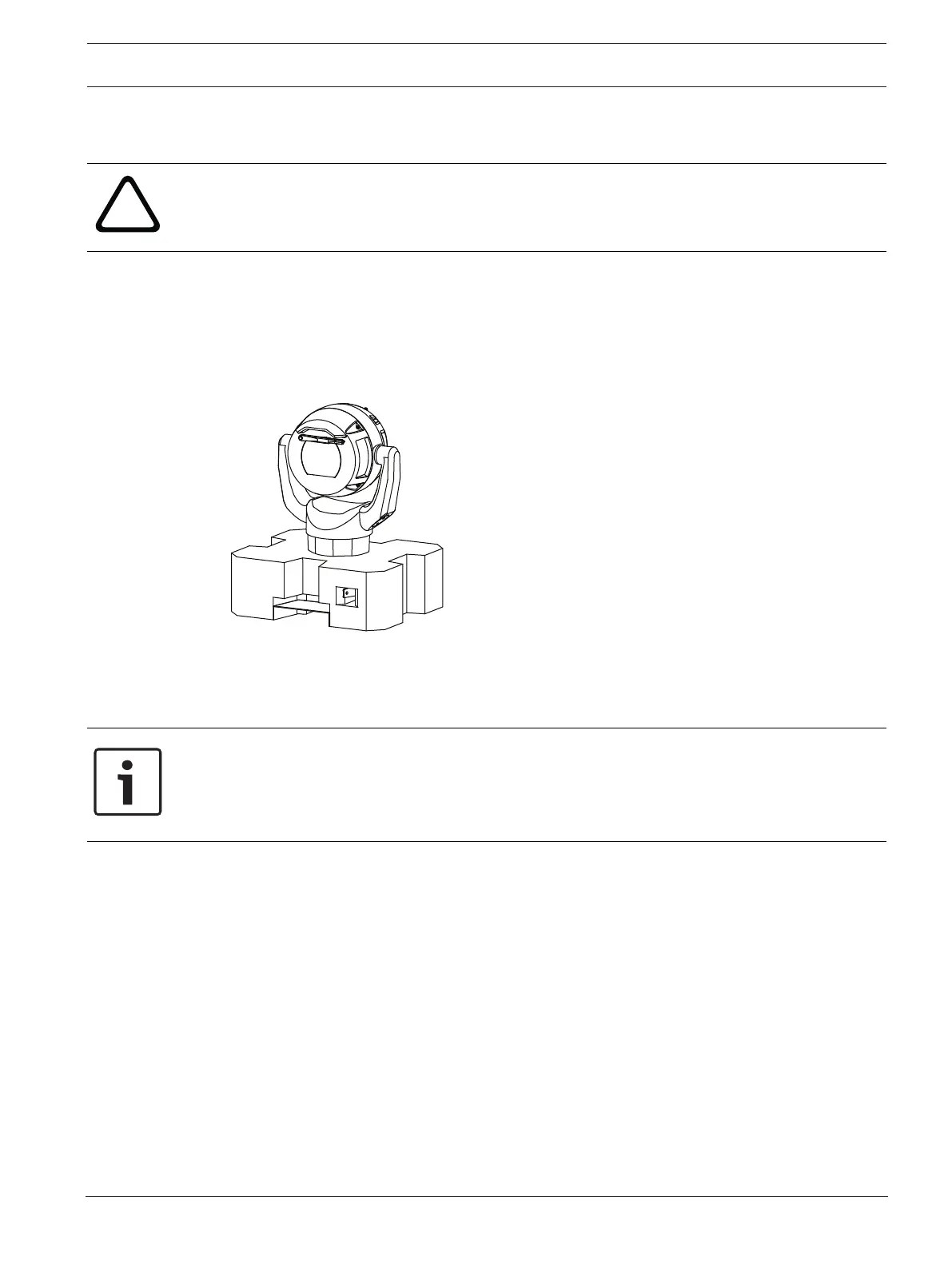
The camera (still in the foam) can stand temporarily on a flat, horizontal surface such as a
desk or a table during initial network connection and configuration.
1. Remove the packing material to access the camera’s electrical connectors.
2. Remove the foam covering the head of the camera.
3. Remove the camera, still in the foam, from the box. Place the camera upright on a flat,
horizontal surface.
4. Supply power to the camera and Connect the Camera to the Network, page 50. Note that
the wiper moves one to three times across the camera window, and then returns to parked
position.
5. Configure the camera. Refer to the separate User Manual for details.
Notice!
If you change the camera orientation to “Inverted” (from the page Configuration of the web
browser: Camera > Installer Menu > Orientation), then the camera head will rotate
automatically into inverted position (180°). Note that the visor will now be near the body of
the camera.
6. Disconnect the wires/cables from the connectors in the base of the camera.









 To Next Page