MIC IP ultra 7100i │ MIC IP starlight 7100i Replacing a wiper assembly | en 43
Bosch Security Systems Installation Manual 2019-12 | 1.2 |
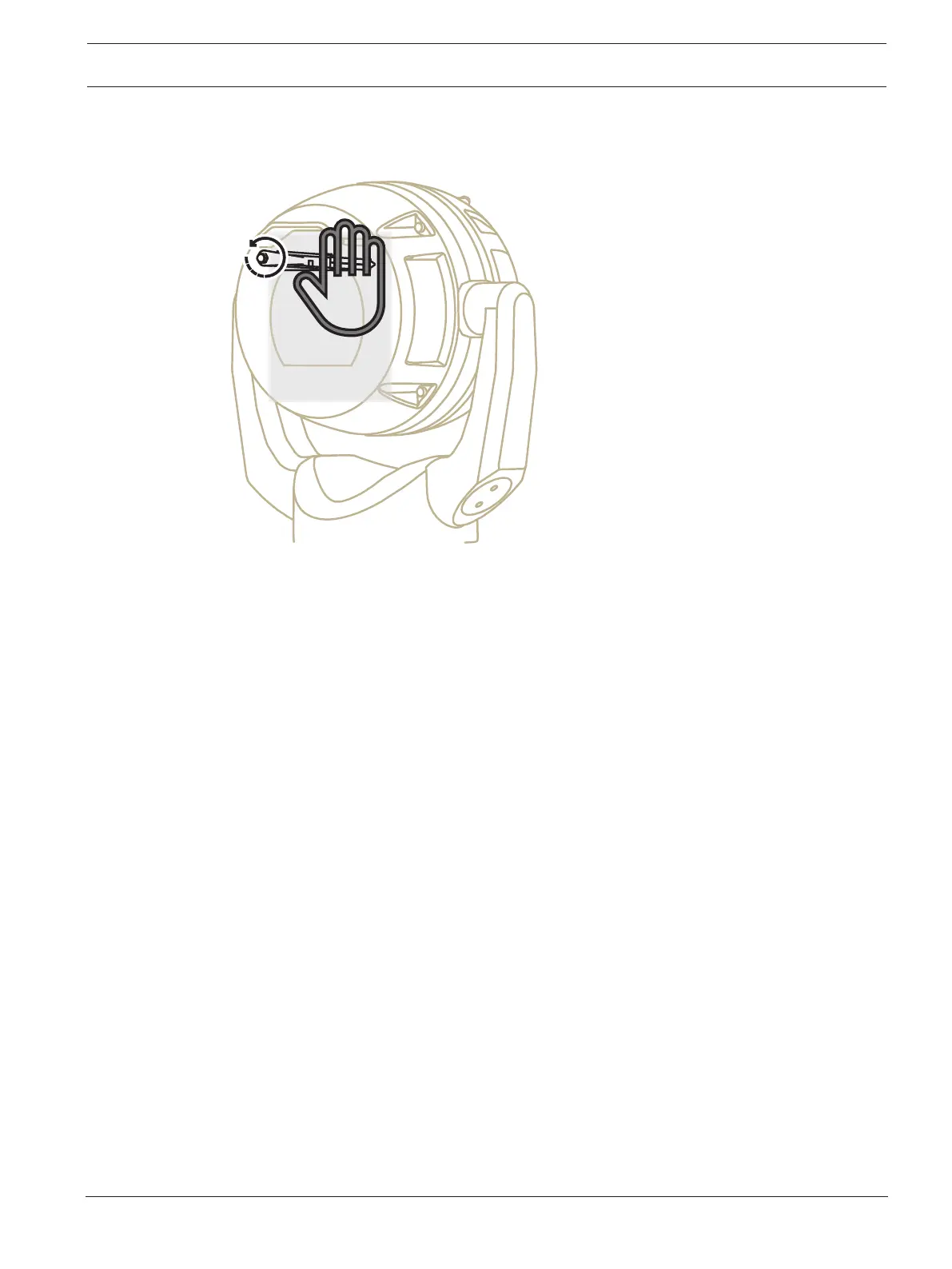
2. With one hand, hold the wiper arm firmly in place to restrict rotational movement.
3. With the other hand, using a 7mm Hex socket or nut driver, rotate the acorn nut counter-
clockwise until the nut is free from the wiper shaft.










 To Next Page