© Bosch Healthcare Solutions GmbH 9Instructions for use
Performing a test
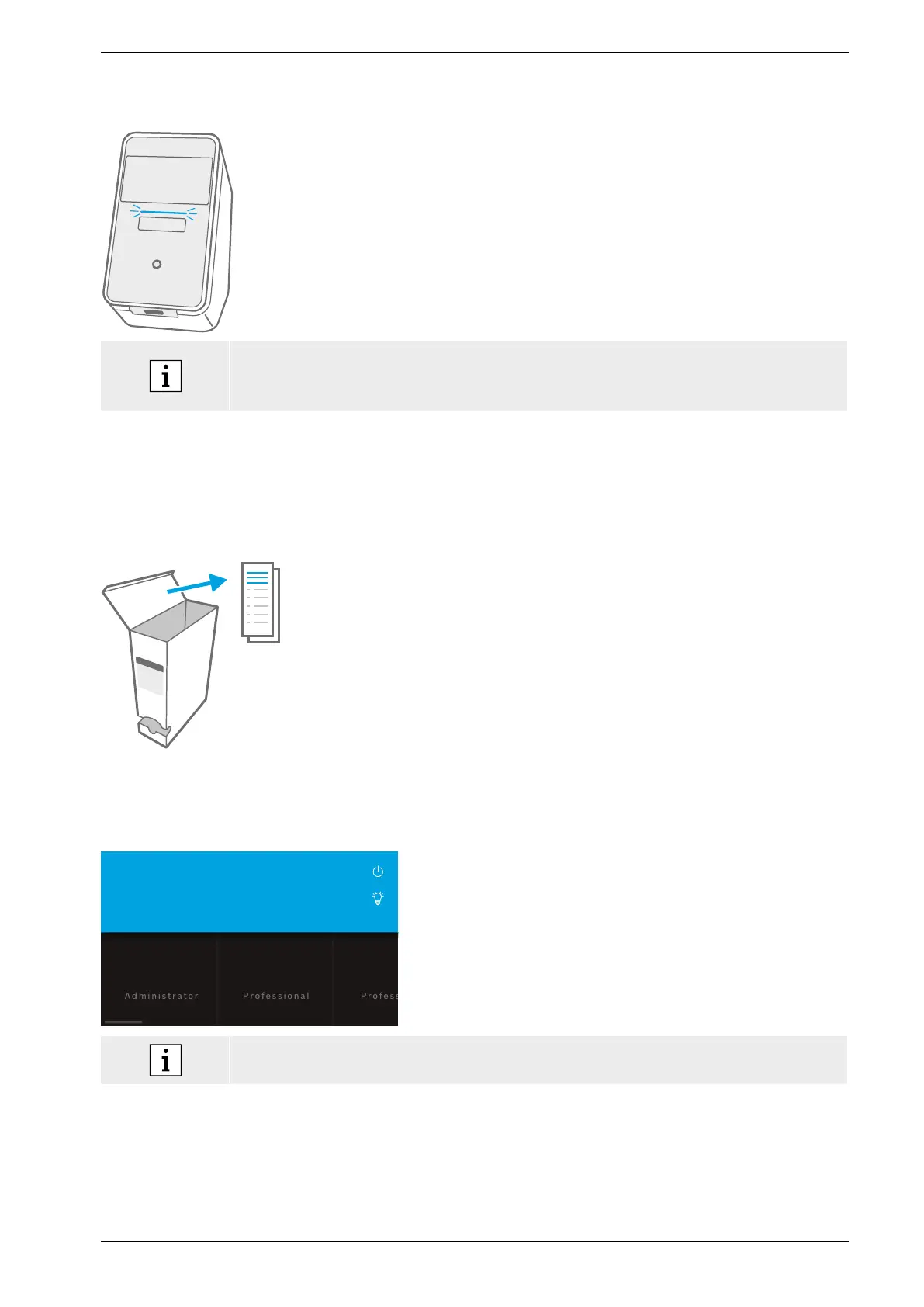
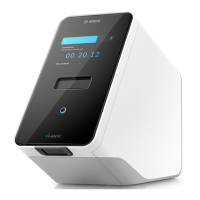
Light bar
Light modes
On Cartridge is inside.
Blinking Insert or remove the cartridge.
Pulsing New test results are available.
• After 5 minutes the screen is dimmed to save energy.
• After 20 minutes of inactivity the analyser automatically switches to standby.
3 Performing a test
3.1 How to find application-specific instructions for use
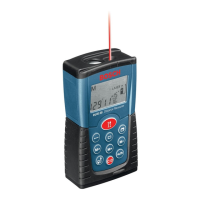
The application-specific instructions for use for each test
can be found in paper format in each packaging box.
Before you start to perform a test on the analyser, please
make sure you have read and understood the application-
specific instructions for use for the test you want to
perform.
3.2 Login
If passcode protection is enabled, the analyser requires authentication before a test can be started.
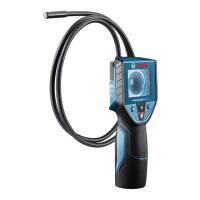
Welcome to Vivalytic. Who are you?
User 2
User 1
The welcome screen opens automatically when you turn
onthe analyser. A list of available users appears.
You can search for a username by scrolling left or right.
Select your user account from the user list.
Enter your passcode:
• Professional account: 4 digits
• Administrator account: 8 digits
In case of a forgotten passcode, press forgot and follow the instructions displayed on the
screen or go to chapter 6.6 for troubleshooting.


 To Next Page