© Bosch Healthcare Solutions GmbH 7Instructions for use
Installation and setup
2 Installation and setup
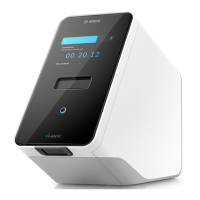
2.1 Installing the analyser
Carefully unpack the analyser from its box.
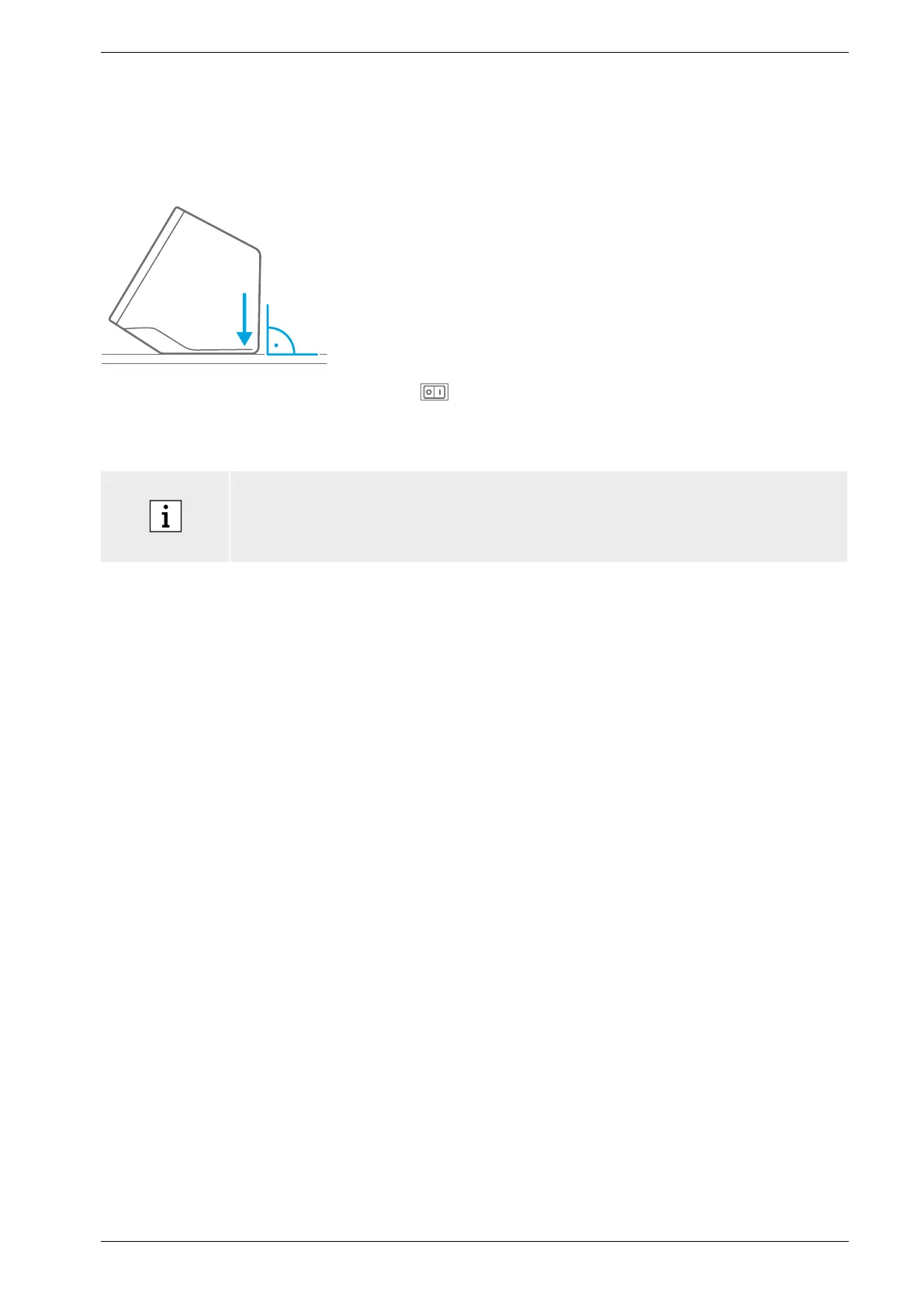
Place the analyser on a flat surface. Consider the operating
conditions described in chapter 8.
Remove the adhesive film pulling upwards from the front of
the analyzer.
Connect to a power source.
Make sure to use the correct power supply cable for your
country.
After plugging in, switch on using the power switch
ontheback.
The analyser will start up.
Please wait until onboarding starts automatically.
• The analyser is for indoor-use only.
• Make sure that the power switch is accessible.
• Make sure to leave sufficient space for adequate air circulation.
• Do not grab or touch the scanner of the analyser.
2.2 Setting up the software – onboarding
When you start the analyser for the first time, you will be guided through a setup procedure.
Please follow the instructions displayed on the screen.
• Select the desired language by scrolling through the list of available languages.
• Continue to set the date and time.
• Afterwards set up an administrator account.
• Continue to set up a connection to Vivasuite for device management and software updates.
• At last press finish to complete the onboarding procedure.


 To Next Page