© Bosch Healthcare Solutions GmbH18 Instructions for use
Maintenance and troubleshooting
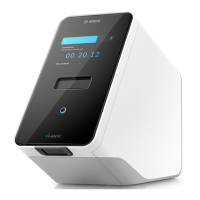
6.2 Cleaning and disinfecting the analyser
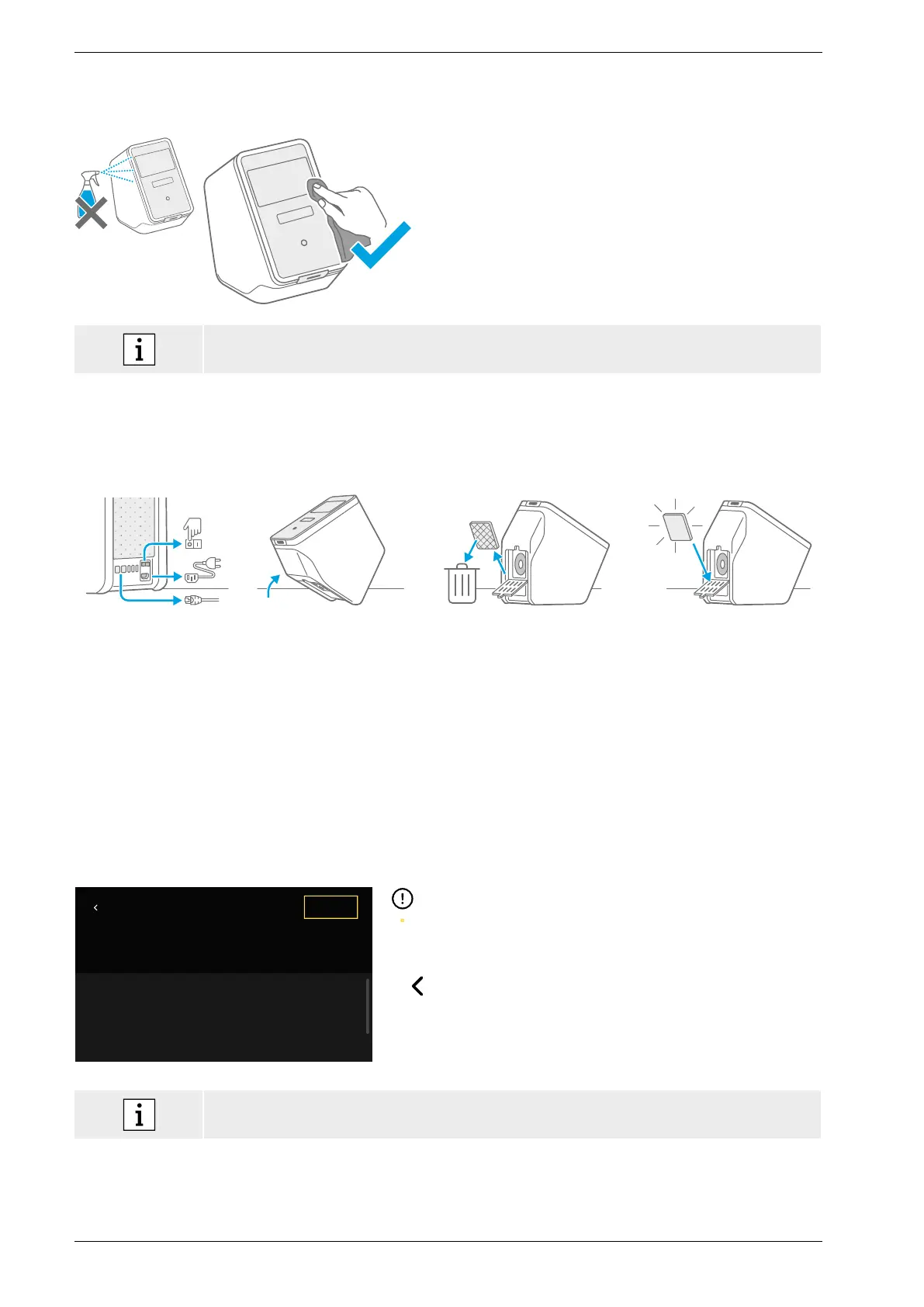
Shut down and disconnect the analyser from the power
supply.
To clean wipe the surface of the analyser with a cleaning
tissue.
For surface disinfection use a tissue soaked in 70%
ethanol/propanol-based cleaning agent. If necessary,
useDNAExitus.
Only clean and disinfect the analyser on its exterior surfaces
and carefully wipe around openings.
• Clean the analyser including the scanner regularly.
• Disconnect the analyser from the power supply for cleaning.
6.3 Changing the air filter of the analyser
In order to ensure proper performance please make sure to replace the air filter of the analyser every 6months. The
flap is part of the analyser. Make sure to close it after changing the air filter. Dispose of used air filters according to
regional and laboratory standards.
Shut down and turn the
analyser off and unplug
all connections on the
back.
Grasp the analyser with
both hands and turn it over
its rearmost corner until it
is resting on its back.
Open the flap on the analyser
bottom and remove the used
air filter.
Insert a new air filter
into the flap with the
soft surface side facing
towards the interior of the
analyser. Afterwards close
the flap.
6.4 Quality control testing
It is strongly recommended to perform quality control testing regularly. For information about recommended
procedures please refer to the application-specific instructions for use.
6.5 Notice and error
Title of Notice
OK
Explanation
CTA and consequences. Optional: Contact data
ID: XXX0-99CA
A yellow dot underneath the notice symbol indicates a new
entry. Press to open the list.
By selecting a notice further information will be displayed.
Read the explanation carefully.
Press to go back and the notice remains in the list.
Press ok to close the notice and it will be deleted from the
list.
If an error is detected an error screen appears and the analyser is blocked. In case of error,
please contact customer service (for contact information see chapter 1.2).


 To Next Page