EasyManua.ls Logo

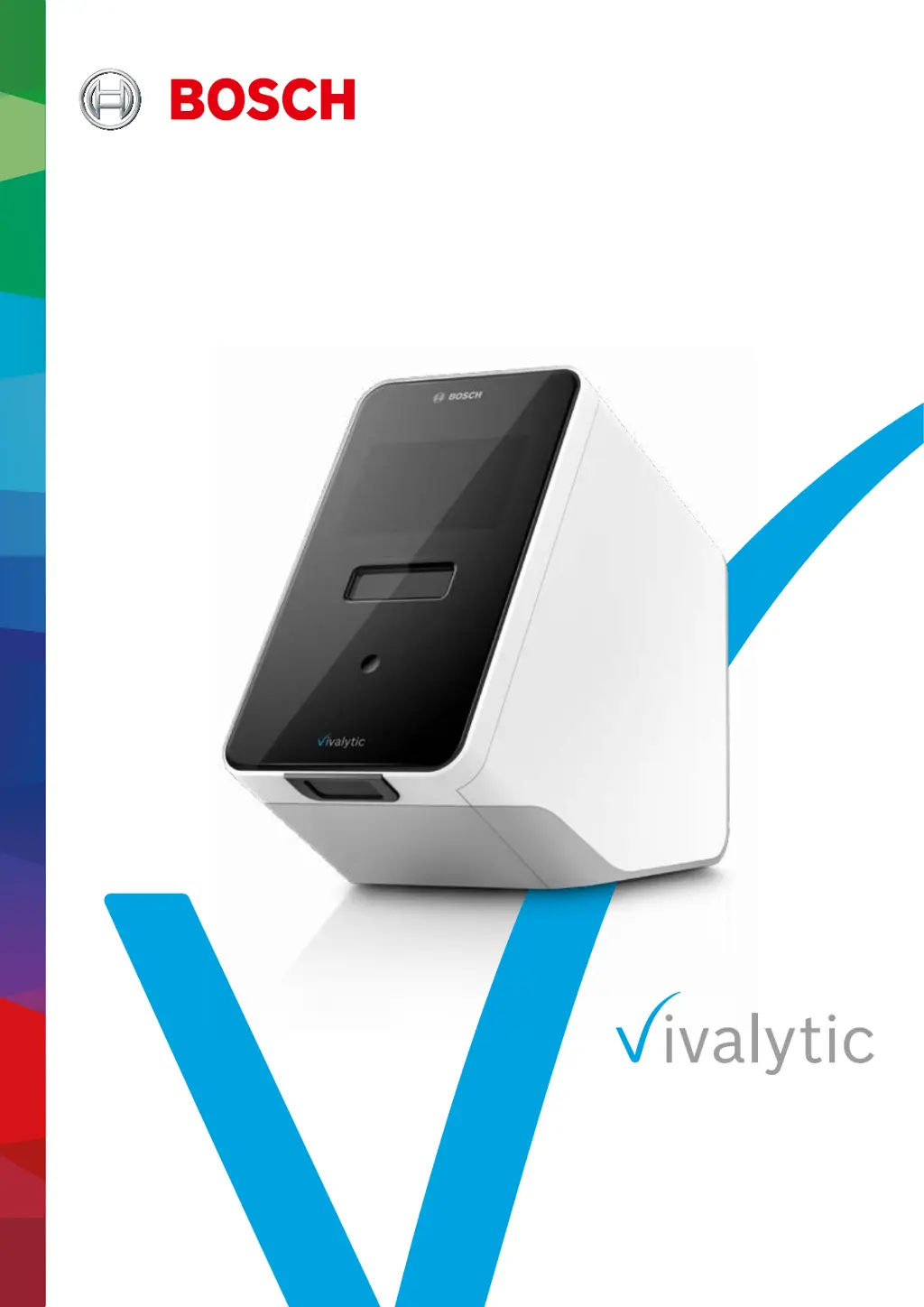
Bosch Vivalytic - User Manual

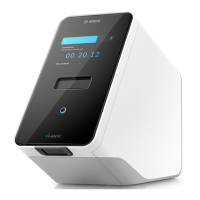
Bosch Vivalytic
25 pages
Print Icon
To Next Page IconTo Next Page
Loading...
Instructions for use

Questions and Answers

Summary

Analyser Setup Procedures

Performing a Test

Scanning the sample code

Process of scanning the sample barcode to identify the specimen.

Scanning the cartridge code

Process of scanning the barcode on the test cartridge for identification.

User Login Procedure

Process for authenticating and logging into the Vivalytic analyser.

Inserting sample and closing lid

Steps for inserting the sample into the cartridge and closing the cartridge lid.

Inserting cartridge to initiate test

Action to insert the prepared cartridge into the analyser to start the test automatically.

Air Filter Exchange

User Interface Overview

Initial Information

Pre-use Recommendations

Essential advice and guidelines for users before operating the Vivalytic analyser.

Device Safety Guidelines

Data Security and Privacy

Information on data protection, user access control, and network security.

Cartridge Handling and Safety

Guidelines for the safe handling and use of Vivalytic test cartridges.

Installation and Setup

Installing the Analyser

Step-by-step guide for the physical installation of the Vivalytic analyser.

Software Onboarding Process

Guide through the initial software configuration and setup for the analyser.

User Concept and Permissions

Starting a Test

During Test Execution

Test Results and Reporting

Finishing a Test Run

Steps for completing a test, ejecting the cartridge, and returning to the home screen.

Data Management and Export

Joblist Management

Viewing and managing the list of pending and completed test runs.

Exporting Test Data

Process for exporting test results to external storage or network locations.

Menu Navigation

Device Settings Configuration

Configuring analyser settings such as display, language, date, and time.

User Accounts and Passcode Management

Managing user accounts, creating users, and setting passcodes for access control.

Network Configuration Setup

Setting up Ethernet or WLAN connections for analyser network access and connectivity.

HIS;LIS Interface Configuration

Connecting the analyser to hospital or laboratory information systems (HIS/LIS).

Maintenance and Troubleshooting

Troubleshooting Common Issues

Analyser Disposal

Summary

Analyser Setup Procedures

Performing a Test

Scanning the sample code

Process of scanning the sample barcode to identify the specimen.

Scanning the cartridge code

Process of scanning the barcode on the test cartridge for identification.

User Login Procedure

Process for authenticating and logging into the Vivalytic analyser.

Inserting sample and closing lid

Steps for inserting the sample into the cartridge and closing the cartridge lid.

Inserting cartridge to initiate test

Action to insert the prepared cartridge into the analyser to start the test automatically.

Air Filter Exchange

User Interface Overview

Initial Information

Pre-use Recommendations

Essential advice and guidelines for users before operating the Vivalytic analyser.

Device Safety Guidelines

Data Security and Privacy

Information on data protection, user access control, and network security.

Cartridge Handling and Safety

Guidelines for the safe handling and use of Vivalytic test cartridges.

Installation and Setup

Installing the Analyser

Step-by-step guide for the physical installation of the Vivalytic analyser.

Software Onboarding Process

Guide through the initial software configuration and setup for the analyser.

User Concept and Permissions

Starting a Test

During Test Execution

Test Results and Reporting

Finishing a Test Run

Steps for completing a test, ejecting the cartridge, and returning to the home screen.

Data Management and Export

Joblist Management

Viewing and managing the list of pending and completed test runs.

Exporting Test Data

Process for exporting test results to external storage or network locations.

Menu Navigation

Device Settings Configuration

Configuring analyser settings such as display, language, date, and time.

User Accounts and Passcode Management

Managing user accounts, creating users, and setting passcodes for access control.

Network Configuration Setup

Setting up Ethernet or WLAN connections for analyser network access and connectivity.

HIS;LIS Interface Configuration

Connecting the analyser to hospital or laboratory information systems (HIS/LIS).

Maintenance and Troubleshooting

Troubleshooting Common Issues

Analyser Disposal

Bosch Vivalytic Specifications

General IconGeneral
Power Supply100-240 V AC, 50/60 Hz
Operating Temperature15°C to 30°C
ConnectivityEthernet, USB
Test PrincipleReal-time PCR
Cartridge TechnologySingle-use cartridges
Time to ResultApproximately 45 minutes to 2 hours (depending on the test)
DisplayTouchscreen display
Operating Humidity20% to 80% (non-condensing)

Related product manuals