© Bosch Healthcare Solutions GmbH 17Instructions for use
Maintenance and troubleshooting
5.7 Software update
• You will receive a notification about available software updates on the analyser and also
through Vivasuite, provided the analyser is connected. Otherwise contact your sales partner
if you want to conduct a software update.
• Check which tests are supported by the installed software revision in the system
information.
5.8 Factory reset
Log in as an administrator for access.
In the menu, select settings then select factory reset.
Follow the instructions displayed on the screen.
The factory reset will delete all user and patient data and clear the settings.
5.9 System information
In the menu select information.
The following information will be displayed:
• Select customer service to find more information about customer service.
• Hardware revision
• Software revision
• Kernel revision
• Firmware revision
• IP address
• Select Open Source Software (OSS) to find information about the Open Source components used in this
product.
• Select OSS Written Offer to find how you can obtain the Open Source components you are entitled to.
• Select Oracle Java Software to find information about license terms and included Java Programs.
• Select Software Update to see new available software updates.
6 Maintenance and troubleshooting
6.1 Shutting down the analyser
If you need to disconnect the analyser from the power source for maintenance or transport, you will need to shut down
and turn off the analyser.
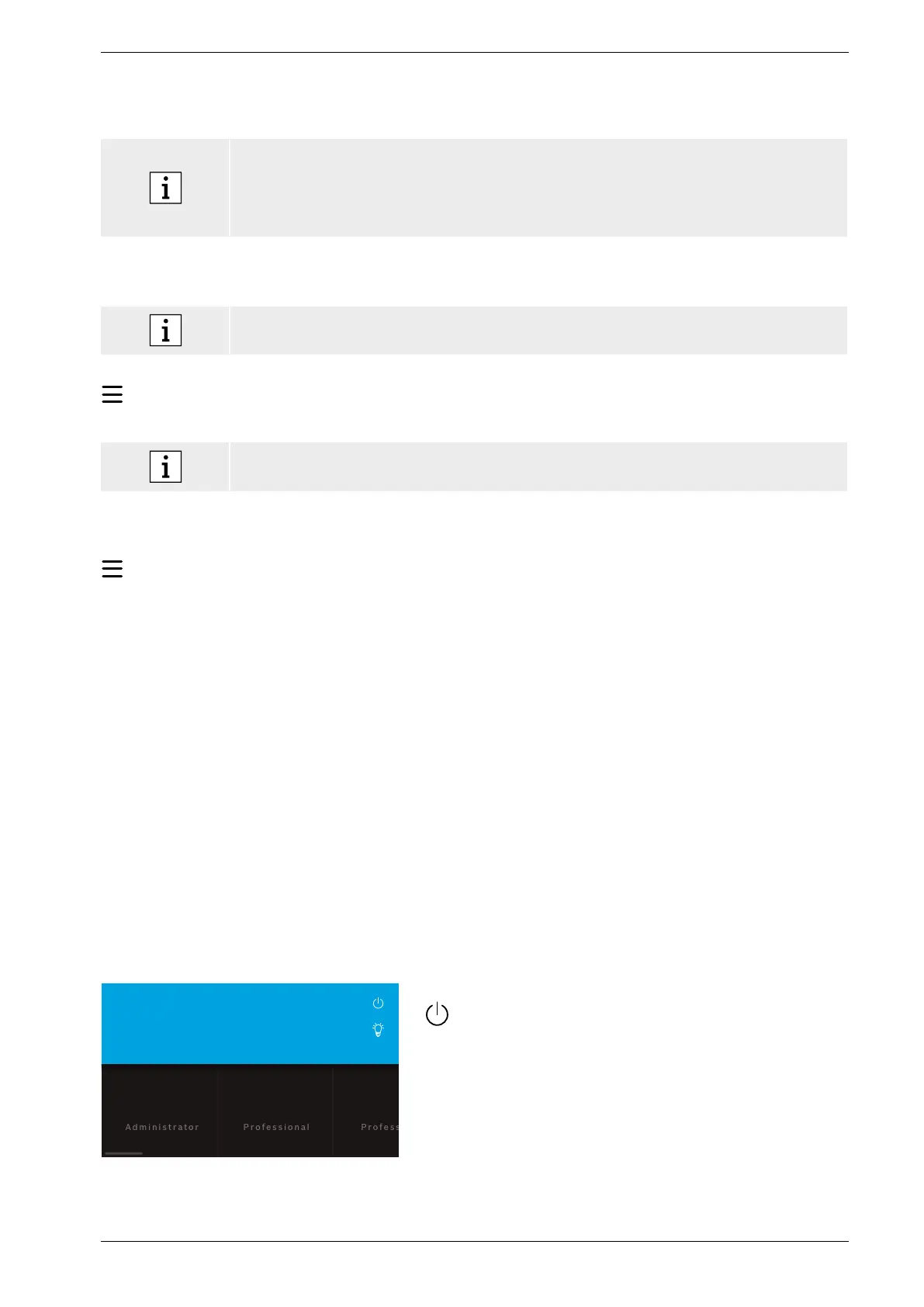
Welcome to Vivalytic. Who are you?
User 2
User 1
For shutdown you need to log out.
Press shutdown and confirm that you want to shut down.
Wait for the system to shut down. When the screen turns
black, use the power switch on the back to turn the
analyser off.


 To Next Page