© Bosch Healthcare Solutions GmbH8 Instructions for use
Installation and setup
2.3 User concept
User accounts protect patient data by controlling access to the system. When passcode protection is enabled,
access is protected by a username and a numeric passcode. You can also use the analyser when passcode protection
isdisabled.
• Using the analyser without passcode protection is only recommended if you do not use
patient records.
• Every user has access to the analyser with his credentials regardless which user is logged in.
The analyser supports the following levels of user account:
Administrator Professional
Edit own account
Perform a test
Manage and print measurement data
Change display brightness
Change language, date and time
Edit or reset passcode for other accounts
Add/delete and activate/deactivate other accounts
Enable/disable passcode protection
Configure network
Configure order/result interface (HIS/LIS)
Set export configuration
Install and configure printers
Approve/shedule software updates
Passcode 8 digits 4 digits
2.4 Status of the analyser
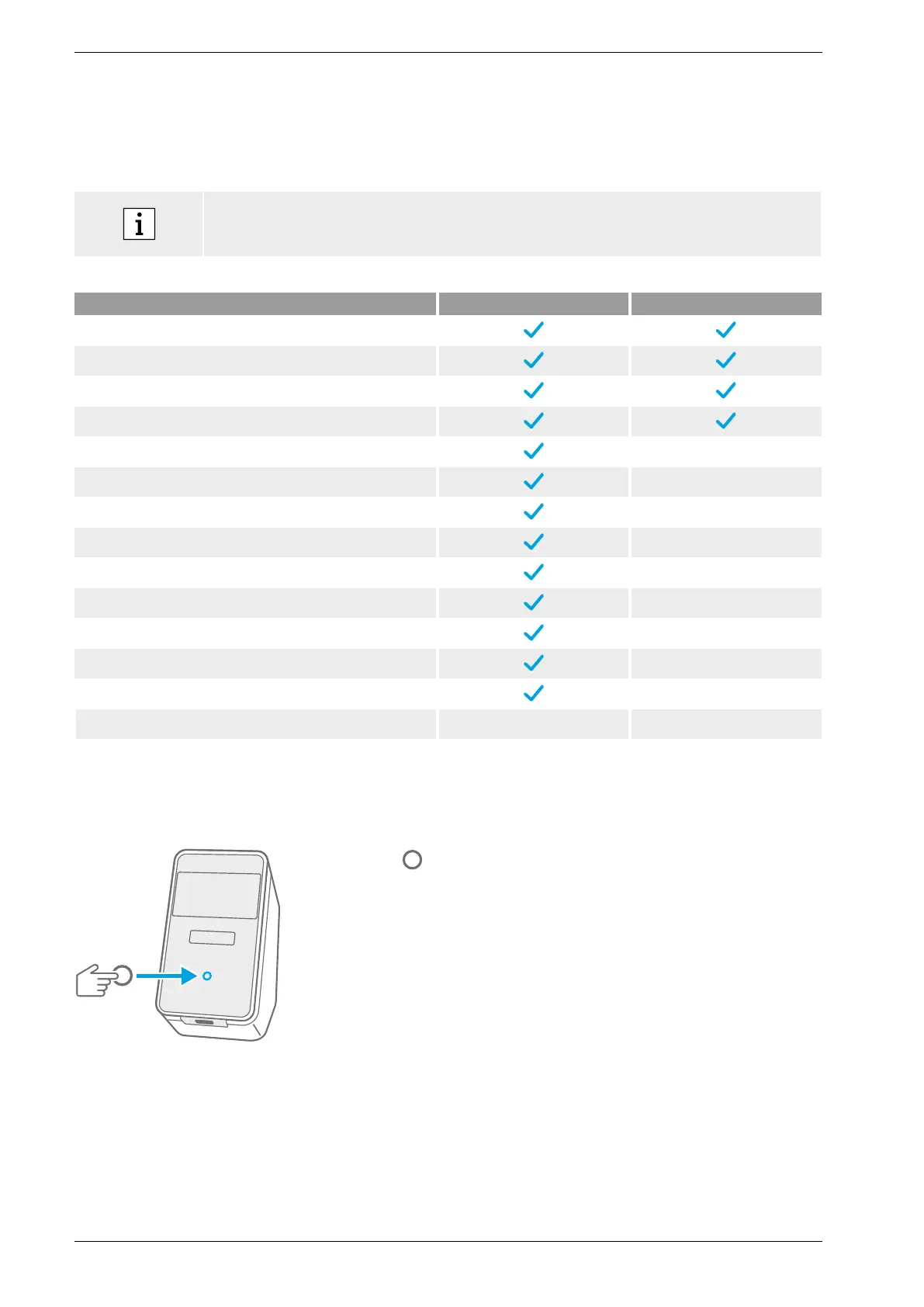
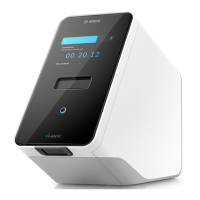
The light bar and the front button indicate the current activity or status of the analyser.
Front button
Press
to enter standby or wake up.
to lock the analyser during a test.
Light modes
On Analyser is in standby mode.
Off Analyser is on.
Dimmed Analyser is in energy saving mode.


 To Next Page