Set up and connect NL
The device has an aqua sensor.
4. Remove the accessories from
the drum.
a The aquasensor monitors during
the flush adjusts the turbidity of the
flush water and adjusts the duration
and number of flushing cycles
accordingly.
5. Close the appliance door.
4.2 Package contents
After unpacking, check all parts for
transport damage and for
completeness of the delivery.
3.3 Energy Saving Mode
PAY ATTENTION!
If you do not operate the device for a
longer period of time, the device
automatically switches to energy-
saving mode. All prompts disappear
and flash.
Energy-saving mode is exited when
you operate the appliance again, e.g.
open or close the door.
Use with incomplete or defective
accessories can impair the function
of the device or cause material
damage and damage to the device.
▶ Do not operate the appliance with incomplete or
use defective accessories.
▶ The accessories before use
of the device.
→
"Accessories", Page 31
O4set up and connect
Set up and connect
Remark: The device has been checked
at the factory for correct operation.
Water stains may remain in the
device. The stains disappear after the
first wash.
Set up and connect
4.1 Unpacking device
PAY ATTENTION!
Objects that remain in the drum and
that are not intended for use with the
device can lead to material and device
damage.
▶ For use all these items
and remove the supplied
accessories from the drum.
The delivery consists of:
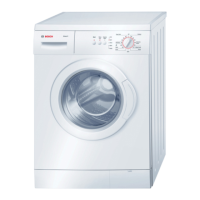
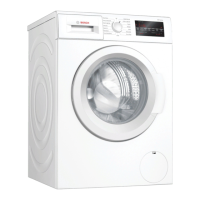
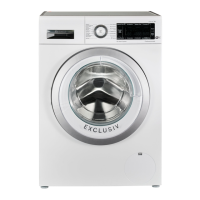
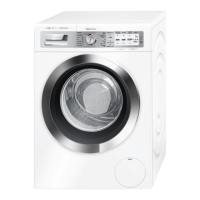
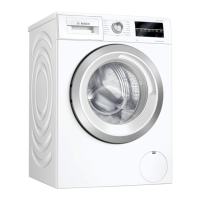
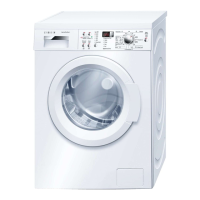
s Washing machine
s Accompanying documents
s Transport protections
→
"Remove transport locks
run", Page 14
s cover caps
4.3 Installation site
requirements
1. Completely remove packaging
material and protection from the
device.
→
"Disposal of the packaging",
Page 12.
WARNING
Risk of electric shock!
2. Check the device for visible
damage.
The device contains live parts.
Touching live parts is dangerous.
▶ Do not use the appliance without
cover plate.
3. Open the appliance door.
→
"Ministry in Essence",
Page 32
13



 To Next Page