16
|
ENG
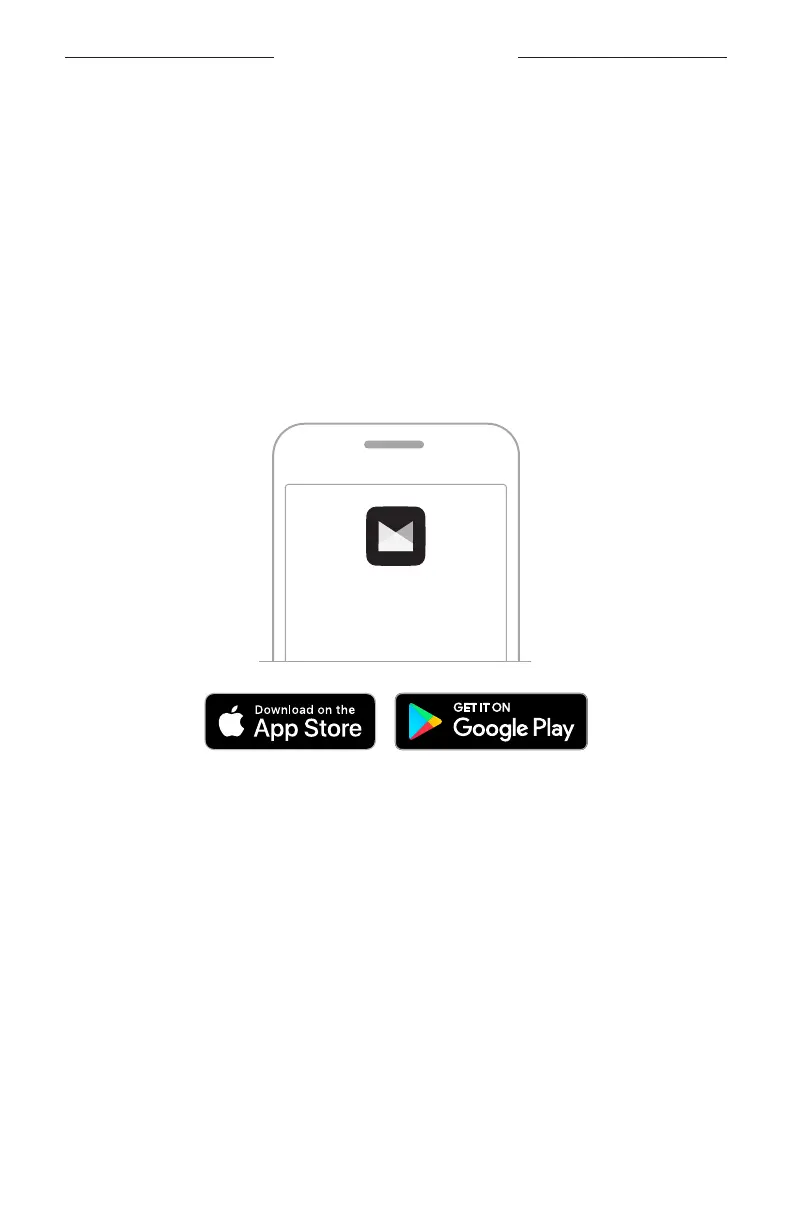
The Bose Music app lets you set up and control the system from any mobile device,
such as a smartphone or tablet.
Using the app, you can control the system remotely, manage system settings, and
access exclusive features like ToneMatch preset customization, channel and reverb
mute, saved Scenes, and Dual Wireless Streaming (see page 36).
If you have already created a Bose Music account for another Bose product, see “Add
the system to an existing account.”
DOWNLOAD THE BOSE MUSIC APP
1. On your mobile device, download the Bose Music app.
NOTE: If you’re located in Mainland China, download the Bose8 app.
BOSE MUSIC
2. Follow the app instructions.
ADD THE SYSTEM TO AN EXISTING ACCOUNT
To add your Bose S1 Pro+ Wireless PA System, open the Bose Music app and add
your system.
BOSE MUSIC APP SETUP



 To Next Page