2.1 Simple and Advanced modes
The two operating modes of iGO8 mainly differ in the menu structure and the number of available
features. The controls and screen layouts are the same.
x Simple mode: you have easy access to the most important navigation functions and the basic
settings only. The rest of the settings are set to values that are optimal for typical use.
x Advanced mode: you have access to the full functionality of iGO8.
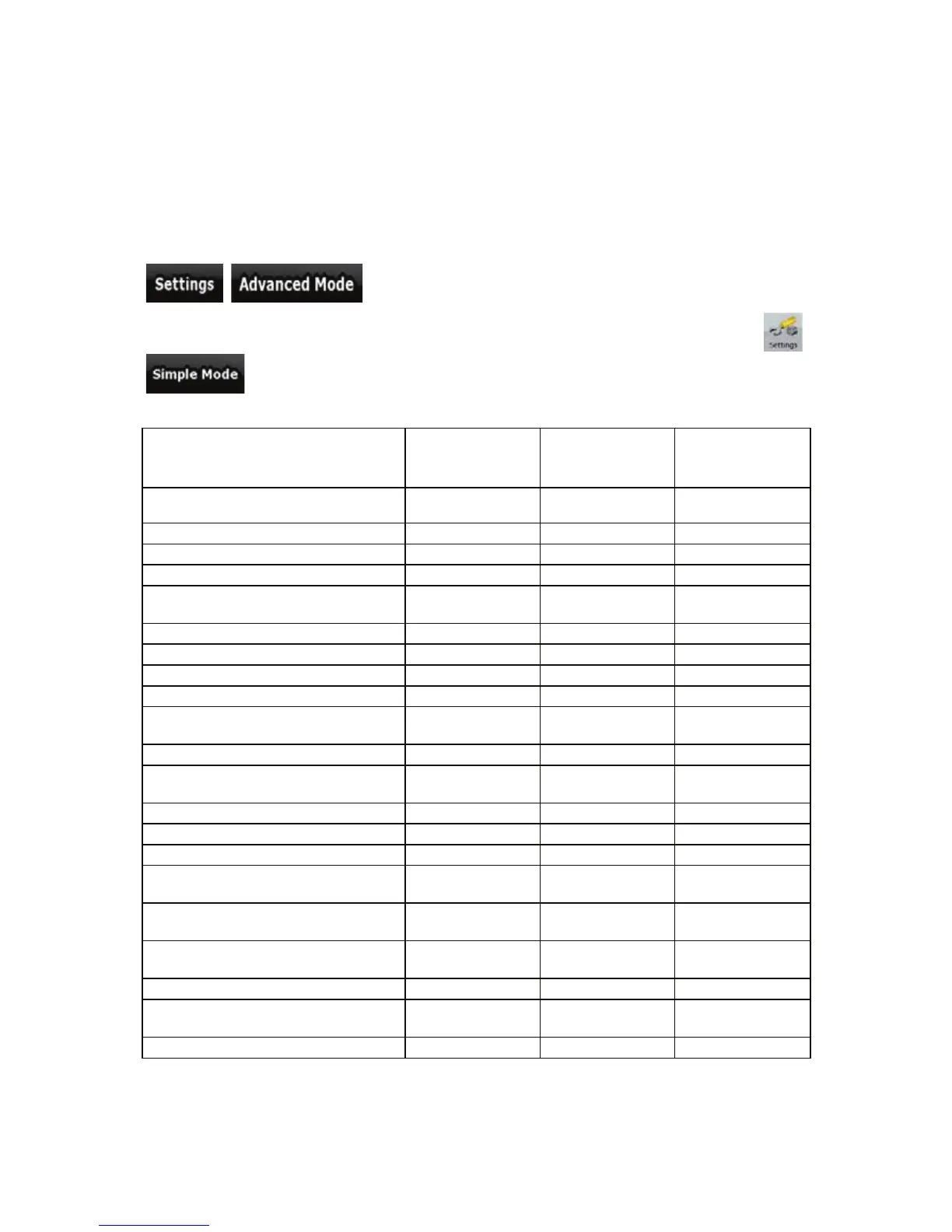
To switch from Simple mode to Advanced mode: on the startup screen (Navigation Menu), tap
, .
To switch from Advanced mode to Simple mode: on the startup screen (Navigation Menu), tap
,
.
The features and settings available in each mode are as follows:
Type of action Available in
Simple mode
Available in
Advanced mode
Explanation
Navigating to a selected map point Yes Yes See page 29
Navigating to a street address Yes Yes See page 30
Navigating to an incomplete address Yes Yes See page 30
Navigating to an intersection Yes Yes See page 34
Navigating to recent destinations
(History)
Yes Yes See page 39
Navigating to Favourites Yes Yes See page 37
Navigating to a POI Yes Yes See page 37
Navigating to coordinates No Yes See page 39
Creating a multi-point route No Yes See page 40
Saving a map point as a Favourite
destination
Yes Yes See page 54
Saving a map point as a POI No Yes See page 54
Saving a map point as a location of a
Road Safety Camera
No Yes See page 54
Mark a map point with a Pin No Yes See page 54
Saving the active route No Yes See page 44
Saving Track Logs No Yes See page 24
Map Screen settings Only colour profiles
(from Quick Menu)
Yes See page 70
Menu settings Only background
picture
Yes See page 77
Sound settings Yes (from Quick
Menu)
Yes See page 71
Route Planning options Yes Yes See page 71
Regional settings Only language
selection
Yes See page 73
Warnings No Yes See page 75
10



 To Next Page