Button Description
Tap this button to move the POI to another POI group or subgroup.
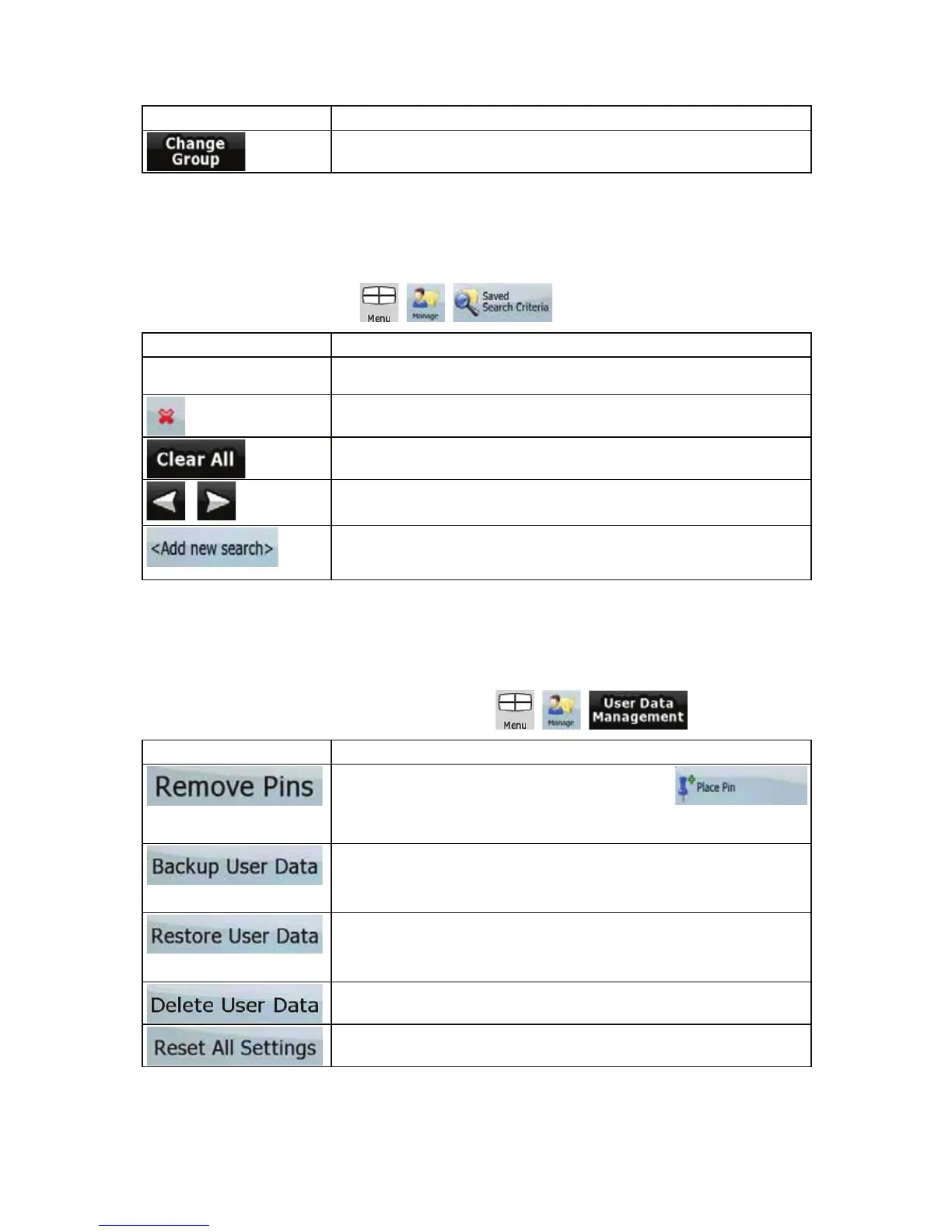
4.4.6 Manage Saved Search Criteria
You can manage the list of search criteria previously saved to easily find frequently searched POI
types. Tap the following buttons:
, , .
Button Description
Button with the name of the
Saved Search Criteria
Tap to rename the saved query.
Deletes the selected item in the list.
Deletes the entire list.
,
Moves between pages for additional list items.
Tap to save a new search criteria. Similar to how you search for a POI,
select the search reference first, then select the POI group or subgroup
to search in.
4.4.7 User Data Management
You can manage the data you have saved (e.g. POIs, Favourites or History) and the settings you
have made in the program. Tap the following buttons:
, , .
Button Description
Map locations can be marked with Pins using the
button in the Cursor menu. Tap this button to remove all your Pins from
the map.
All user data and the current settings will be saved on the inserted
memory card. There is always one backup file. If you perform a backup
later, the previous backup will be overwritten with the new information.
All user data and settings will be overwritten with the information stored
in the backup file. Data and settings created
after the latest backup will
be lost.
All user data will be deleted, and settings will return to their factory
defaults. The application needs to restart.
All settings will return to their factory defaults, but no user data will be
deleted. The application needs to restart.
68



 To Next Page