Rechargeable Stimulator System
Clinician Manual
97035873-01 59 of 75
Selection #3 – To Clear Link
When the “Clear Link” option is selected from the Clinician Options menu, the serial number of the Stimulator
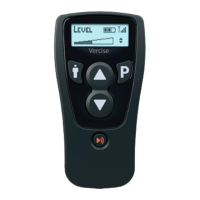
will be displayed and you will be asked to conrm clearing the link. To conrm and clear the link, press the P
button. You will then be asked to enter a password. To cancel, press the " button.
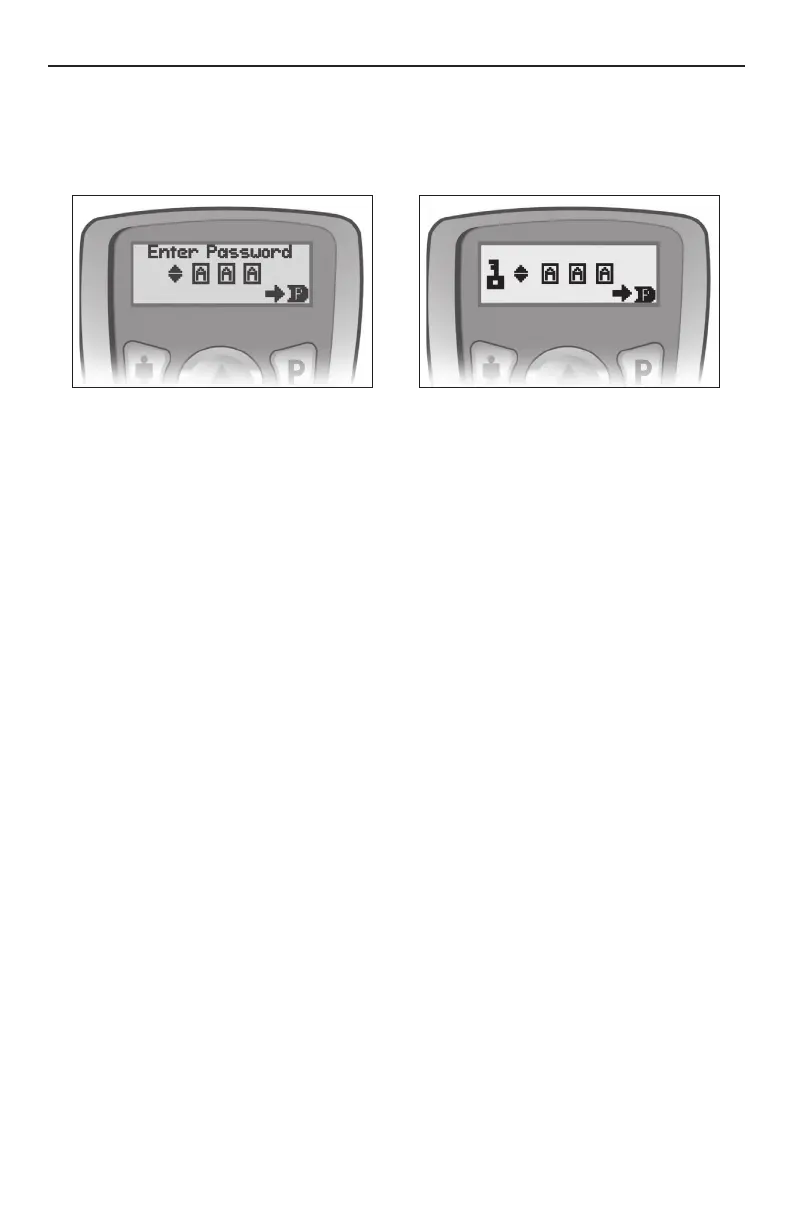
To enter the password:
The rst character is highlighted when the Enter Password screen opens. To scroll through possible
characters, use p or q. To select/conrm any character and move to the next character position, press P.
If the correct password is entered, the link between the Remote Control and the Stimulator is broken
immediately. The Remote Control will display the “Link?” message. However, the programs in the Remote
Control will remain intact.
If an incorrect password is entered, the process is aborted and the Remote Control will return to the Clinician
Options menu.
Selection #4 – To Choose Language
When the “Language” option is chosen from the Clinician Options menu, you may scroll through the seven
language options by pressing p or q. Use the P button to select English, Spanish, French, Italian, German,
Dutch, or Iconic Symbols when the language is highlighted.



 To Next Page