Precision™ Spinal Cord Stimulator System Clinician Manual
Clinician Manual
97035873-01 54 of 75
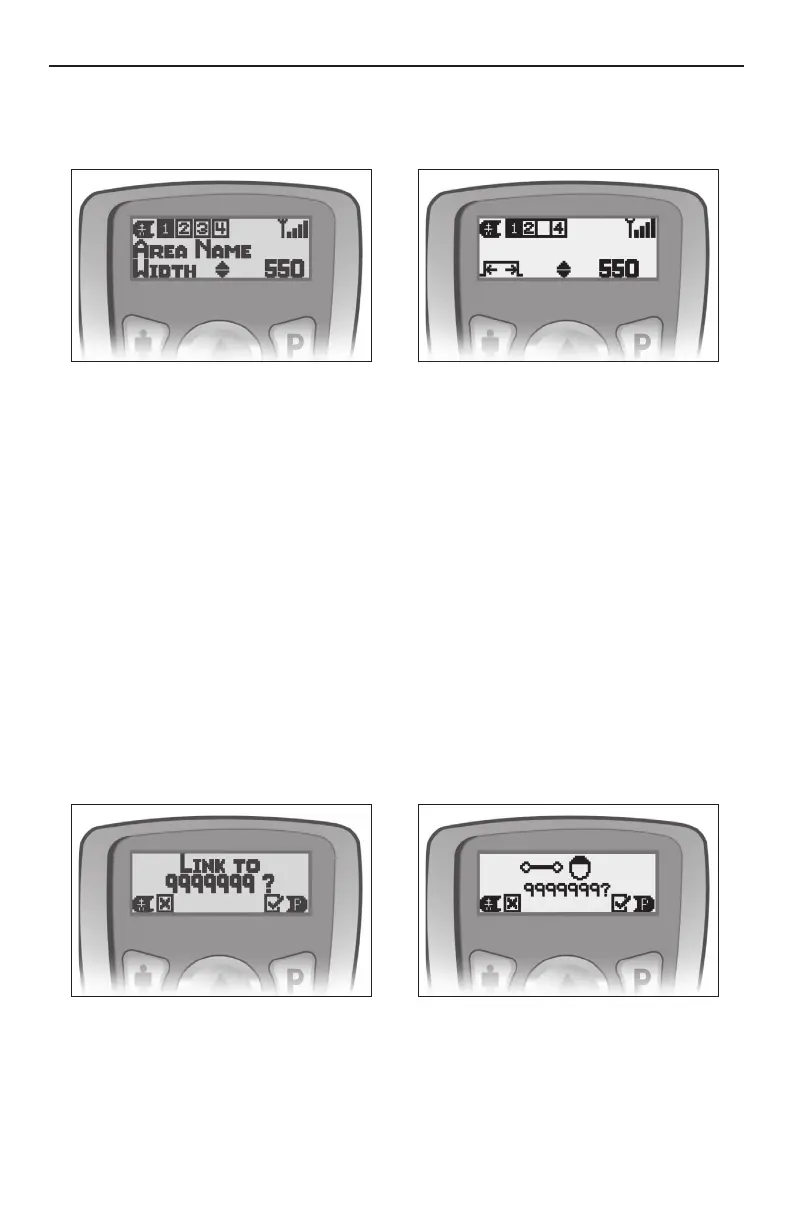
To Access the Pulse Width and Rate Options (if enabled through Bionic Navigator):
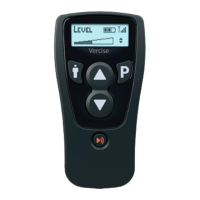
1. Press and hold the " button on the Remote Control for three seconds until the Pulse Width screen
appears. This is indicated by “Width” in the bottom left corner of the screen.
2. Area 1 will initially be highlighted. Press the " button to cycle to the Area you wish to adjust.
3. When the desired Area is highlighted, press p or q to increase or decrease the Pulse Width.
4. To continue to Rate adjustment, press and hold the " button for three seconds from any Pulse Width Area
screen. The Rate screen is indicated by “Rate” in the bottom left corner of the screen.
5. Area 1 will initially be highlighted. Press the " button to cycle to the Area you wish to adjust.
6. When the desired area screen is highlighted, press p or q to increase or decrease the Rate.
7. To return to the main Level screen, press and hold the " button for three seconds until the Level screen
appears.
Device Linking
A Remote Control can communicate with only one Stimulator at a time. This prevents the Remote Control
from accidentally controlling an unintended device. In the linking process, the Remote Control will identify, by
telemetry, the intended Stimulator for communication.
1. Press and hold the P button to unlock the Remote Control and initiate communication between the
Remote Control and the Stimulator.
2. If the Remote Control is not linked to a Stimulator, it will display a “Link?” screen. Press P to link. The
Remote Control will search for the nearest Stimulator.
If the Remote Control is already linked to a Stimulator, it may continuously search for it. This link must be
cleared before a new link can be established. (See “Clinician Options” on page 55).
3. The Remote Control will identify the Stimulator by serial number. Verify before proceeding.



 To Next Page