Rechargeable Stimulator System
Clinician Manual
97035873-01 55 of 75
4. Press P to conrm and continue. Press " to cancel.
When linking with a Trial Stimulator, the Remote Control will ask whether existing programs on the Trial
Stimulator should be cleared. If the programs on the Trial Stimulator are cleared and if the Remote Control
contains existing programs, it will then ask if these should be used.
When linking with an IPG, the Remote Control will automatically use any programs stored in the IPG. If the
IPG contains no programs and the Remote Control contains existing programs, it will ask whether to use the
programs from the Remote Control.
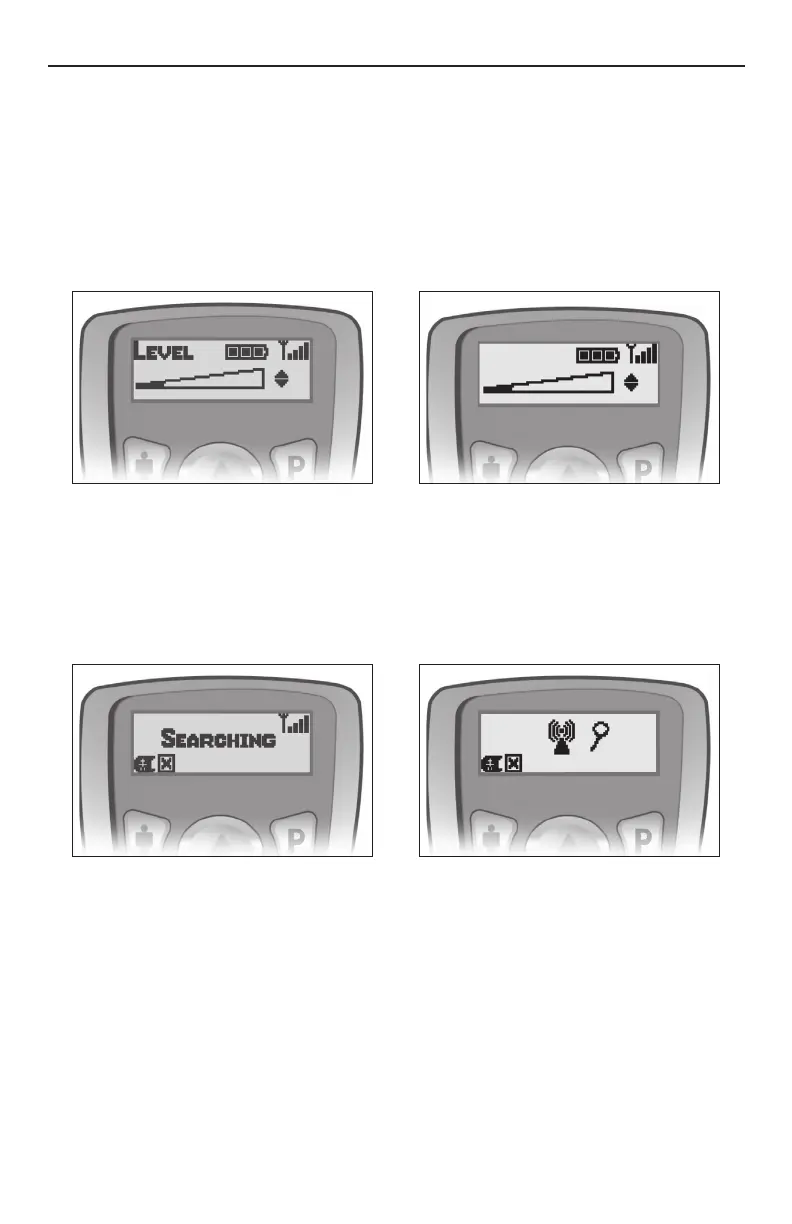
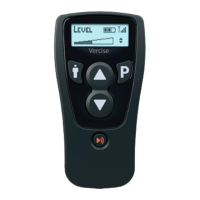
When the link is established, you will see the main Level screen:
Searching
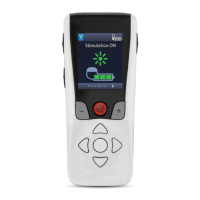
If there is a loss of communication, the Remote Control will automatically begin “searching” for the Stimulator.
Move the Remote Control closer to the Stimulator and/or reorient its position to help it locate the Stimulator.
To cancel searching, press and hold the " button.
If, after searching, the Remote Control is unable to locate a Stimulator, it will display a message indicating no
response. Press P to retry searching or press " to cancel.
Clinician Options
Additional clinician functions are available on the Remote Control. These functions include:
• Communication with the clinician programmer
• Electrode impedance monitoring
• Linking the Remote Control and Stimulator
• Language selection
To access the Clinician Options menu:
1. Press the " and P buttons simultaneously for three seconds. The Clinician Options menu will appear.
2. Press the p or q button to navigate the Clinician Options menu.
3. Each option is discussed below.



 To Next Page