Precision™ Spinal Cord Stimulator System Clinician Manual
Clinician Manual
97035873-01 56 of 75
Selection #1 – CP Mode
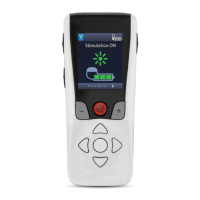
1. From the Clinician Options menu, highlight “CP Mode” and press the P button to select this menu item.
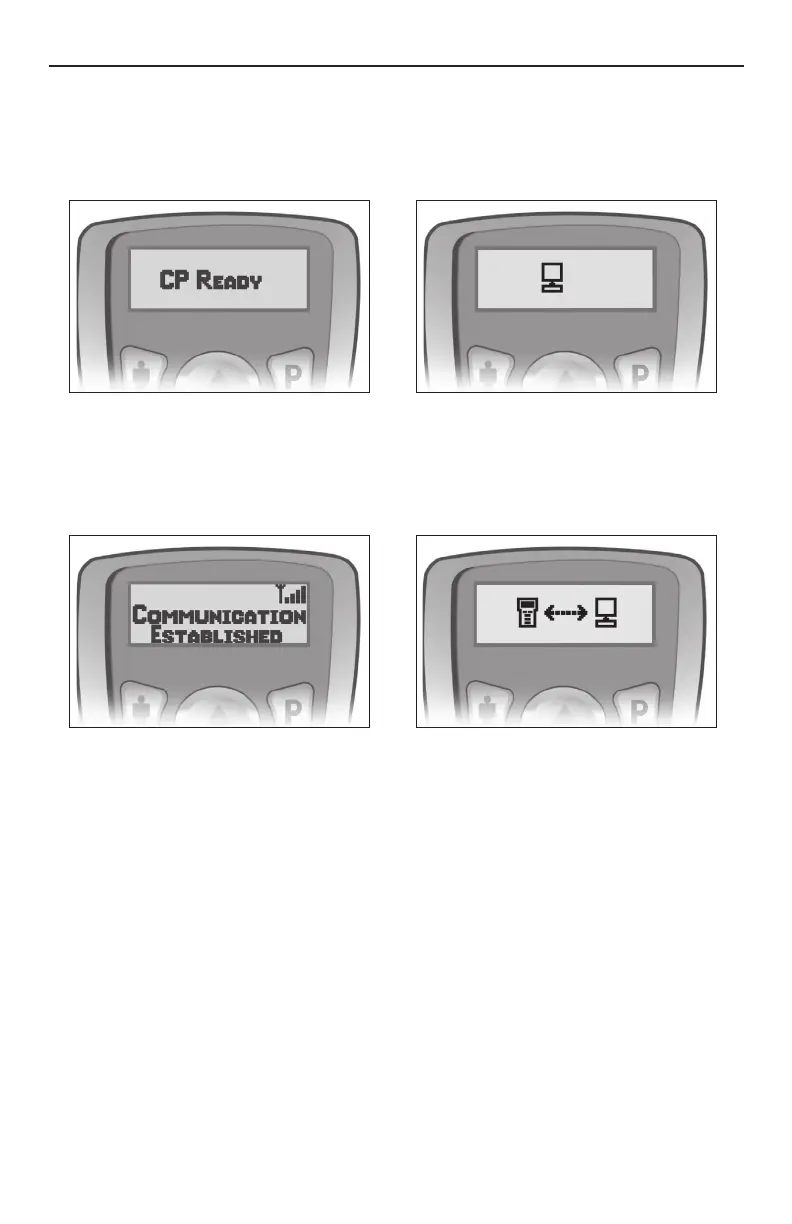
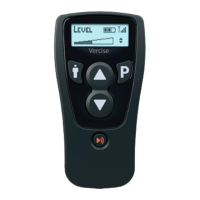
This will prepare the Remote Control for communication with the Clinician Programmer (CP). When in CP
Mode, “CP Ready” will appear on the Remote Control screen.
2. Place the Remote Control and the IR dongle in the plastic IR Holder so that their communication ports are
facing each other.
3. Plug the dongle’s USB connector into the appropriate connector on the CP.
4. Launch the BionicNavigator software and wait for the “Communication Established” message.
Note: • The Remote Control will remain CP Ready for up to 15 minutes with no activity.
• All buttons are active during CP Ready and pressing any button returns the Remote Control to the
Level screen.
• Stimulation may be turned on or off in CP Ready state.
• Whenever the Remote Control is re-activated from idle mode the display will default to the Level
screen.



 To Next Page