Rechargeable Stimulator System
Clinician Manual
97035873-01 57 of 75
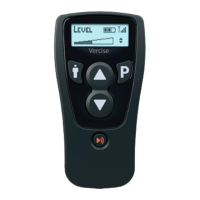
The Clinician Programmer can communicate with either an External Trial Stimulator or an IPG.
Arrange for the patient to be seated within two feet of the Remote Control to ensure an adequate
communication link from the programmer to the Stimulator.
For instructions on how to use the Clinician Programmer with the BionicNavigator software to program the
IPG and transfer programs to the Remote Control, see the BionicNavigator Software Guide.
Selection #2 – Impedances
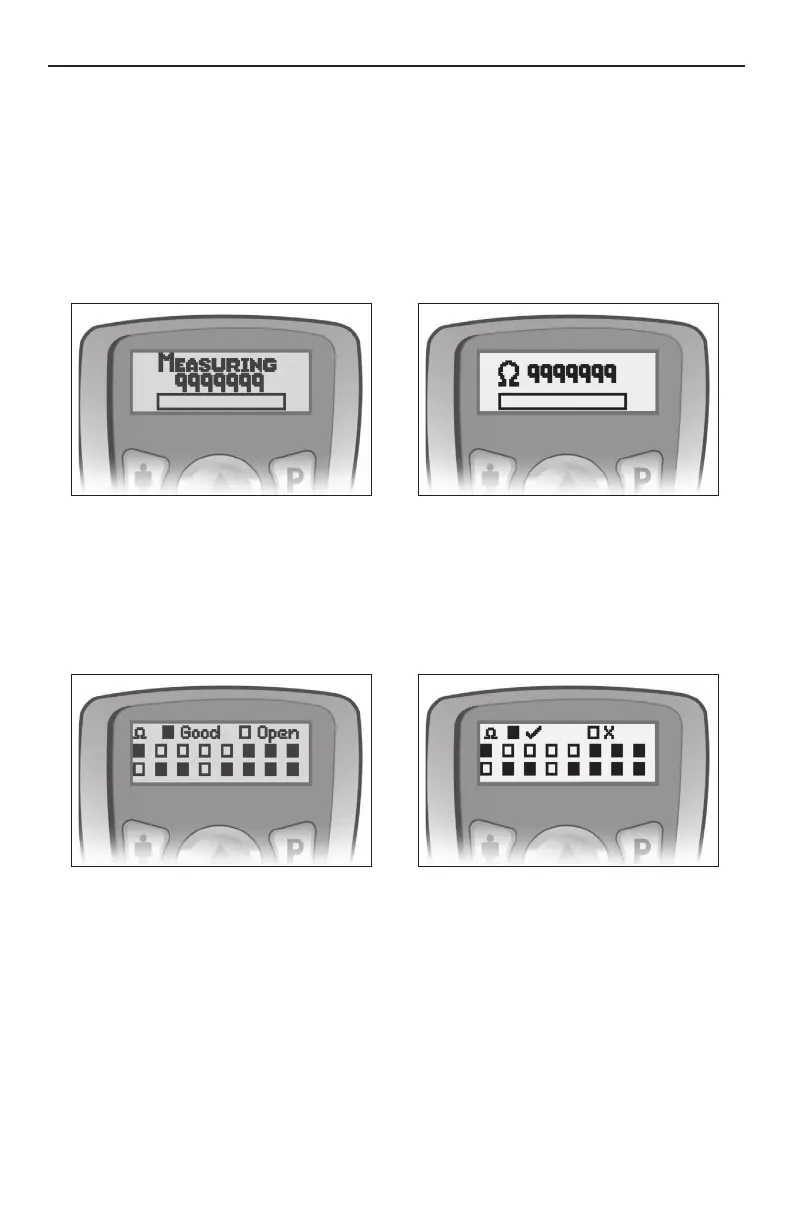
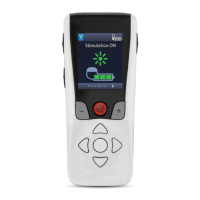
When the “Impedances” option is selected from the Clinician Options menu, the Remote Control will measure
impedances at each contact on the lead(s). This will take about 10 seconds.
Note: During this measurement the serial number of the Stimulator will be displayed on the screen.
The Remote Control will display the contact impedance status screen.
Contacts 1 through 8 (lead position “1-L”) are represented by the rectangles in the top row, starting with
contact 1 on the left. Contacts 9 through 16 (lead position “2-R”) are represented by the rectangles in the
bottom row, starting with contact 9 on the left.
Contacts within the typical impedance range are displayed as solid rectangles. High impedance contacts
(above 4500 ohms) are represented by hollow rectangles.




 To Next Page