Rechargeable Stimulator System
Clinician Manual
97035873-01 53 of 75
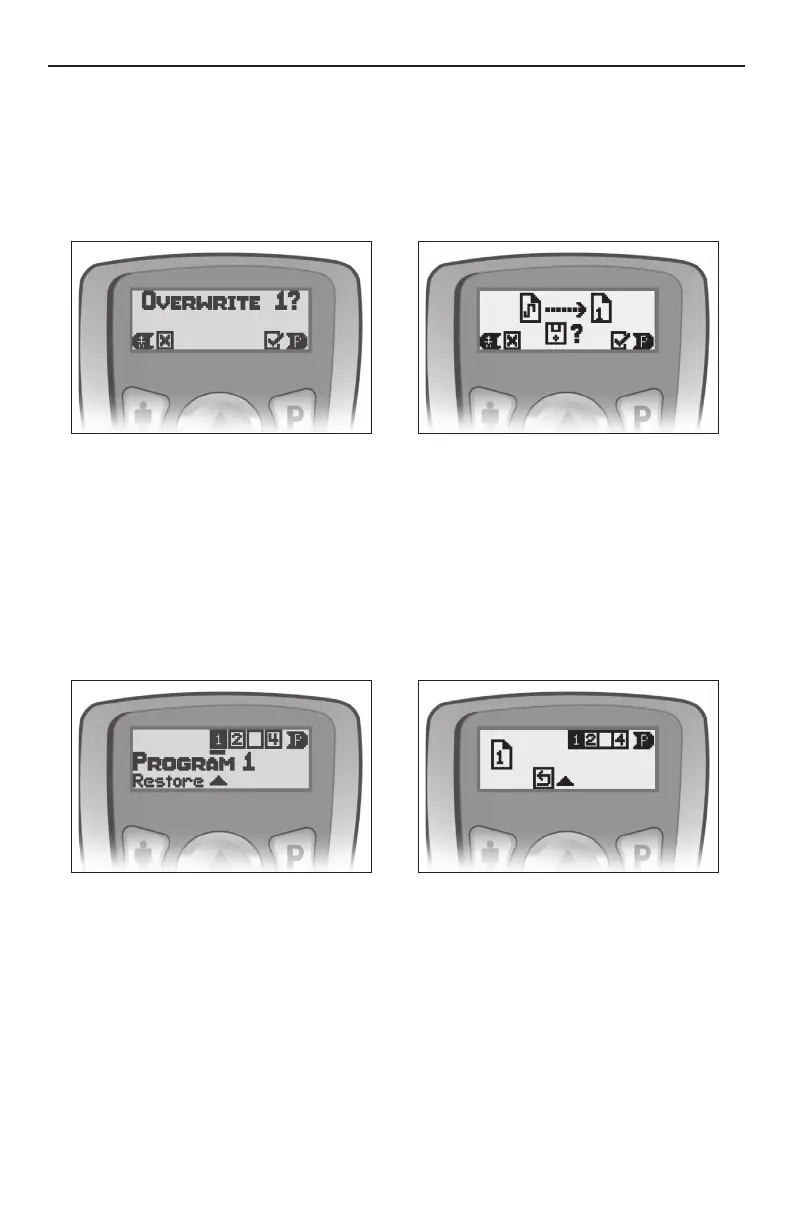
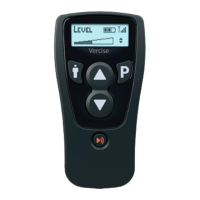
1. Press P once to access the Program selection screen, and then press P as needed to highlight the
desired program.
Note: Typically, patients will want to highlight the currently running program. This program is underlined (__).
Highlighting the underlined program will save the new settings to the currently running program.
2. To save/store changes, select the appropriate program number and press q. A conrmation screen will
appear.
3. Press P to conrm and overwrite, or press the " button to cancel the operation.
Restoring Programs:
The original clinic programs can be restored by following the instructions below.
1. Press and hold P for approximately 3 seconds to access the Restore screen. Program 1 will be
highlighted.
2. Press the P button to cycle through the programs and select the program to be restored.
3. Press p to restore the clinic-programmed settings.
Coverage Area Selection
Each program can consist of up to 4 different coverage areas (Areas). The stimulation strength and other
settings for each Area can be adjusted.
1. Press the " button to access the Area level screen. This controls the stimulation strength for each Area
individually. Press the " button as needed to highlight a specic stimulation coverage area.
2. Press the p or q button to adjust the stimulation strength (amplitude) of the selected Area.
Additional Area Options
The Pulse Width and Rate parameters are available as programming options to allow patients greater control
of their therapy. By default, access to Pulse Width and Rate are disabled in the patient Remote Control.
Access to these parameters can be enabled through the BionicNavigator software.



 To Next Page