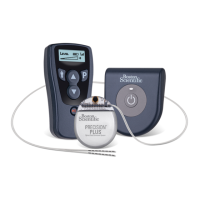
Precision™ Spinal Cord Stimulator System Clinician Manual
Clinician Manual
97035873-01 52 of 75
Stimulation Amplitude
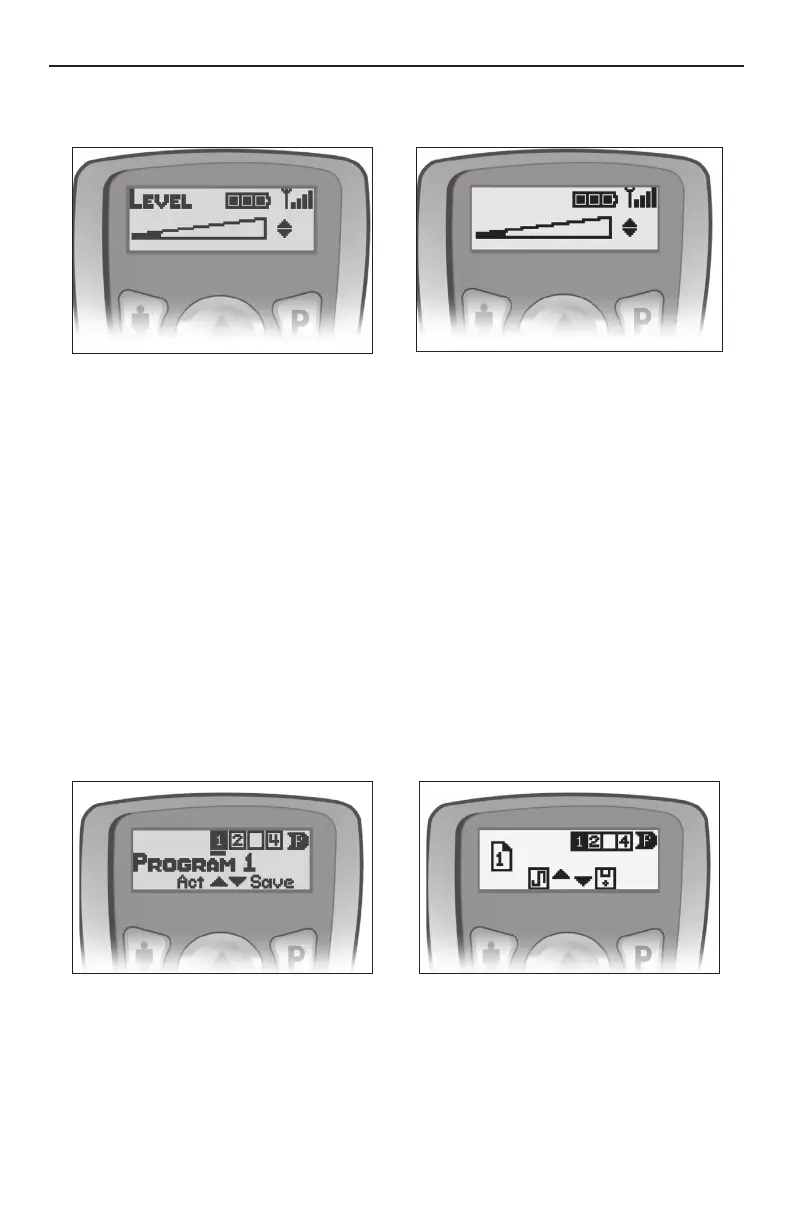
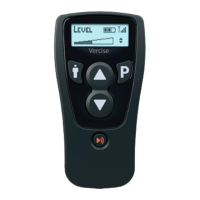
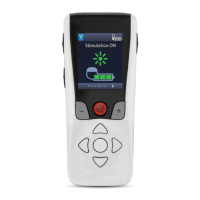
The Level screen is the Remote Control’s “default” screen.
Press the p or q button from the Level screen to increase or decrease stimulation strength.
Stimulator Battery Status
The Level screen also displays the Stimulator battery status in the top center of the screen. Three solid
bars represent a fully charged Stimulator. As the Stimulator battery depletes, depending on the patient’s
stimulation settings and usage, the bars will “empty” accordingly. For their convenience, patients are
encouraged to recharge the Stimulator at the rst “Recharge Battery Soon” message displayed by the
Remote Control. Due to Zero Volt™ Technology, the Stimulator can be completely and repeatedly discharged
without causing battery failure.
Program Selection and Activation
Note: The program that is currently or was most recently running will be underlined ( _ ). Empty program slots
are denoted by an empty box [ ] with no program number.
1. Press the P button from the Level screen to go to the Program selection screen. Program 1 will be
highlighted.
2. From the Program selection screen, press the P button to highlight the next program number. Press the "
button to select the previous program number. Pressing the P button from program 4 or the " button from
program 1 returns to the Level screen.
3. Highlight the desired program and press p to activate the program.
Modifying and Saving Programs
If the stimulation amplitude, pulse width, or rate (see “Additional Area Options” on page 53) have been
changed, the new settings can be saved by following the instructions below.




 To Next Page