Rechargeable Stimulator System
Clinician Manual
97035873-01 51 of 75
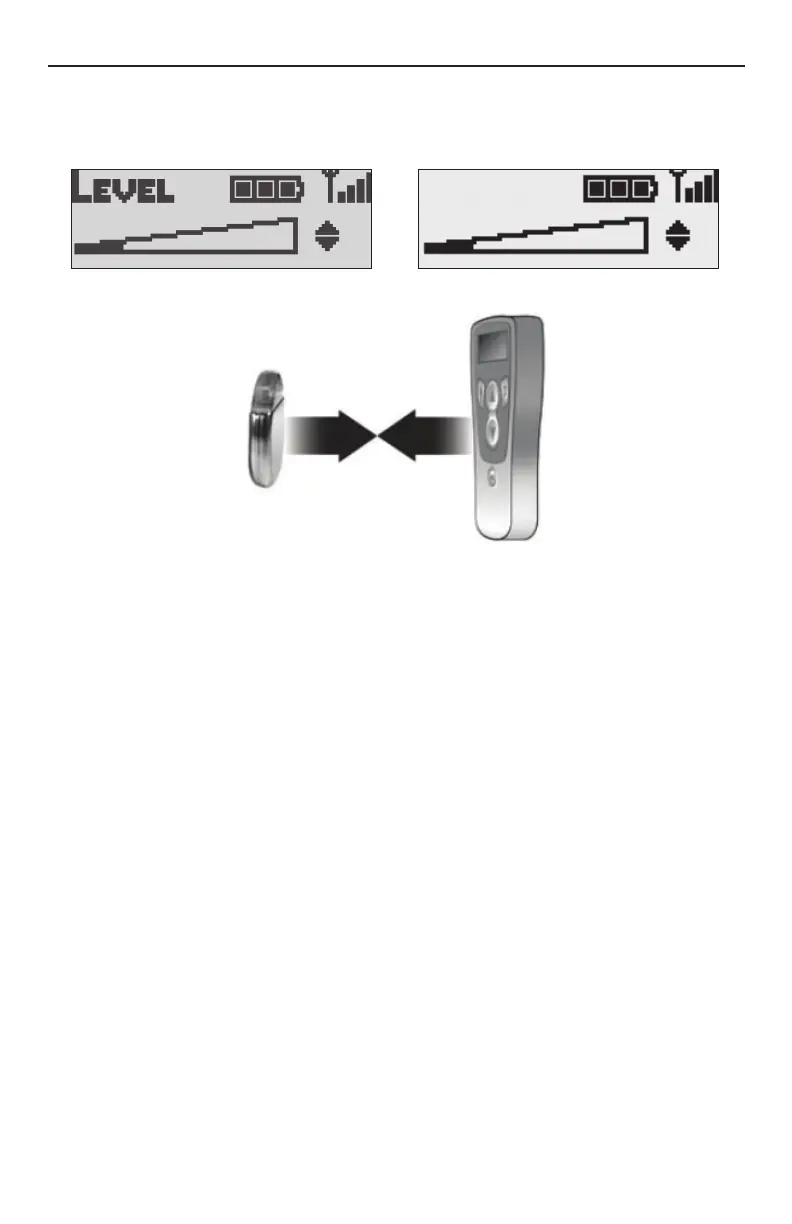
Signal Strength
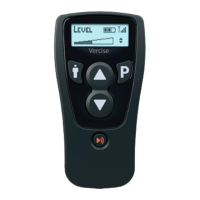
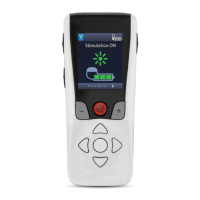
The Remote Control indicates the communication signal strength between itself and the Stimulator in the
upper right corner of the display.
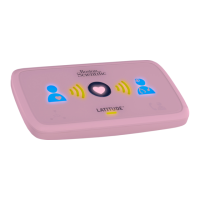
For BEST communication, your Remote Control should face the Stimulator.
• If there are no signal bars, communication may still be achieved at a very weak level. Move the
Remote Control closer to the Stimulator and/or reorient its position to improve communication.
• If there are 1 or 2 signal bars, there is adequate communication between the Remote Control and the
Stimulator.
• If there are 3 or 4 signal bars, the Remote Control is achieving optimal communication with the
Stimulator.
• If communication is unsuccessful, the Remote Control will display the “Searching” message. The
Remote Control will then start continuously looking for a signal. Either reorient the Remote Control
so that it faces the Stimulator (see picture above), move the Remote Control closer to the Stimulator,
or move away from potential sources of interference. To cancel searching press and hold the Area
Button ".
Note: Avoid common sources of communication interference such as televisions and computer monitors.
Note: Communication between the Remote Control and the Stimulator is not possible while charging.
Temporarily discontinue charging in order to use the Remote Control.




 To Next Page