15 / 30
4.2.5. Delete a step or steps
1. Enter „Edit“mode.
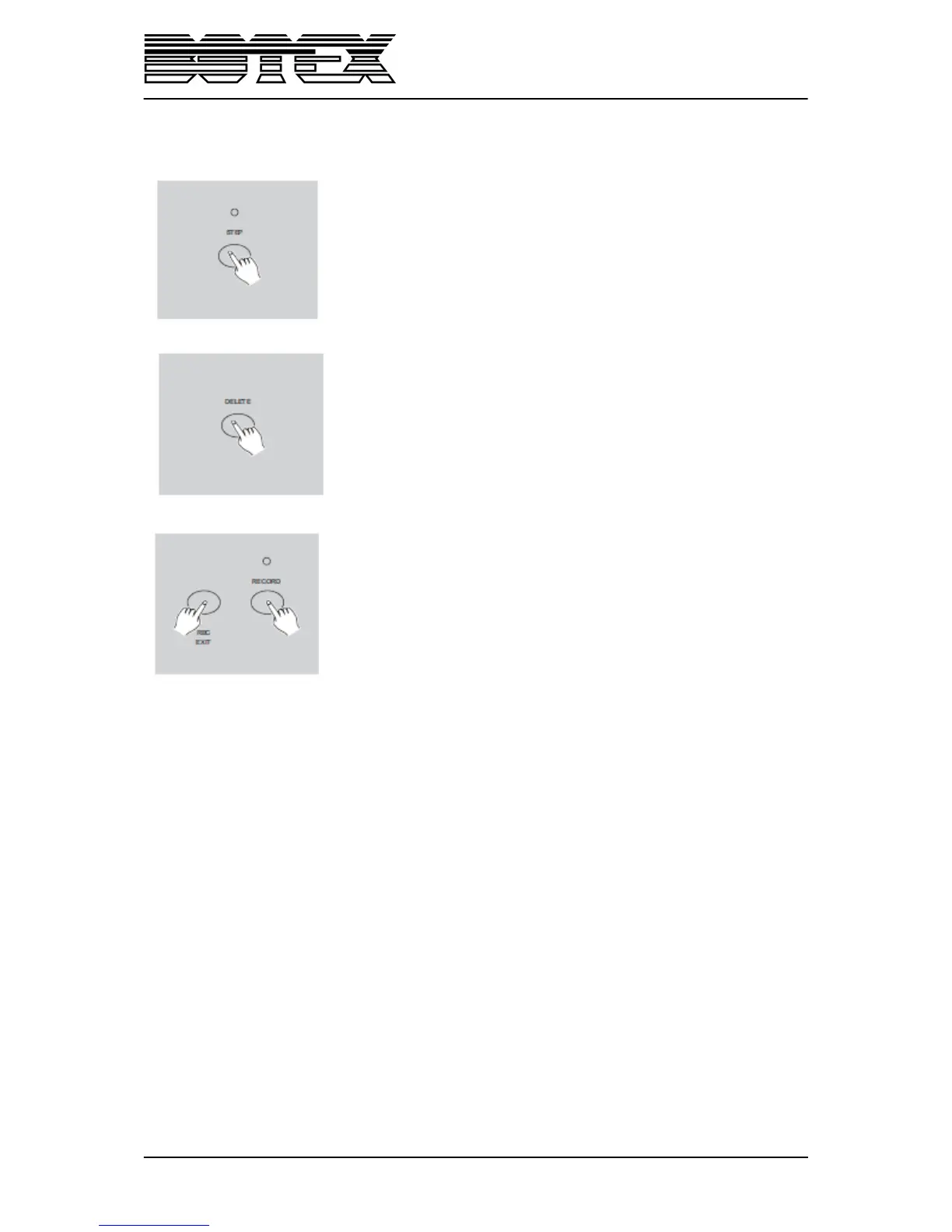
2. Tap the „Step” button to scroll to the step you wish to delete.
3. Tap the „Delete“button when you reach to the step you wish to
delete, all LEDs will flash briefly indicating the deletion of the step.
4. Continue steps 2 and 3 until all wanted steps have been erased.
5. Tap the „Rec Exit“ button while pressing and holding down the
„Record“ button the Scene LED goes out, indicating the exit of „Edit“
mode.
Example: Delete the third step of the program on „Flash“button 25 on Page 2.
1. Record enable.
2. Tap the „Mode Select” button to select „CHNS<>SCENE“mode.
3. Tap the „Page” button until „Page 2“LED lights.
4. Tap the „Flash” button 25 while pressing and holding down the „Edit“button, the
Scene LED lights.
5. Tap the „Step” button to scroll to the third step.
6. Tap the „Delete” button to delete the step.
7. Tap the „Rec Exit“ button while pressing and holding down the „Record“ button to
exit the „Edit“ mode.


 To Next Page