Getting Started
If you press briey on the power button, the screen will switch off but not the
device.
You can choose whether to store your multimedia files on the tablet’s internal
memory or directly onto the MicroSD card. Remember that any content stored on
the MicroSD card will not be available when the card is removed, and any apps stored
on there will no longer function.
Push the card in until you hear a slight click to indicate that the card has been
released. When you remove your nger, the card will slide partially out of the slot,
allowing you to remove it completely.
Switching the Device On and Off
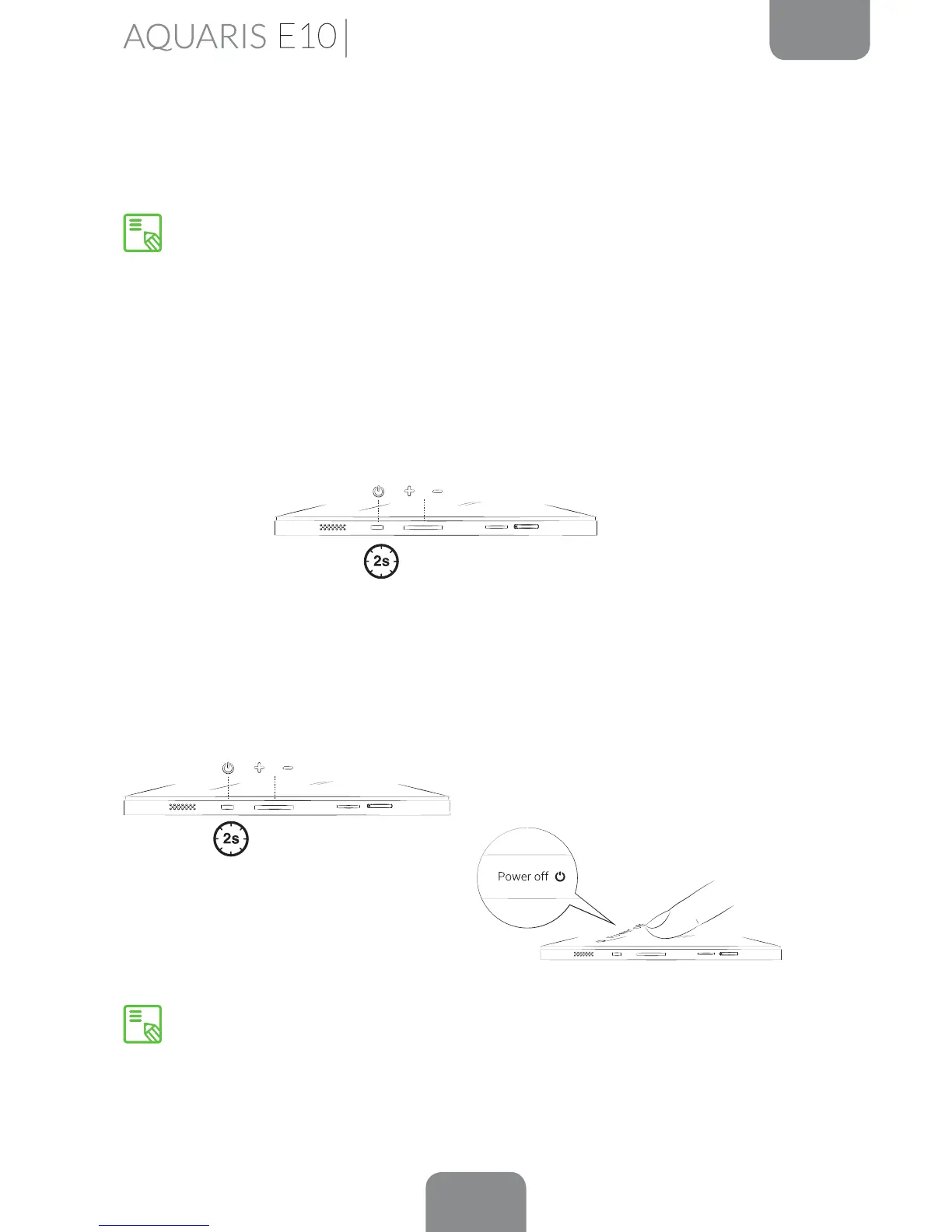
To switch on your Bq Aquaris E10 / Aquaris E10 3G, press and hold down (for a few
seconds) the power button located on the side of the tablet.
To switch off the device, press and hold down the power button until a pop-up menu
appears, containing a number of different options. Select the Power off option in
order to switch your device off completely.



 To Next Page