Settings
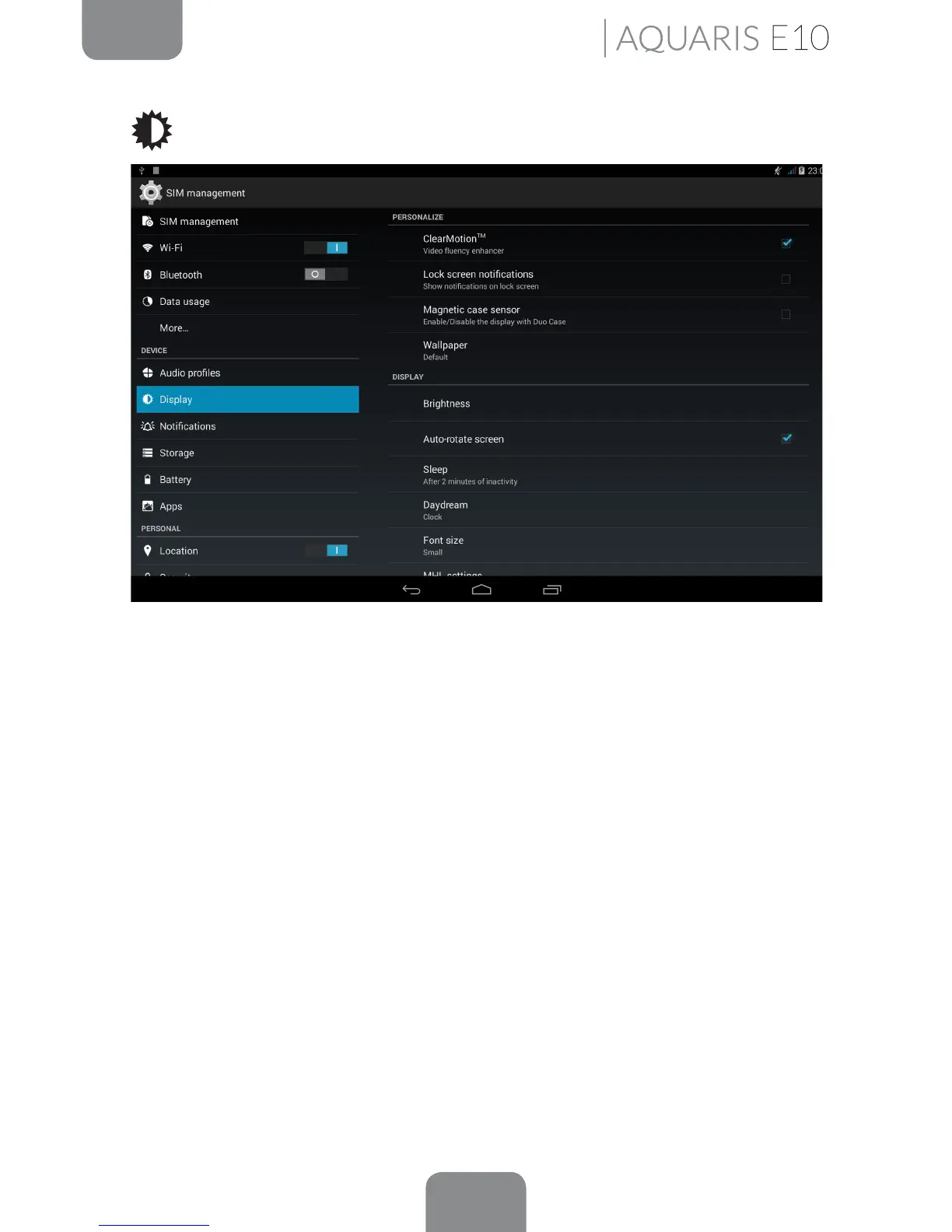
Display
ClearMotion
TM
: Increases the number of frames and enhances the video uency.
Lock screen notications: Enable or disable this option to display the notications
received on your Bq when the screen is locked.
Wallpaper: Select an image or video to use as wallpaper. You can choose between
live wallpaper, system wallpaper, photos from your Gallery or video images.
Brightness: Adjust the screen brightness level.
Auto-rotate screen: Enable or disable automatic screen rotation when turn your
tablet sideways.
Sleep: Set the time delay before the screen automatically switches off.
Screensaver: Enable or disable this option.
Font Size: Choose from four different font sizes.
MHL settings: The MHL connection provides mobiles devices with 1080p Full HD
digital output (sound at 192 kHz and 7.1, up to 8 digital audio channels), and allows
portable electronic devices to be connected to high denition televisions (HDTV).
The MHL connection also helps to save battery power while the device is connected.
Cable not included.



 To Next Page