Multimedia
MULTIMEDIA
Camera
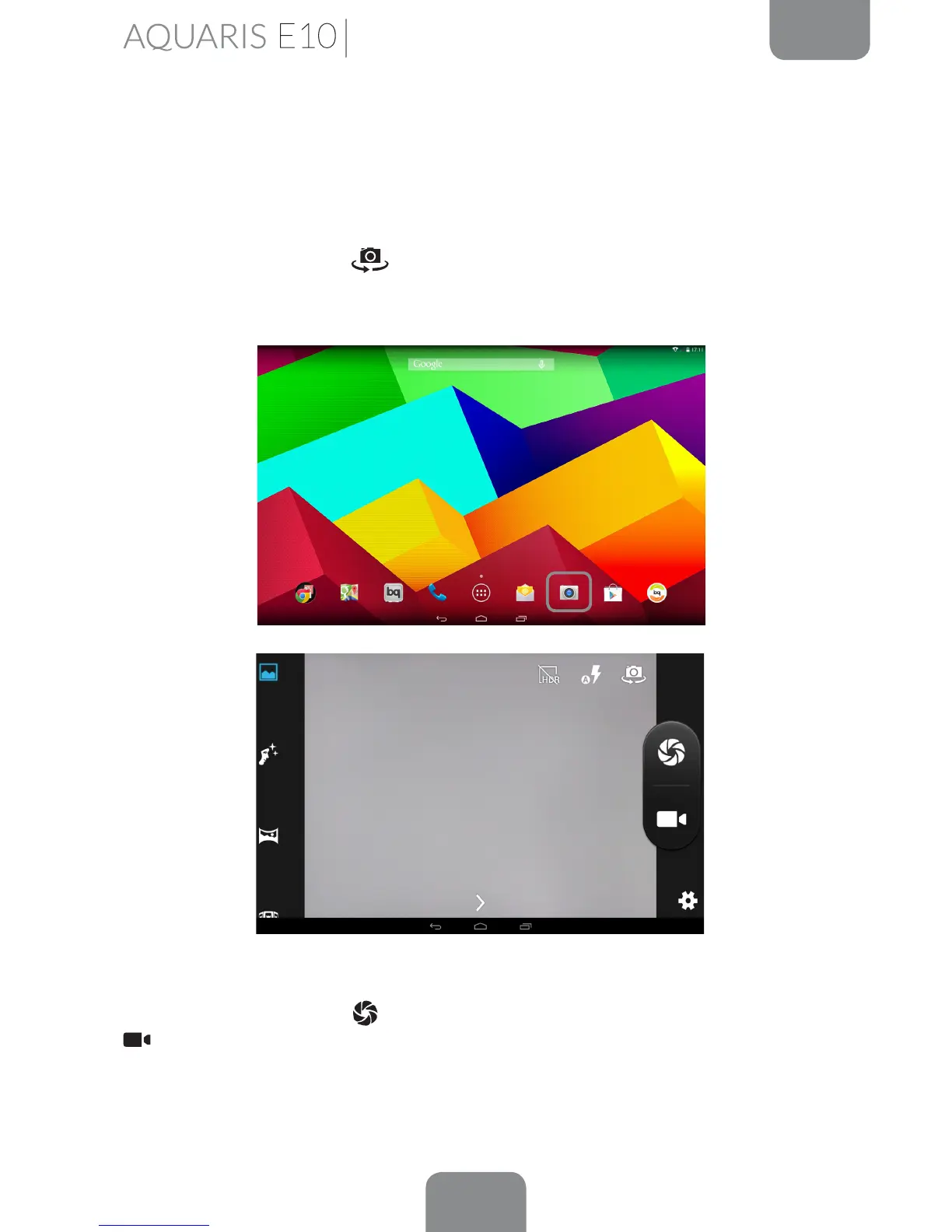
Your tablet has a front and a rear camera. To enable them, go to Menu > Camera or
directly access the camera from the Home screen. To switch from one to other, press
on the corresponding icon
at the top right of the screen. Both cameras capture
images and videos with different resolutions, with those of the rear camera being
higher. The rear camera also has autofocus and ash.
To select from image or video capture, press one of the two icons to the right of the
screen; the shutter image
being for taking photos and the video camera image
for recording.
One of the default shooting modes is not available when the using the front camera.



 To Next Page