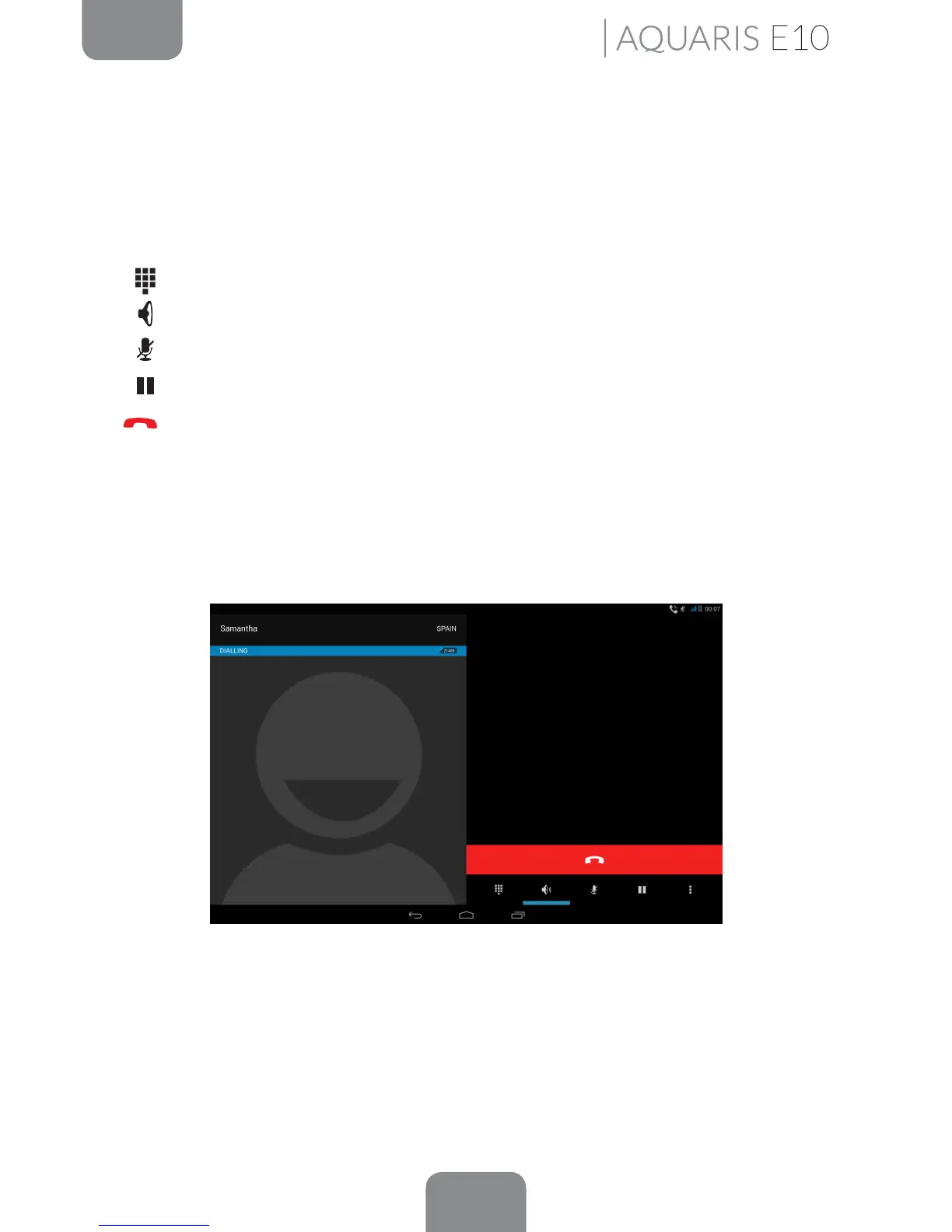
Options Available During a Phone Call
If you have answered the call, the top of the screen will show the caller’s name (if stored
on your lists of contacts), the phone number (mobile and/or landline), the country they
are calling from and the SIM card network in use for this call.
Various options will be displayed at the bottom of the screen during the call:
Open the keypad.
Activate the external speaker (useful for hands-free operation).
Mute the internal microphone.
Pause the call and place the caller on hold.
End the call by pressing the red phone icon.
· To add another contact to the call in progress:
- First place the call in progress on hold, and call the contact you want to add.
- When you are connected to the new contact, you will have the option of
alternating the conversations or combining them in a conference call.
You can also hide your number for outgoing calls, so that the person you are calling
won’t see your number.
Phone



 To Next Page