Settings
To congure the visibility timeout, rename your tablet, show received les or access
the advanced settings, press the Menu button
.
To connect your tablet to other devices, go to Settings > Wireless and networks > Bluetooth
and select the name that corresponds to your device. Your device will then be visible to
other devices for a period of 2 minutes.
To connect to another device, provided that both devices are visible, simply press
the name of the device you want to connect to. A pop-up window will appear on your
screen with a Bluetooth pairing request; accept the request and then synchronise
it with the other device. Press Pair on your Bq and conrm on the other device to
sync them.
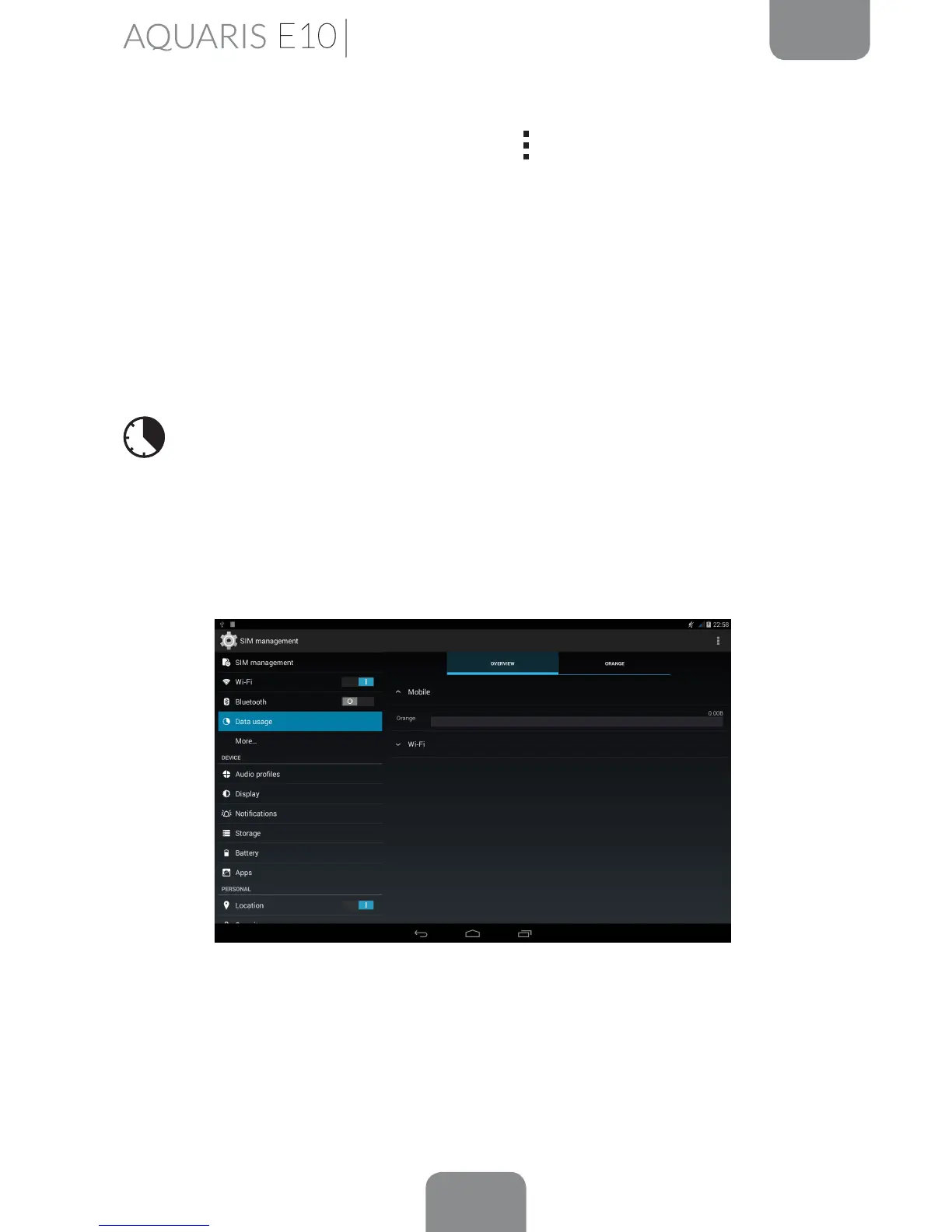
Data Usage
In this section, you can view the statistics of each application for data transfers via
Wi-Fi or mobile internet*. Under the Overview tab, you will see the data trafc for
today and in total, whereas under Wi-Fi, you can view the data trafc statistics for
each application.
More...
Here you can activate Aeroplane mode, manage Tethering and the virtual private
network (VPN) settings on your device.
* Only on the Aquaris E10 3G model.



 To Next Page