SETTINGS
WIRELESS SETTINGS
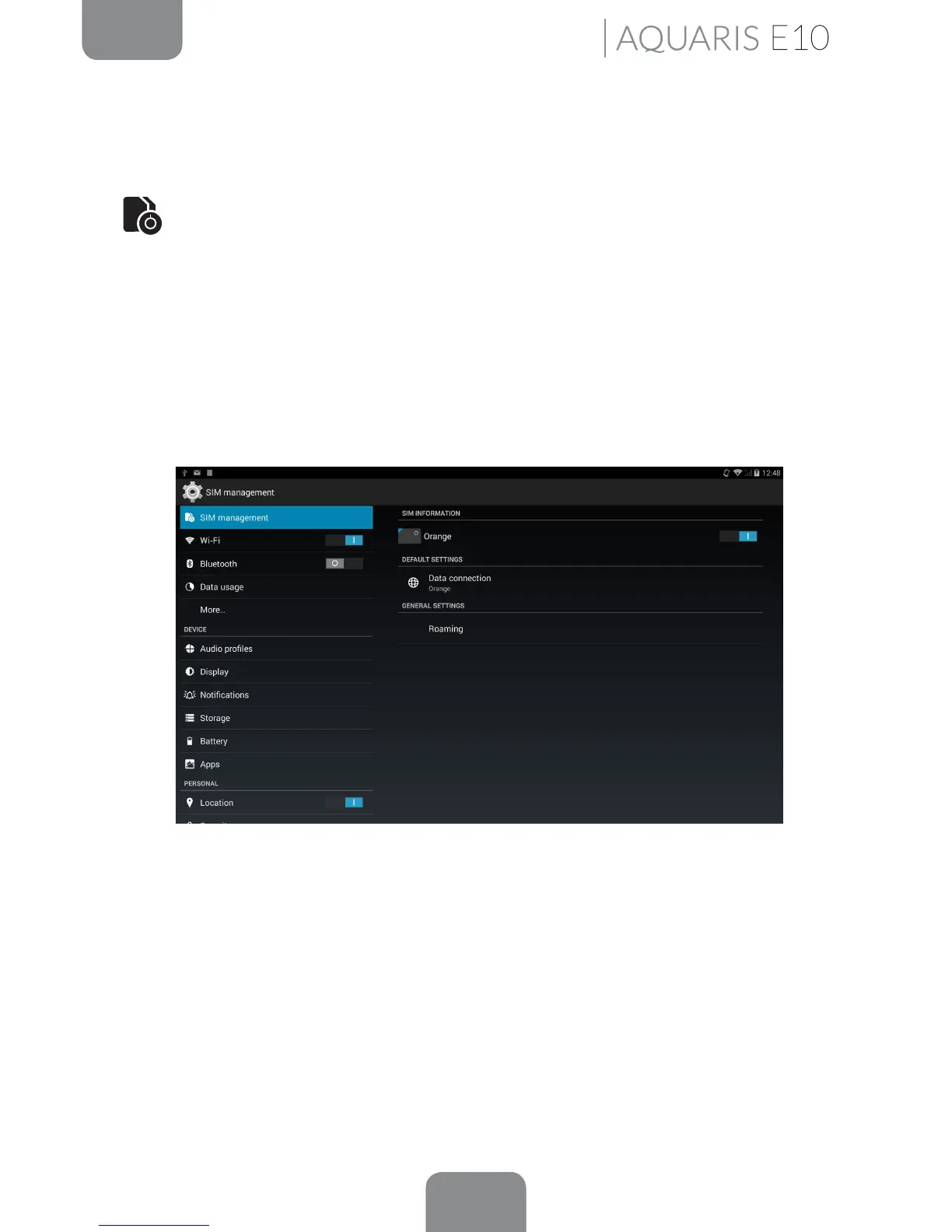
SIM Management*
You can select and deselect the SIM card for phone calls, video calls, sending
messages and the data connection. You can edit the SIM name, enter the phone
number, set the background colour and the display numbers.
Under General settings, you can congure the Roaming settings if you use your
tablet abroad, as well as the SIM card detection settings.
Settings
*Only on the Aquaris E10 3G model.



 To Next Page