Multimedia
Photo and Video Settings
To use the zoom function while taking photos or recording video, use the “pinch”
gesture on the screen before pressing the shutter button or commencing recording.
By pressing the
>
icon, you will access the general settings and an icon to enable
the front or rear camera:
Exposure: Adjust the level of the image contrast from 3 to -3. The default value
is 0.
Colour effect: Add effects to your multimedia les.
Scene mode: Adjust the settings according to the current light conditions.
The default setting is Auto.
White balance: Choose from seven types of light setting. The default
setting is Auto.
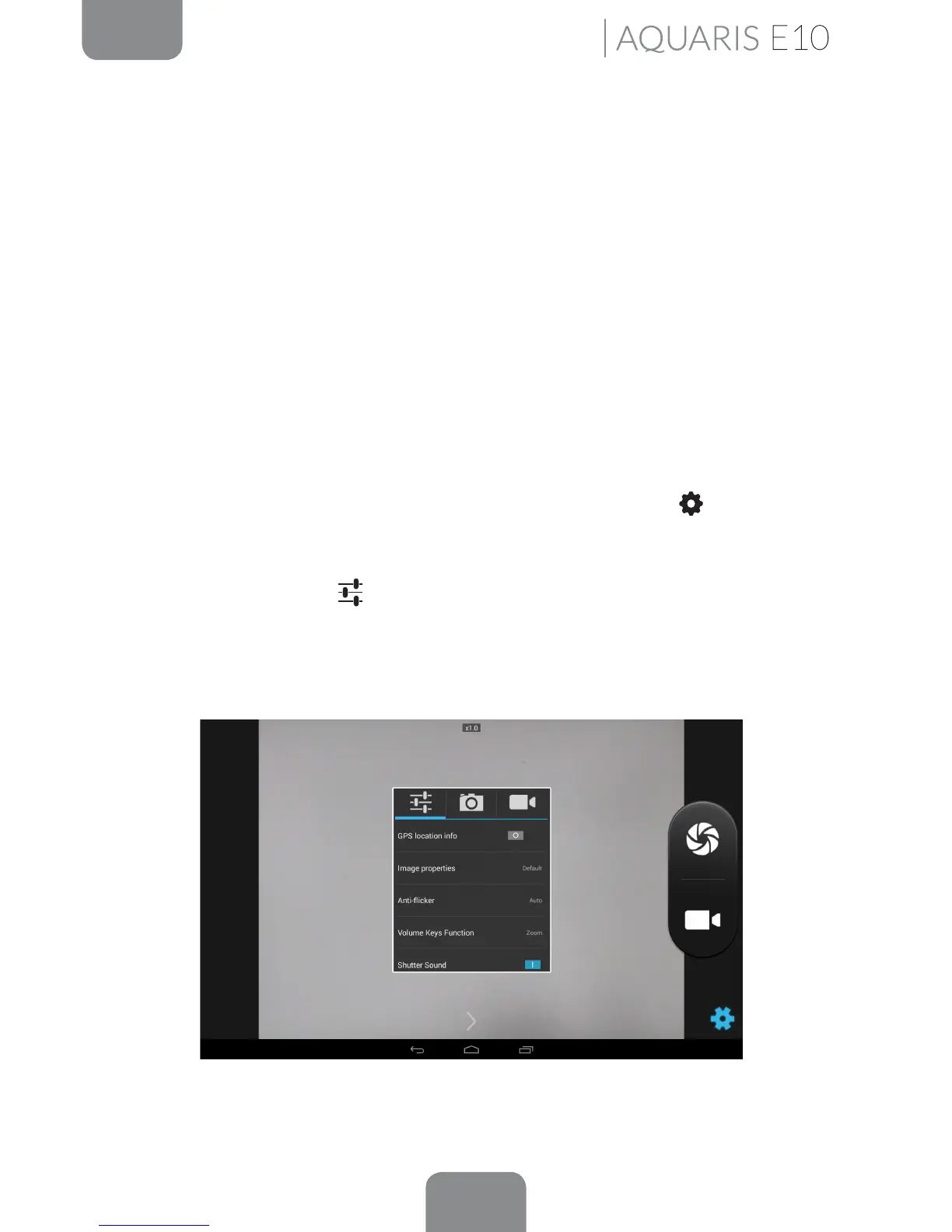
Depending on the option selected, on pressing the Settings icon in the bottom
right corner, a pop-up window will appear enabling you to adjust general, photo and
video settings:
· General settings
GPS location info: Enablee this option to add information on where your
multimedia le was created.



 To Next Page