Settings
Security
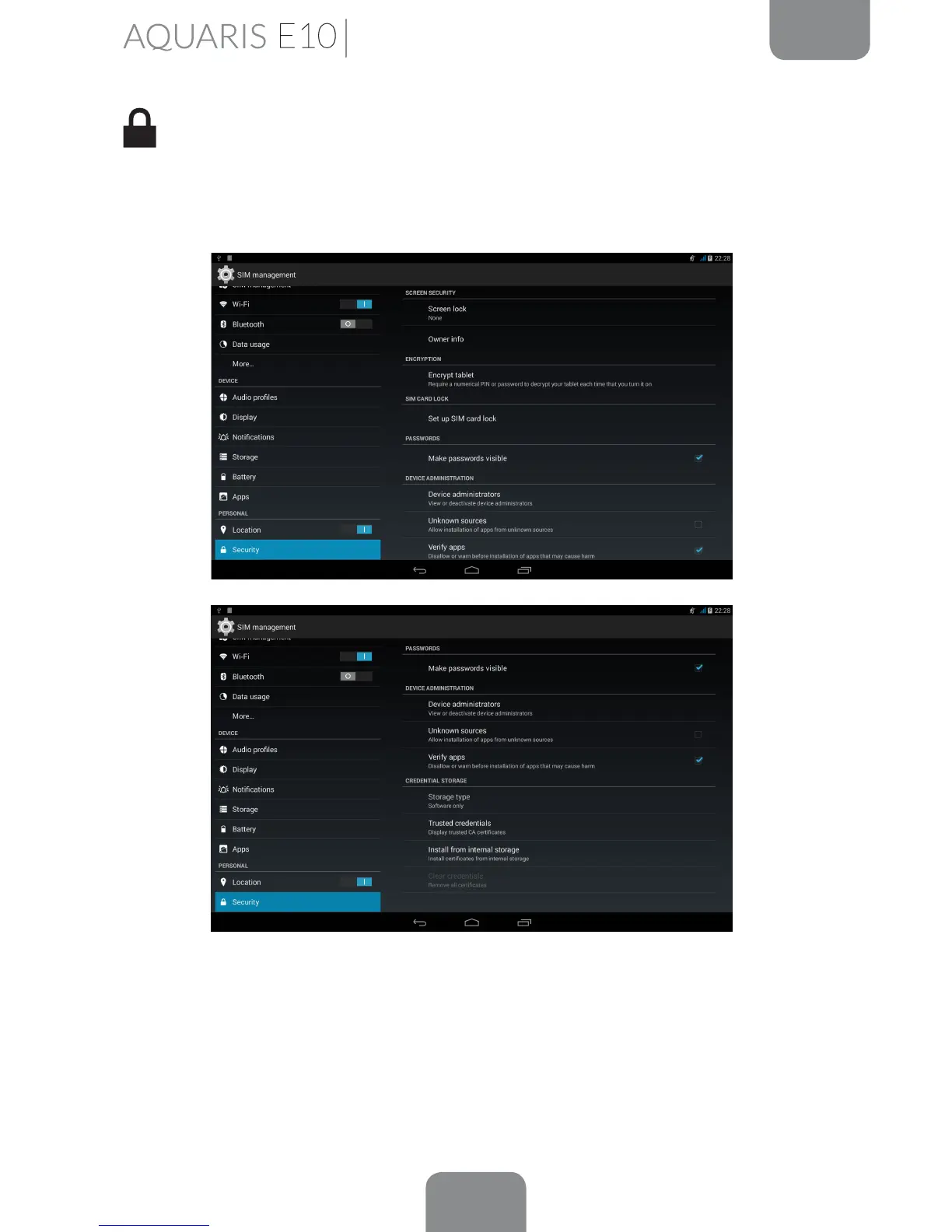
Here you can congure your tablet’s Screen lock (i.e. the type of lock and the owner
information to be displayed on the locked screen), activate the Encrypt tablet option
with a PIN or password to access your device.
Under Device administration, you can view or deactivate administrators, and enable
or disable installation of apps from outside the preinstalled app store (to nd out
how to install such apps, see the Apps section of this manual). You can also manage
the Credential storage, view trusted CA certicates and install certicates from
your SD card.



 To Next Page