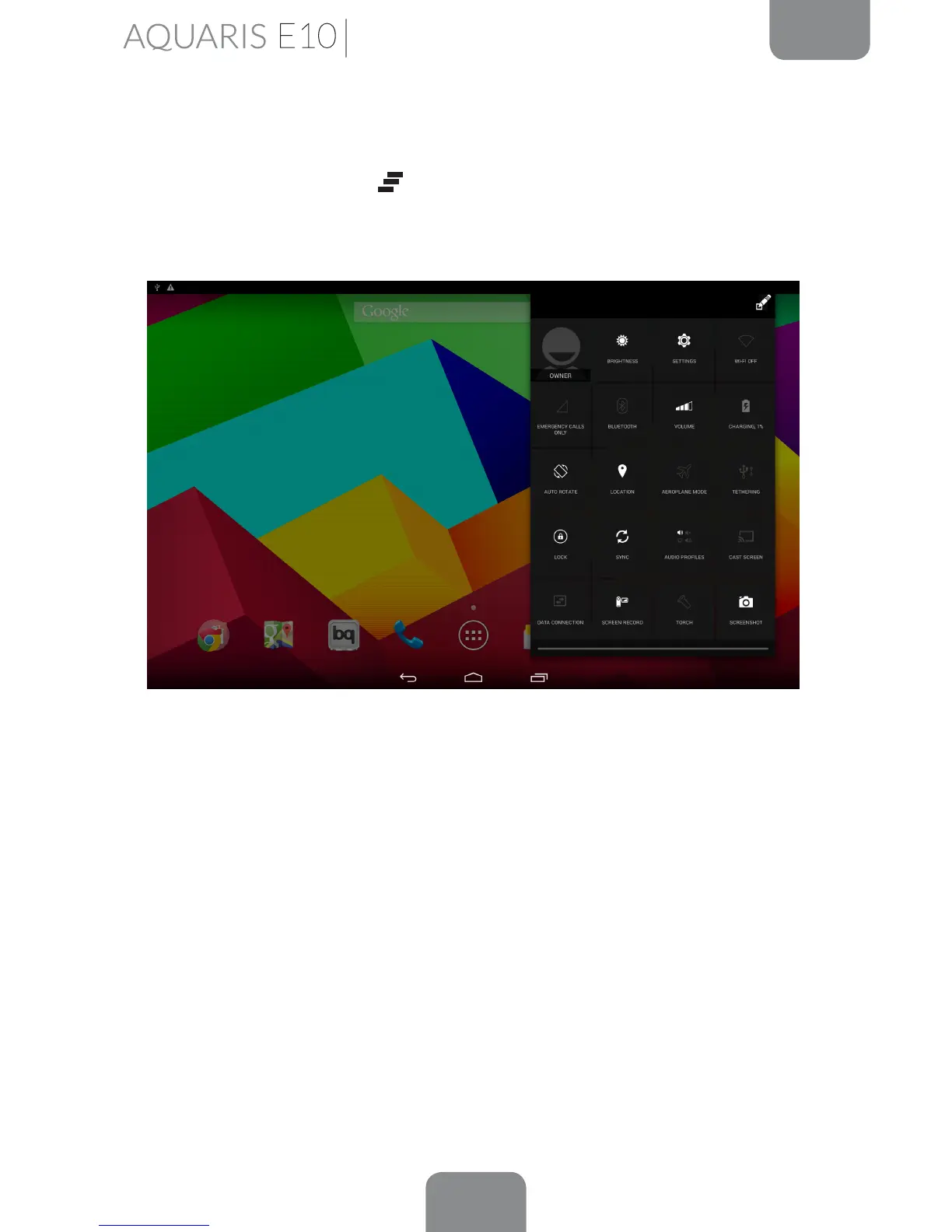
Notications Bar
Pull the bar down from the top left of the screen to view the notications. Delete all
notications by pressing the
icon, or delete each one by swiping it to the side
of the screen. Pull the bar down from the top right of the screen to view the Quick
Settings.
The list of options provide quick and easy access to many different settings, such as
the screen brightness and connections, etc.
Home Screen



 To Next Page