E-Mail
Setting Up Other Email Accounts
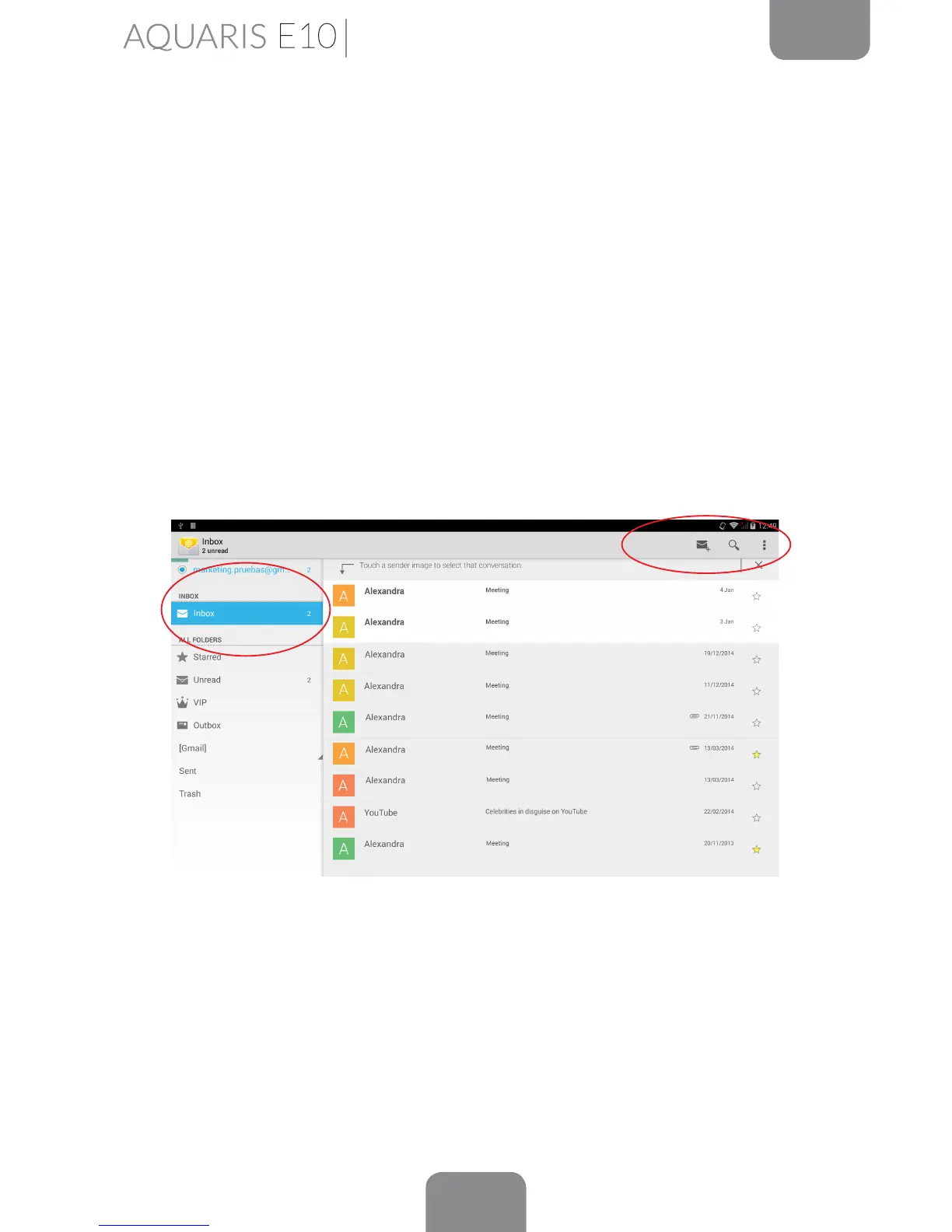
The Email app allows you to send and receive emails from any other accounts you
may have, regardless of provider. This app can be accessed via the App menu, or
through the Home screen.
When you open this app for the rst time you will be asked to enter an email address
and password, as shown in this image.
1.
Enter your email address. Then press Next.
2.
Congure the account settings (syncing, notications, etc.).
3. You can give the account an alias in order to identify it more easily..
4. Once the conguration is nished, syncing may take a few minutes to bring up all
the emails on screen.



 To Next Page