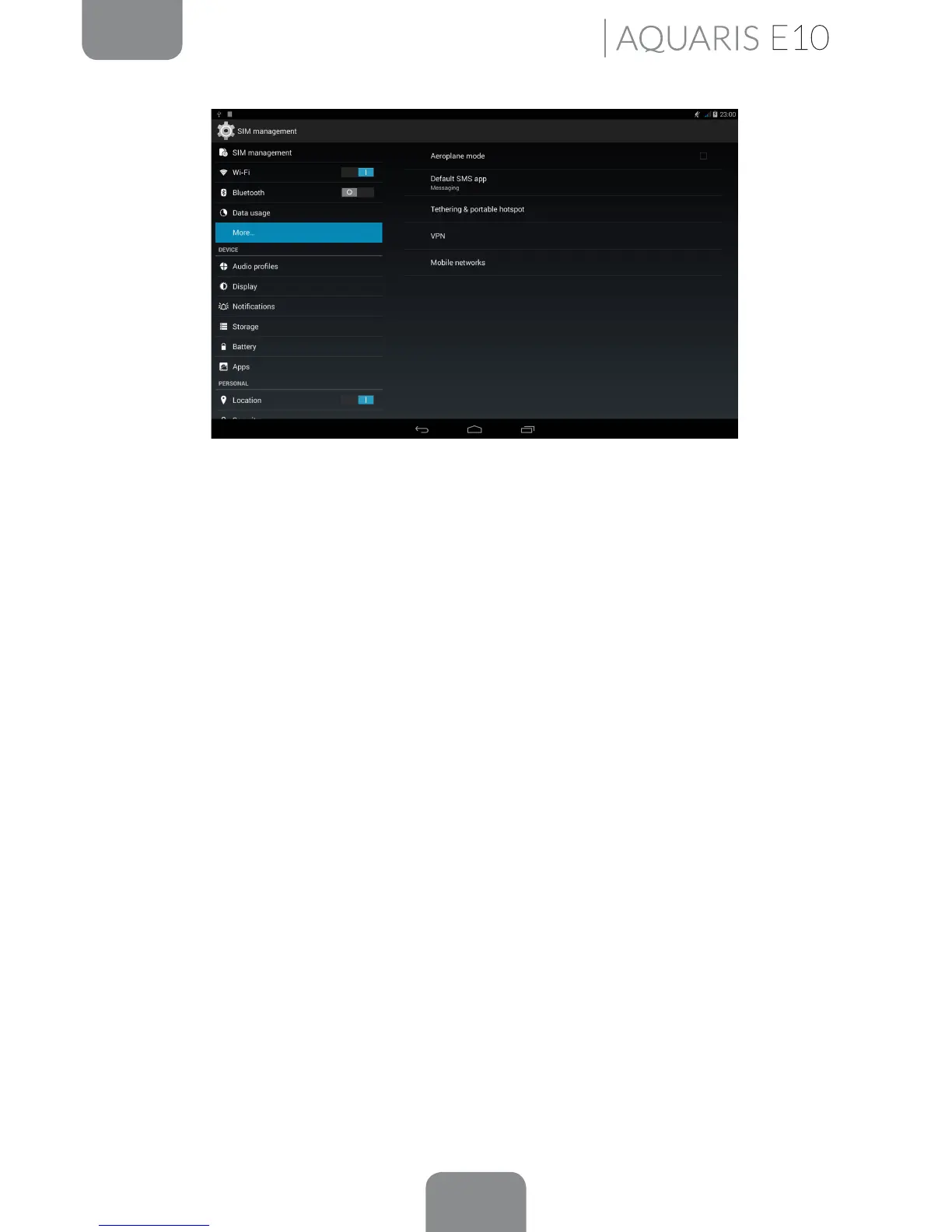
Settings
Aeroplane mode: Selecting this option will disable all wireless connections..
Default SMS app: Determine the application for sending SMS.
Tethering and portable hotspots: First make sure that your data connection service is
be enabled under Mobile networks. Then go to Tethering and portable hotspot and
enable the Wi-Fi hotspot.
Under Wi-Fi hotspot > Set up Wi-Fi hotspot, you can check your device´s SSID network
name and view your password (by ticking the Show password box). The same settings
must be entered on the device you want to connect to your shared Wi-Fi network.
You can limit it so that only specic users can connect.
To share your connection via USB, connect your tablet to a computer using the cable
and select the USB tethering option.
To share your connection via Bluetooth, select the Bluetooth Tethering option. To
share your device’s network with a computer, Bluetooth must be enabled on both
devices.
VPN: This option enables you to congure a virtual private network.
This option enables users of the Aquaris E10 3G model to manage the mobile
networks. You can enable or disable the modem, enable data via the mobile network,
view the APN of your operator, set the connection for data roaming services, limit
the use of 2G networks and select a network operator.



 To Next Page