Open the keypad.
1.
Press the phone icon on the Home screen.
2.
Press the icon to display the keypad.
3. Enter the number you want to call.
4. Press the phone icon at the bottom of the screen to call the number you
have entered.
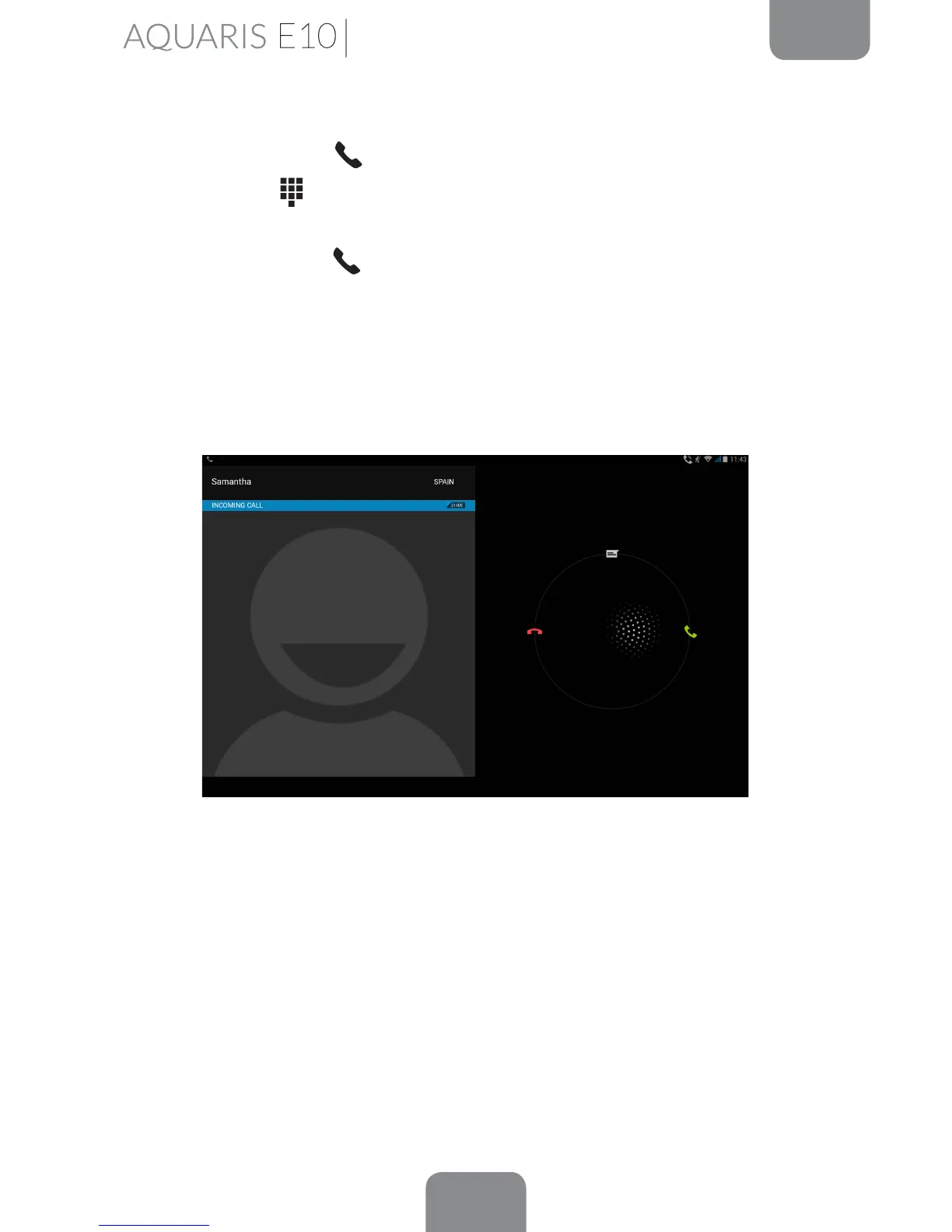
When you receive an incoming call, you can choose to answer it, reject it or respond
via text message.
When your tablet is ringing, the screen will display the phone number calling you
and a circle of blinking dots.
Choose from the following options:
1.
Press the circle and drag it to the left to reject the call.
2. Press the circle and drag it to the right to answer the call.
3. Press the circle and drag it upwards to respond with a text message.
Phone



 To Next Page