Settings
Double tap control: Enable or disable this option so you can switch the display on
or off by double tapping the screen.
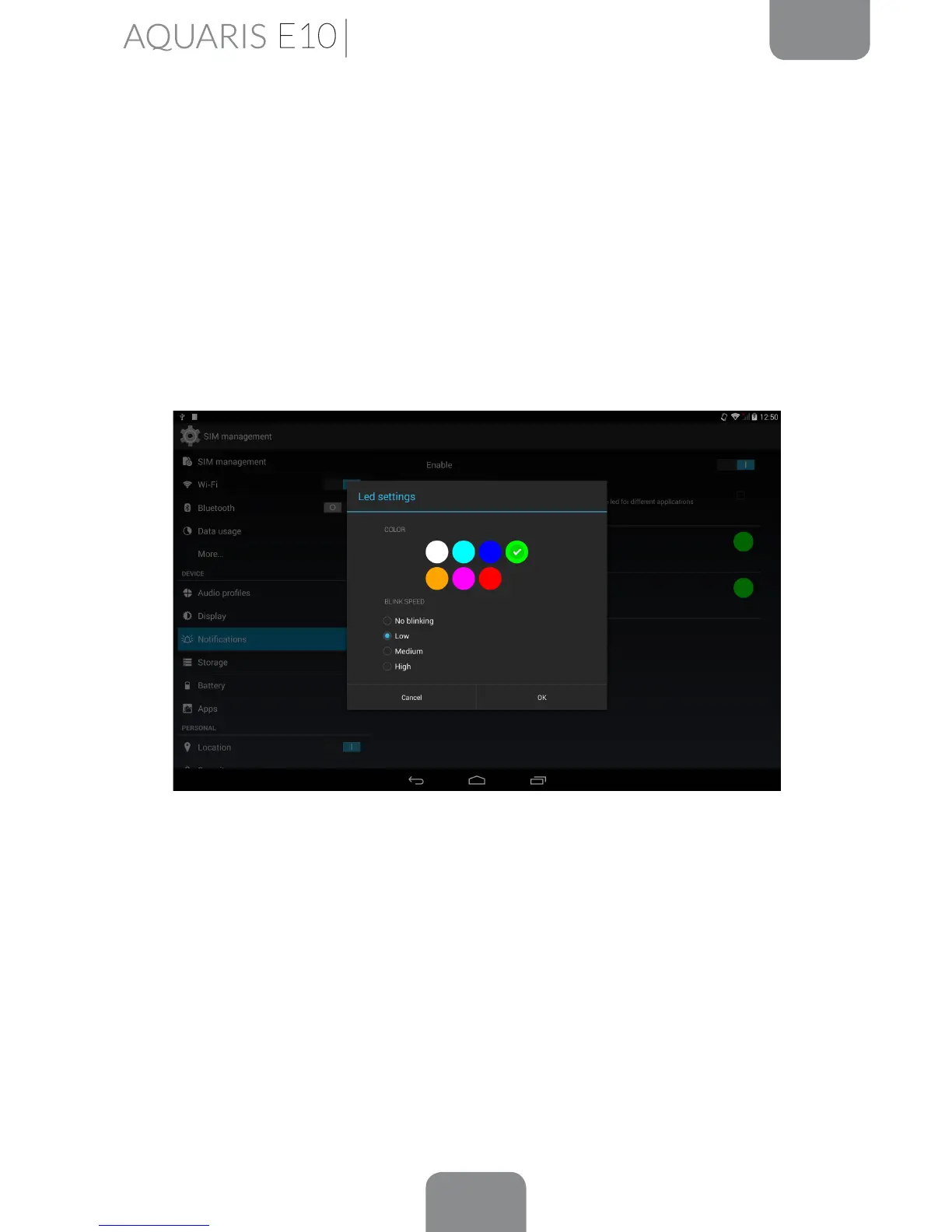
Notication lights: You can set different notication LEDs for different applications,
in terms of both colour and the blink speed.
This section enables you to set the colour of the LED for various applications that
support customisation.
Simply press on the coloured circle and a pop-up window will appear enabling you
to choose a colour and select the desired blink speed.
Cast screen: You can use your tablet to send an audio/video signal to a remote
screen (another tablet, smartphone, television, etc.) using the Wi-Fi network to
display its screen on both devices. The remote screen must be compatible with the
Miracast/DLNA protocol in order to do this. Follow these steps to congure your
Bq and duplicate your device´s screen:
1.
Switch on your compatible device and enable cast screen mode (the process
will vary depending on the manufacturer).



 To Next Page