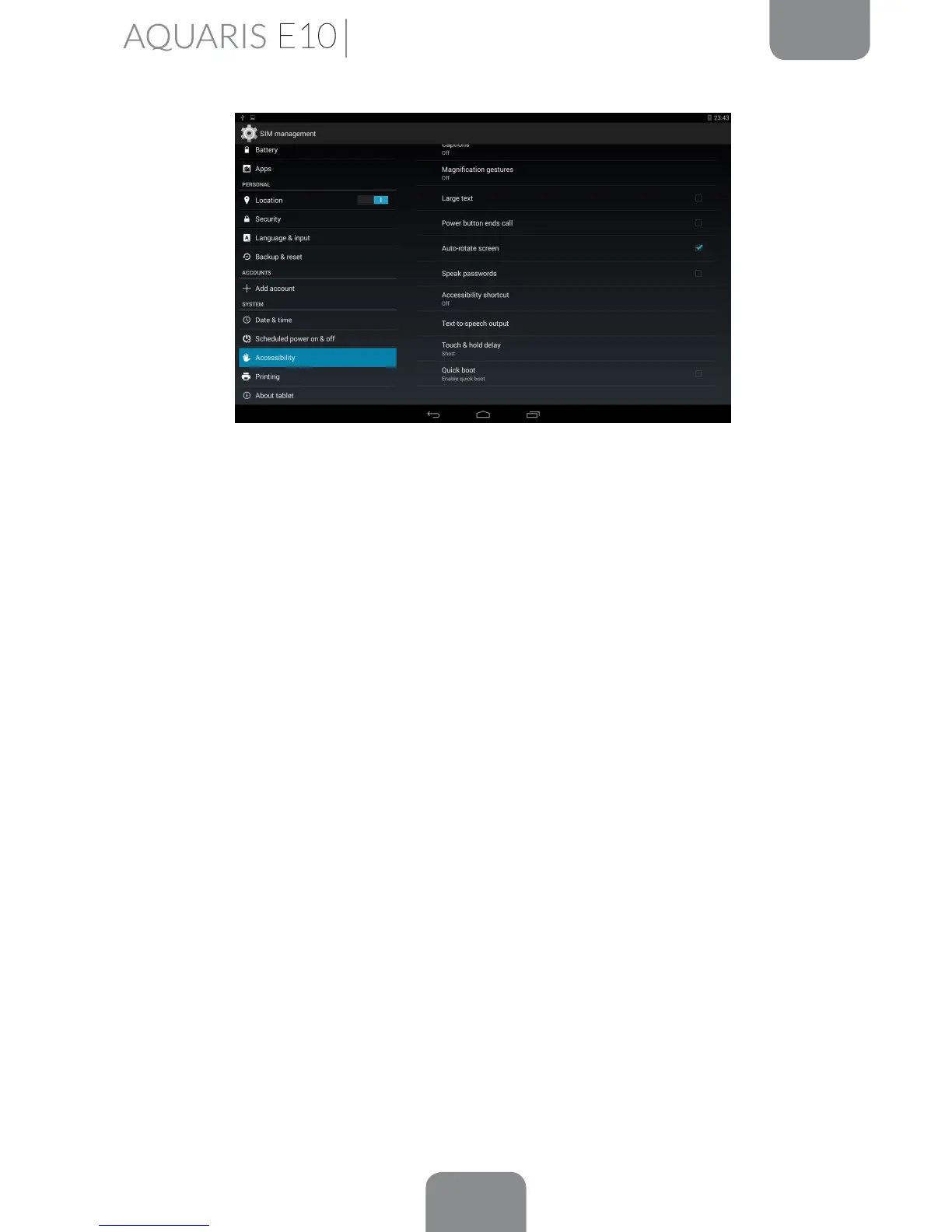
Settings
Vibration feedback: Enables/disables vibration feedback when an option is
selected.
Sound: Enables/disables sound feedback when an option is selected.
Focus speech audio: Enables/disables the option to reduce multimedia volume
during a conversation.
Sound volume: Adjust the volume of speech in relation to multimedia volume.
Explore by touch: Enables/disables the touch explore feature which allows you
to navigate through your tablet using gestures, by pressing once to select and
twice to accept.
Automatically scroll list: Enables/disables automatic scrolling of lists.
Single-tap selection: Enables/disables the option to select with a single tap,
when the option has been selected beforehand.
Launch ‘Explore by touch’ tutorial: Launches the tutorial for touch navigation.
Manage gestures: Modify and congure a range of gestures in order to access
various accessibility options.
Manage customised labels: Edit the contents of your custom labels.
Resume from suspend: You can specify whether the program resumes when
the screen is activated, when the screen is locked or only via the Notications bar.
Developer settings: Settings for developers and advanced users.



 To Next Page